As a hybrid worker, portable monitors become your secret weapon by expanding your workspace and boosting productivity on the go. They make multitasking easier with dual-screen setups, helping you stay organized and focused. With adjustable stands and broad device compatibility, you can create a comfortable, ergonomic setup anywhere—whether at a coffee shop or on a train. Lightweight and easy to connect, they support a flexible work style. Keep exploring to discover how to get the most out of your portable monitor.
Key Takeaways
- Portable monitors expand workspace flexibility, enabling hybrid workers to seamlessly switch between environments and increase productivity.
- They support dual-screen setups, enhancing multitasking and organization across various work locations.
- Compatibility with multiple devices ensures quick, hassle-free connectivity for remote and on-the-go work.
- Lightweight, easy to transport, and simple to set up, they facilitate efficient workspace creation anywhere.
- Adjustable stands and ergonomic features reduce strain, promoting healthier, more comfortable remote work sessions.
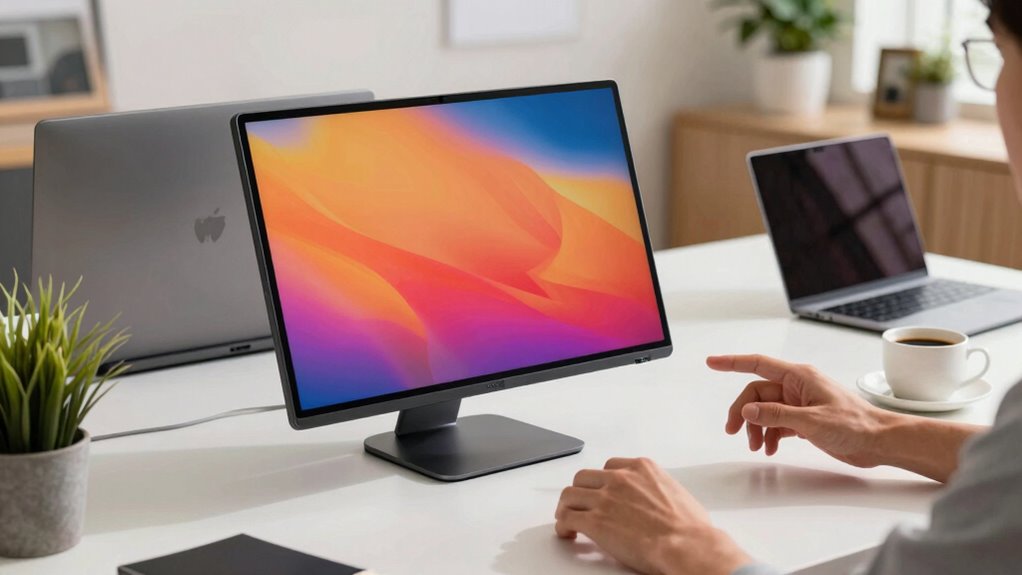
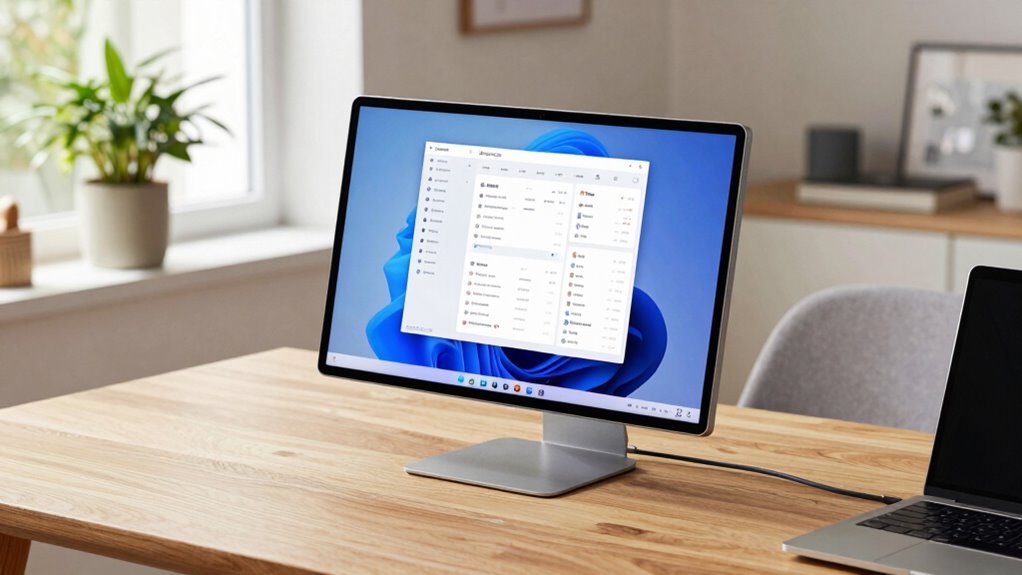
As hybrid workers juggle tasks between the office and remote locations, having a portable monitor can substantially boost your productivity and comfort. It’s a game-changer that allows you to expand your workspace on the go, making multitasking smoother and more efficient. With a portable monitor, you can connect to your laptop easily, creating a dual-screen setup that’s compact and lightweight enough to carry anywhere. This flexibility helps you stay organized, work more comfortably, and reduce the strain of constantly switching between windows or apps.
One of the key benefits of using a portable monitor is the ability to make ergonomic adjustments that suit your working style. Unlike fixed setups, these monitors often come with adjustable stands or flexible mounting options, enabling you to set the screen at eye level or at an angle that minimizes neck and eye strain. Proper ergonomic adjustments are essential when working for extended periods, especially in varying environments. Whether you’re working at a desk, in a coffee shop, or on a train, you can tailor your workspace to keep you comfortable and focused. Additionally, device compatibility is another important factor to weigh. Most portable monitors are designed to connect seamlessly with a wide range of devices, including laptops, tablets, and even smartphones. They typically support multiple connection types like USB-C, HDMI, or DisplayPort, ensuring you can pair them with your existing equipment without hassle. This broad compatibility means you won’t have to worry about whether your device will work with the monitor — making setup quick and straightforward, no matter where your work takes you. Moreover, understanding toxin-free spaces can be beneficial in creating a healthy work environment, even when working remotely or in shared spaces. Creating a healthy work environment supports overall well-being and productivity, especially in flexible work settings. Additionally, portable monitors are built with user convenience in mind. They’re lightweight and slim, so they won’t add bulk to your bag or backpack. Many models are powered through the same cable used for data transfer, eliminating the need for extra power adapters. This simplicity allows you to set up your workspace in seconds, whether you’re in a hotel room, a coworking space, or your own home office. Furthermore, selecting monitors with security features can help safeguard sensitive information when working in public or shared environments.
portable monitor for laptop
As an affiliate, we earn on qualifying purchases.
As an affiliate, we earn on qualifying purchases.
Frequently Asked Questions
How Do Portable Monitors Affect Battery Life on Laptops?
Using a portable monitor can increase your laptop’s battery drain because it draws extra power. However, you can manage this with good power management practices, like dimming your screen or turning off unused features. Some portable monitors are energy-efficient, so they won’t markedly impact battery life. Being mindful of power management settings helps you extend your laptop’s battery life while enjoying the benefits of a larger, portable display.
Are Portable Monitors Compatible With All Laptop Models?
Portable monitors aren’t compatible with all laptop models, so you need to check device compatibility first. Most modern laptops support these monitors through USB-C or HDMI ports, but older models might lack the necessary connections. Also, consider display resolution; some portable monitors offer 4K, while others support only Full HD. Ensuring your laptop can handle the monitor’s resolution will give you the best viewing experience without performance issues.
What Security Features Do Portable Monitors Offer for Sensitive Data?
Think of portable monitors as your digital fortress—security features like data encryption keep your sensitive info locked tight, while privacy filters act as a personal shield, blocking prying eyes. These features guarantee your data stays private, even in public spaces. With these safeguards, you can work confidently, knowing your information remains protected. Portable monitors provide peace of mind, making them essential tools for safeguarding sensitive data on the go.
Can Portable Monitors Be Used Outdoors Effectively?
Yes, portable monitors can be used outdoors effectively if you choose models with good outdoor visibility and weather resistance. Look for screens with high brightness levels to combat sunlight and anti-glare coatings for clear viewing. Weather-resistant features like water and dust resistance guarantee durability in various conditions. With these features, you can confidently work outside, whether in a park, café, or on a job site, without worrying about environmental damage or visibility issues.
How Do Portable Monitors Impact Overall Workspace Ergonomics?
Portable monitors notably improve your workspace ergonomics by promoting better ergonomic posture and enhancing visual comfort. They allow you to position screens at eye level, reducing neck and eye strain, especially during long work hours. With adjustable angles and compact designs, you can customize your setup easily, creating a more comfortable and healthier work environment. This way, you work more efficiently without sacrificing comfort or risking strain-related injuries.
dual screen portable monitor
As an affiliate, we earn on qualifying purchases.
As an affiliate, we earn on qualifying purchases.
Conclusion
With a portable monitor, you’ll feel like you’ve opened a secret portal to productivity—transforming every coffee shop, airport lounge, or sofa into a bustling command center. Imagine deadlines shrinking and ideas exploding in vivid, crystal-clear details, all at your fingertips. This isn’t just tech; it’s your personal productivity superpower, turning mundane days into a symphony of efficiency. Grab yours now, and watch your workday become an unstoppable, high-octane adventure!
ergonomic portable monitor stand
As an affiliate, we earn on qualifying purchases.
As an affiliate, we earn on qualifying purchases.
USB-C portable monitor
As an affiliate, we earn on qualifying purchases.
As an affiliate, we earn on qualifying purchases.