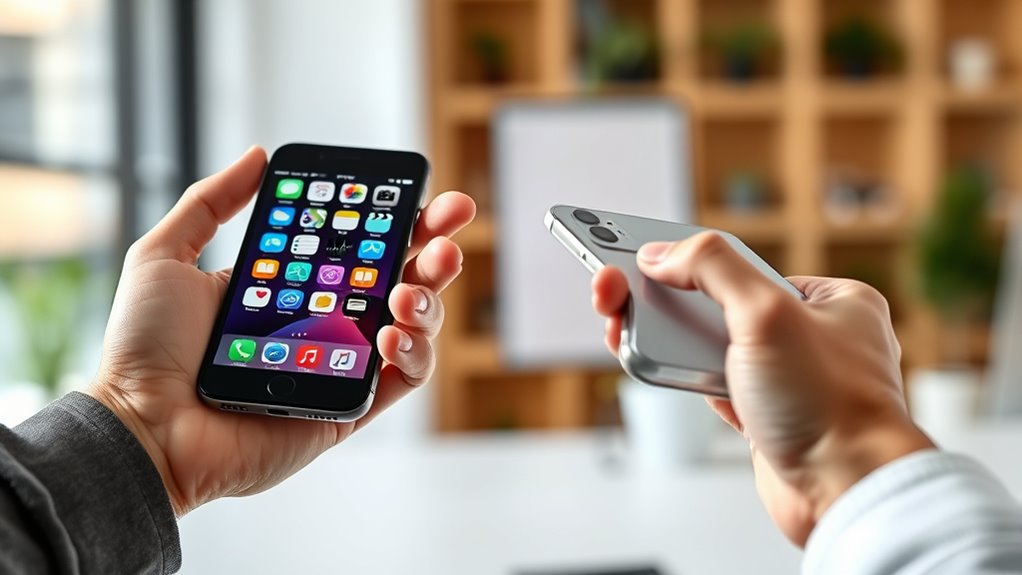

To manage two phones without confusion, organize your apps by assigning dedicated screens or folders for work and personal use. Keep essential apps synced across devices and disable non-critical notifications to reduce distractions. Use cloud services to update status and messages seamlessly. Consider third-party tools to monitor activity and permissions. Maintaining clear routines and consistent organization helps prevent overwhelm. If you keep going, you’ll discover even more tips to streamline your double-device setup effectively.
Key Takeaways
- Assign distinct home screens or folders for work and personal apps to easily differentiate between devices.
- Use color-coding or labels to quickly identify apps and notifications on each phone.
- Sync accounts and data across both devices to maintain consistency and reduce manual updates.
- Utilize third-party management apps to monitor activity and streamline app permissions on both phones.
- Establish routine organization habits, such as regular cleanup and notification management, to keep devices efficient and confusion-free.
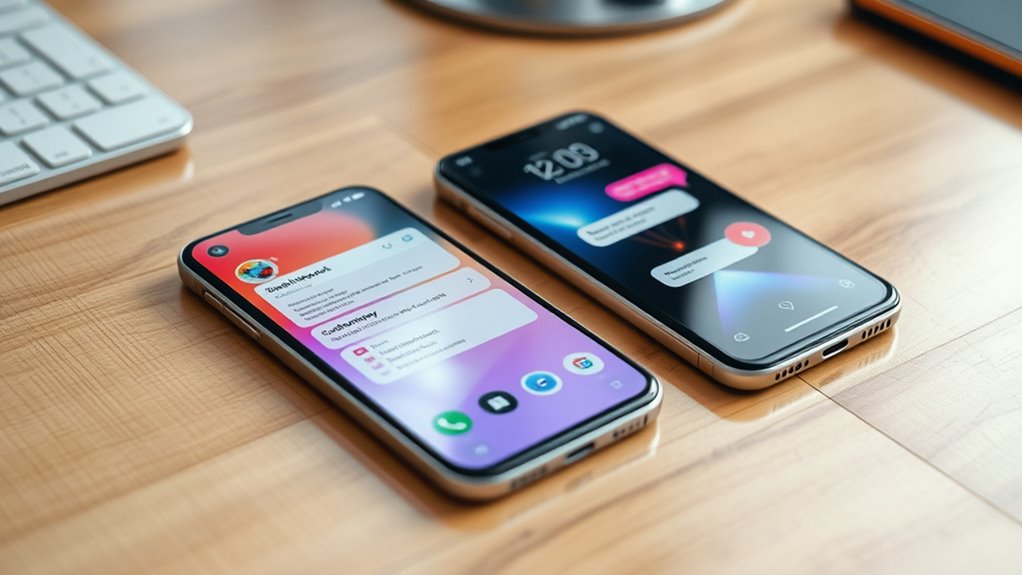
Ever wondered how to efficiently manage two phones at once? Juggling two devices can seem overwhelming, but understanding the benefits of dual SIM setups and adopting smart app management strategies can make the process smoother. Dual SIM benefits are especially compelling; they allow you to keep personal and work contacts separate, manage different carriers for better coverage, and even save on roaming charges. With a dual SIM phone, you can switch between networks instantly without carrying multiple devices. This flexibility helps you stay connected without the hassle of managing two phones independently. Plus, it enables you to tailor your plans to your needs—perhaps one for calls and texts, and another for data-heavy activities—without sacrificing convenience.
To truly optimize your experience, you need solid app management strategies. When you have two phones, it’s easy to lose track of where certain apps are installed or which device holds the most recent information. The key is to streamline your app usage. Start by prioritizing essential apps on one device, perhaps your main phone, and keep secondary or less-used apps on the other. Use cloud syncing for apps that support it, such as email clients or messaging services, so your conversations and data stay up-to-date across devices. This minimizes the need to switch back and forth constantly, saving you time and reducing confusion.
Another effective app management strategy involves organizing your home screens and folders clearly. Dedicate specific screens or folders for work-related apps versus personal ones. Consider using app icons that are color-coded or labeled distinctly to avoid opening the wrong app when in a hurry. You might also disable notifications for less critical apps on one device to cut down on distractions. If you frequently switch between devices for the same app, ensure you’re logged into the same account and that sync features are enabled. This way, your messages, bookmarks, and settings stay consistent, no matter which phone you’re using.
In addition, leverage third-party apps or management tools designed to handle multiple devices efficiently. These tools can help you monitor app activity and manage permissions across both phones. Furthermore, understanding vegetable juices and their benefits can inspire you to include more nutritious options in your daily routine, which can be easily managed across multiple health-focused devices or apps. Remember, the goal is to make your dual-phone setup seamless and intuitive. With thoughtful app management strategies, you’ll avoid confusion and maximize the advantages of having two devices. Ultimately, managing two phones doesn’t have to mean doubling your workload; with the right approach, it becomes a streamlined part of your daily routine, keeping you connected and organized at all times.

Srefaka 13 Pcs Sim Card Removal Tool Sim Card Tool Sim Ejector Tool iPhone Sim Card Removal Tool Sim Eject Tool Smooth and Burr-Free for All Cell Phones
1. SELECTED MATERIALS: Sim card removal tool are made of high-quality stainless steel, the hardness of the needle…
As an affiliate, we earn on qualifying purchases.
As an affiliate, we earn on qualifying purchases.
Frequently Asked Questions
Can I Use Different Carriers for Each Phone?
Yes, you can use different carriers for each phone if your device supports dual SIM functionality. Just make sure the phones are compatible with the carriers’ networks and that they have dual SIM slots or eSIM capability. Check carrier compatibility beforehand to avoid issues. Once set up, you can easily manage calls and messages on both phones without confusion, enjoying flexibility and better coverage with different carriers.
How Do I Keep Personal and Work Contacts Separate?
Keeping your contacts separate is like having two drawers for different socks. Use separate storage options or dedicated apps for work and personal contacts. Store work contacts in a dedicated app or cloud account, and keep personal contacts in your phone’s default contacts or another app. This way, you easily toggle between them, avoiding mix-ups and keeping your work and personal lives organized and clutter-free.
Is It Safe to Use Third-Party Apps for Managing Two Phones?
Using third-party apps to manage two phones can pose security concerns and privacy risks. These apps often require access to your personal data, which might be vulnerable to breaches or misuse. Before choosing one, research its reputation, permissions, and reviews. Opt for trusted apps with robust security features, and always keep your device’s software updated. If you’re cautious, you can minimize risks while staying organized across both phones.
What Is the Best Way to Charge Two Phones Effectively?
Charging two phones effectively is easier than juggling flaming torches! Use dual charging stations or dedicated power banks to keep both devices powered up simultaneously. Plug one phone into a wall outlet and the other into a portable power bank for flexibility. Make sure your chargers support fast charging to save time. This way, you’ll keep both phones energized without any fuss or confusion, ensuring you’re always connected.
Can I Sync Data Between Two Phones Seamlessly?
Yes, you can sync data between two phones seamlessly by utilizing app synchronization features and managing dual SIMs effectively. Use cloud services like Google Drive or iCloud to keep your contacts, photos, and files updated across both devices. For messaging and calls, enable dual SIM management settings. This way, your data stays consistent, and switching between phones becomes effortless without confusion.

CaSZLUTION Dual Phone Holder Organizer Stand for 2 Phones, Acrylic Desktop Universal Mobile Phone Docking Station Charger Holder with Cable Management, Black
CONVENIENCE AND ORDER: Dual iPhone acrylic desk stand holder, in elegant modern design, it is a practical desktop…
As an affiliate, we earn on qualifying purchases.
As an affiliate, we earn on qualifying purchases.
Conclusion
Managing two phones is like juggling flaming torches—you need focus and organization. I once knew someone who kept their work and personal phones separate, yet when they forgot which was which, chaos ensued. But with clear labels, consistent routines, and dedicated times, you’ll find it’s like having a well-lit path through a dark forest. Stay mindful and intentional, and you’ll navigate your dual phones smoothly, avoiding the burn of confusion.

JSUSOU Magnetic Fridge Smart Digital Calendar 15.6" with FREE APP, Auto Sync Electronic Planner for Desk & Wall Touch Screen, Magnetic Refrigerator Mounted, Family Chore Chart, Teak Wood Grain
Gifts for Women Men Him Her: Say goodbye to paper chaos! The 15.6-inch HD touchscreen clearly displays the…
As an affiliate, we earn on qualifying purchases.
As an affiliate, we earn on qualifying purchases.

1-Pack Smart Smoke and Carbon Monoxide Detector with App Notifications, Replaceable Battery, Wi-Fi Smoke and CO Detector Combo for Home and Office, Easy Setup
[ Instant Notifications ] The WiFi smoke detector carbon monoxide detector combo connects to a 2.4 GHz network…
As an affiliate, we earn on qualifying purchases.
As an affiliate, we earn on qualifying purchases.