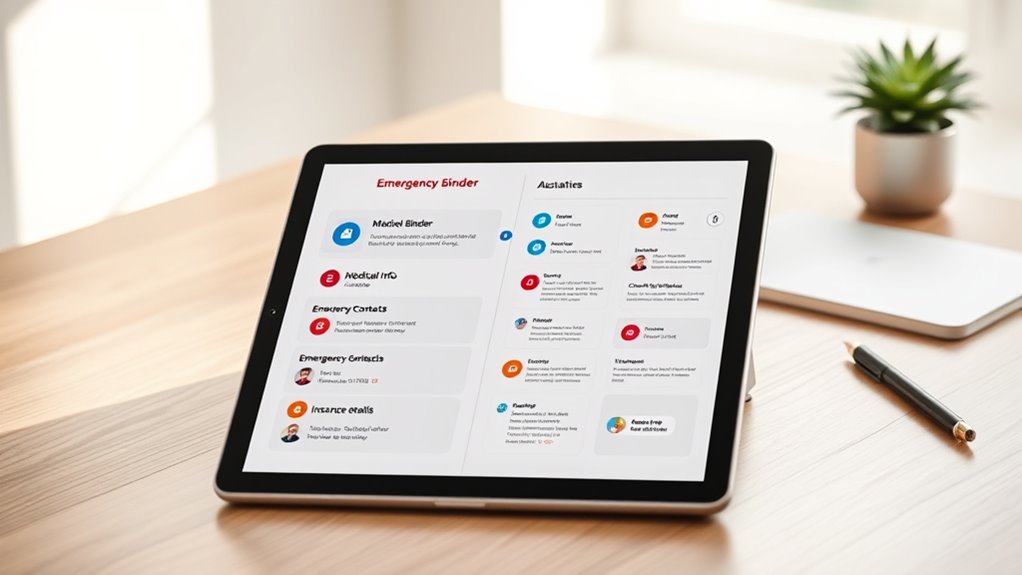

To create a digital emergency binder, gather essential documents like IDs, insurance info, and medical records, and store them securely online or on a secure app. Include evacuation plans, emergency contacts, safety protocols, and procedures tailored to different crises. Use strong passwords, encryption, and two-factor authentication to protect sensitive data. Regularly update and test your binder’s accessibility, ensuring you can quickly access everything when needed. Continue to explore ways to optimize your digital safety plan.
Key Takeaways
- Gather essential documents, contacts, evacuation routes, and safety procedures to include in the digital emergency binder.
- Choose secure digital storage options like encrypted cloud services and set strong, unique passwords.
- Organize information logically, with clear labels and easy navigation for quick access during emergencies.
- Regularly update the binder with the latest safety plans, contact details, and document copies.
- Test accessibility and security features periodically to ensure reliable, protected access during crises.
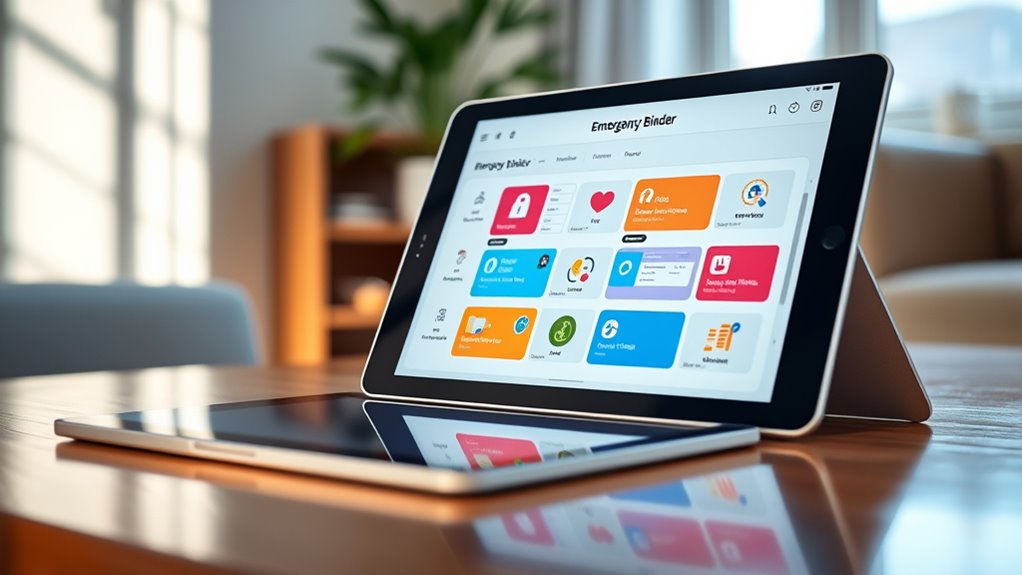
Have you ever considered how quickly you could access vital information during an emergency? In moments of crisis, every second counts, and having a well-organized digital emergency binder can make a significant difference. This digital resource consolidates essential documents, contacts, and safety procedures, allowing you to respond swiftly and confidently. One of the key components of your digital emergency binder is your evacuation plans. These plans should outline clear routes, designated safe spots, and procedures for different emergencies, all stored securely and easily accessible. By digitizing your evacuation plans, you make sure that you can quickly review them on your phone or tablet, even if paper copies are lost or inaccessible. It’s essential to keep these plans updated regularly and to test their accessibility, so you’re never caught off guard. Incorporating sound design techniques into your safety procedures, such as clear audio alerts or instructions, can enhance understanding and prompt action during emergencies.
However, creating a digital emergency binder isn’t just about gathering information; it’s also about safeguarding that information through digital security. You don’t want sensitive data falling into the wrong hands, especially during a crisis when chaos is likely. Strong passwords, encryption, and secure cloud storage are vital to protect your digital emergency binder. Use reputable services that prioritize privacy and security, and avoid storing sensitive information in unsecured locations. Two-factor authentication adds an extra layer of protection, making it harder for unauthorized users to access your data. Remember, your digital security is just as important as the information you’re storing. If a breach occurs, it could compromise your safety or your ability to respond effectively in an emergency.
Encrypted Cloud Storage (Privacy & Security)
As an affiliate, we earn on qualifying purchases.
As an affiliate, we earn on qualifying purchases.
Frequently Asked Questions
How Often Should I Update My Digital Emergency Binder?
You should update your digital emergency binder at least every six months, following a regular maintenance schedule. This update frequency guarantees all information remains current, including contact details, insurance policies, and important documents. Make it a habit to review and refresh your binder during your scheduled maintenance, especially after significant life events or changes in contacts. Staying proactive keeps your emergency plan reliable and ready whenever you need it.
Is My Digital Emergency Binder Secure From Hacking?
Your digital emergency binder can be secure from hacking if you follow cybersecurity best practices and use strong encryption methods. Regularly update your passwords, enable two-factor authentication, and keep your software current. Store your binder in a secure, encrypted cloud service or password-protected device. By taking these steps, you considerably reduce the risk of unauthorized access and ensure your sensitive information stays protected during emergencies.
Can I Access My Digital Emergency Binder Offline?
Think of your digital emergency binder as a secret vault. Yes, you can access it offline, like opening that vault with a key when you’re outside the digital city. Make certain your app is compatible with your device, so the vault opens smoothly. Offline access means you’re never stranded, even when the internet fades into the background. Keep your app updated to maintain this secure, reliable connection whenever you need it most.
What Devices Are Compatible With My Digital Emergency Binder?
Your digital emergency binder is compatible with most smartphones, tablets, and computers thanks to broad device compatibility and seamless app integration. It works well on iOS, Android, Windows, and macOS systems. You can access it through web browsers or dedicated apps, ensuring you’re prepared wherever you are. Just make sure your device has internet access or offline capabilities enabled, so you’re always ready during emergencies.
How Do I Share My Digital Emergency Binder Securely?
Think of your digital emergency binder as a vault of essential keys. To share it securely, you apply encryption methods like end-to-end encryption, ensuring only trusted recipients access it. Set clear sharing permissions, like giving limited access or view-only rights, just as a lock only opens for those with the right key. This way, you protect your critical information while making it accessible when needed.

UniKeep Emergency Procedures Binder – 1.5 Inch Spine – with Metal D-Rings
BE PREPARED FOR EMENGENCY SITUATION IN THE OFFICE – also useful in warehouses or other work settings
As an affiliate, we earn on qualifying purchases.
As an affiliate, we earn on qualifying purchases.
Conclusion
A digital emergency binder is your lifeline in chaos, guiding you through storms with a steady hand. By organizing your essential documents online, you create a safety net that’s always within reach, no matter the disaster. Think of it as your digital fortress—strong, accessible, and ready to protect what matters most. So, take the time now; building this binder is like planting a seed that will grow into your peace of mind when you need it most.

OnlyKey FIDO2 / U2F Security Key and Hardware Password Manager | Universal Two Factor Authentication | Portable Professional Grade Encryption | PGP/SSH/Yubikey OTP | Windows/Linux/Mac OS/Android
✅ PROTECT ONLINE ACCOUNTS – A password manager, two-factor security key, and secure communication token in one, OnlyKey…
As an affiliate, we earn on qualifying purchases.
As an affiliate, we earn on qualifying purchases.

Fireproof Document Bag with Lock, ZOOPIP 14.3"x10.2" Fireproof and Waterproof Money Bag with Zipper Closure, Storage Pouch for A4 Letter Size Document, Cash, Cell Phone, Tablet, Credit Card,Passport
[Fireproof&Waterproof] ZOOPIP Fireproof Document Bag with Lock is made of anti-static double layered non-itchy silicone coated fiberglass, which…
As an affiliate, we earn on qualifying purchases.
As an affiliate, we earn on qualifying purchases.