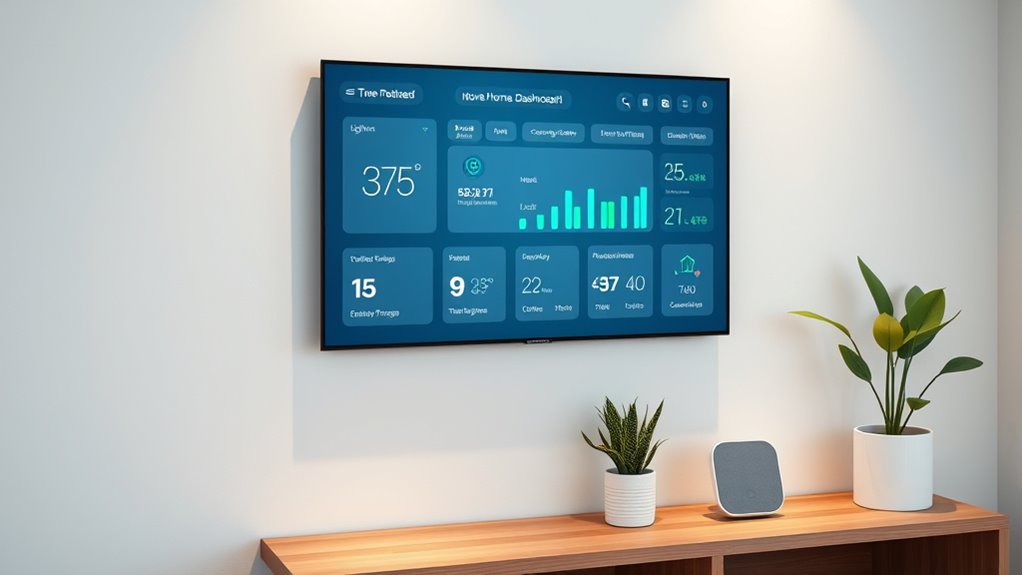

To build a simple home dashboard, choose a compatible platform or API that supports protocols like Wi-Fi, Z-Wave, or Zigbee to connect your devices seamlessly. Organize controls and data using clear labels, intuitive icons, and color coding for quick recognition. Use visual cues like gauges and bar graphs to display device statuses effectively. Prioritize a clean layout that groups related functions, making it easy to monitor and control all your smart devices from one centralized interface. Keep exploring for more tips to optimize your setup.
Key Takeaways
- Choose compatible smart devices and communication protocols like Z-Wave, Zigbee, or Wi-Fi for seamless integration.
- Design an organized interface grouping related devices such as lighting, climate, and security controls.
- Use clear labels, icons, and color coding (e.g., green for normal, red for alerts) for quick status recognition.
- Incorporate visual data displays like gauges and bar graphs to simplify complex device information at a glance.
- Prioritize user-friendly layout and controls tailored to your specific needs for intuitive device management.
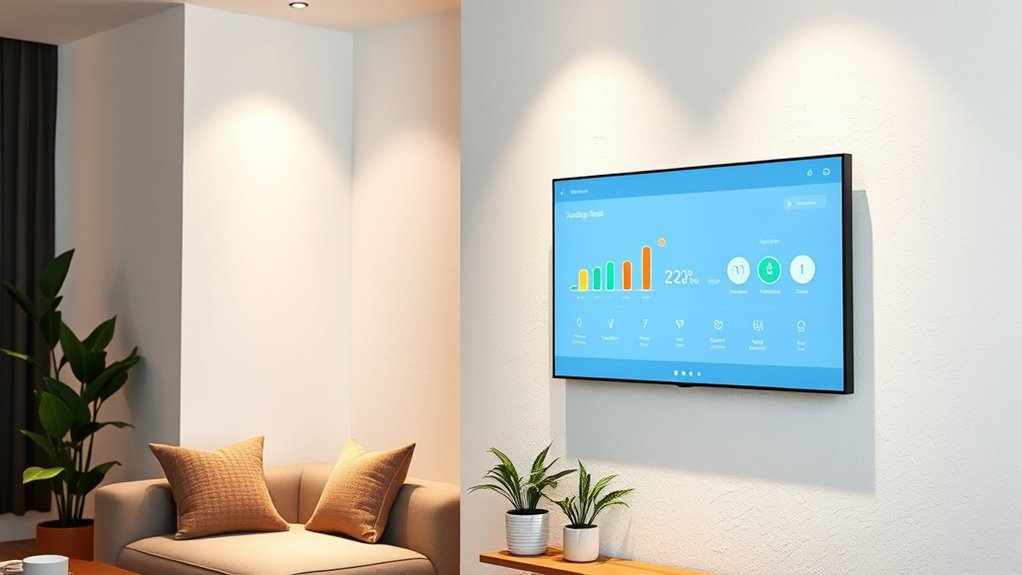
Creating a simple home dashboard can help you stay organized and monitor your smart devices effortlessly. When you set out to build this dashboard, the first step is understanding how smart device integration works. You want all your devices—lights, thermostats, security cameras, and sensors—to communicate seamlessly in one interface. To achieve this, focus on choosing compatible smart home platforms or APIs that allow smooth integration. Many smart devices support common protocols like Z-Wave, Zigbee, or Wi-Fi, which makes connecting them easier. Once integrated, your dashboard will serve as a centralized hub, giving you quick access to the status of each device and control options at your fingertips.
A centralized smart home dashboard simplifies device management and control.
Next, you need to think about how to present the data from these devices clearly and effectively. That’s where data visualization techniques come into play. Your goal is to make complex information easily understandable at a glance. Use simple visual elements like gauges, bar graphs, and icons to represent device statuses—such as whether a door is open or closed, temperature levels, or energy consumption. Color coding can also help you quickly identify issues; for example, red can indicate problems or alerts, while green shows everything’s functioning normally. Incorporating visual cues reduces the time you spend searching for information and enhances overall usability. Additionally, incorporating smart home market growth insights can help you choose the most reliable and up-to-date devices for your dashboard.
When designing your dashboard, prioritize simplicity and readability. Organize controls and data displays logically so you can find what you need without unnecessary scrolling or searching. For instance, group related devices or functions together—lighting controls in one section, climate management in another. Use clear labels and consistent icons for easy recognition. Additionally, consider customizing the layout to fit your specific needs; if you frequently monitor energy usage, give that section prominence. This way, your dashboard becomes an intuitive tool, tailored to how you interact with your smart home.
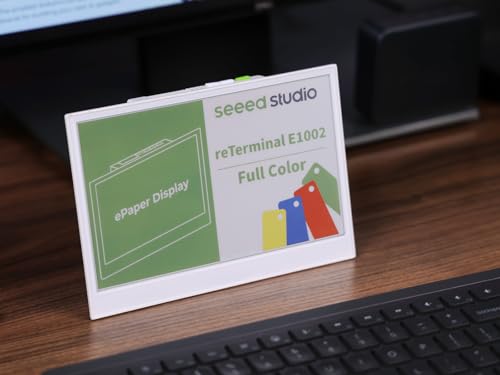
reTerminal E1002 – 7.3″ Color E Ink Spectra 6 Smart Display, ESP32-S3 WiFi Dashboard Panel, No-Code SenseCraft HMI, Home Assistant & ESPHome Compatible, Ultra-Low Power with 3-Month Battery Life
7.3″ Color E Ink Spectra6 Display – Enjoy vibrant colors and sharp text with the 7.3-inch 800×480 E…
As an affiliate, we earn on qualifying purchases.
As an affiliate, we earn on qualifying purchases.
Frequently Asked Questions
What Hardware Is Needed for a Home Dashboard?
You’ll need a display like a smart mirror or a touchscreen monitor, a microcontroller or mini PC such as a Raspberry Pi, and a power supply. For voice control, add a microphone and speakers. Make certain your hardware supports Wi-Fi or Ethernet, so your dashboard stays connected. These components allow you to customize your home dashboard with real-time info, voice commands, and a sleek interface, making your home smarter and more interactive.
How Secure Is My Data on a Home Dashboard?
Coincidences happen, but your data on a home dashboard is generally quite secure if you take precautions. Your data privacy depends on robust encryption methods like AES or TLS, which guard your information during transmission and storage. Regularly updating your software and using strong passwords further enhance security. While no system is completely invulnerable, following these practices ensures your data remains safe from unauthorized access.
Can I Customize the Dashboard Layout Easily?
Yes, you can customize the dashboard layout easily. Most home dashboards offer great layout flexibility, allowing you to drag, resize, and rearrange widgets to suit your needs. You can also tweak dashboard aesthetics by changing themes, colors, and fonts to match your style. This customization makes it simple to create an interface that’s both functional and visually appealing, giving you control over how you view your data.
What Software Options Are Available for Free?
You can explore free software options like Home Assistant, which offers robust smart home integration and easy voice command setup. Hubitat’s free tier also supports customization, while OpenHAB provides extensive control without cost. These platforms allow you to create a personalized dashboard that seamlessly integrates your smart devices and voice commands, making home automation straightforward and accessible without spending a dime.
How to Troubleshoot Connectivity Issues?
To troubleshoot connectivity issues, start by checking your network stability—ensure your router is functioning properly and restart it if needed. Verify device compatibility with your network settings, updating firmware or drivers if necessary. Move closer to your router to improve signal strength, and disconnect any unnecessary devices. If problems persist, run network diagnostics or contact your internet provider for further assistance. Maintaining stable connections involves regular checks and updates.

Aeotec Smart Home Hub, Works as a SmartThings Hub, Z-Wave, Zigbee, Matter Gateway, Compatible with Alexa, Google Assistant, WiFi
Connect & control your smart home — Easily link thousands of compatible devices from leading brands to create…
As an affiliate, we earn on qualifying purchases.
As an affiliate, we earn on qualifying purchases.
Conclusion
Now that you’ve built your simple home dashboard, you’re all set to keep your space organized and efficient. Did you know that having a centralized dashboard can reduce household management time by up to 30%? It’s a small change that makes a big difference. Keep customizing it to fit your needs, and enjoy the convenience of having everything at your fingertips. Happy organizing!

Amazon Echo Hub, 8” smart home control panel, Designed for Alexa+, Compatible with thousands of devices
Echo Hub — An easy-to-use Alexa-enabled control panel for your smart home devices—just ask Alexa or tap the…
As an affiliate, we earn on qualifying purchases.
As an affiliate, we earn on qualifying purchases.

Meditation Headband, EEG Biofeedback Devices, Real-Time Visual and Auditory Feedback for Neurofeedback Training, Brainwave Monitor | Measures Alpha, Beta, Gamma, Theta, Delta and SMR Brain Waves
Track and Understand Your Meditation State: The smart headband captures brain signals with built-in EEG sensors, delivering real-time…
As an affiliate, we earn on qualifying purchases.
As an affiliate, we earn on qualifying purchases.