To set up Qi2 25W wireless charging safely, start by choosing a certified charger with the official Qi2 logo and guarantee your device supports Qi2 25W. Use a high-quality, compatible power adapter and cables, and remove metal or thick cases that may disrupt magnetic alignment. Place your device on a flat, cool surface with proper magnetic positioning, and monitor temperature during charge. If you follow these steps, you’ll ensure a safe and efficient charging experience. More tips are ahead.
Key Takeaways
- Use certified Qi2 25W chargers with WPC certification and confirm device compatibility before setup.
- Remove thick, metal, or non-compatible cases that can interfere with magnetic alignment and cooling.
- Place the device directly on the magnetic pad or stand, ensuring coils are perfectly aligned for optimal charging.
- Connect the charger to a high-quality USB-C PD adapter supporting at least 30W for stable power delivery.
- Keep the environment cool, well-ventilated, and free from metal objects or clutter to prevent overheating and misalignment.
Choosing a Certified Qi2 25W Wireless Charger
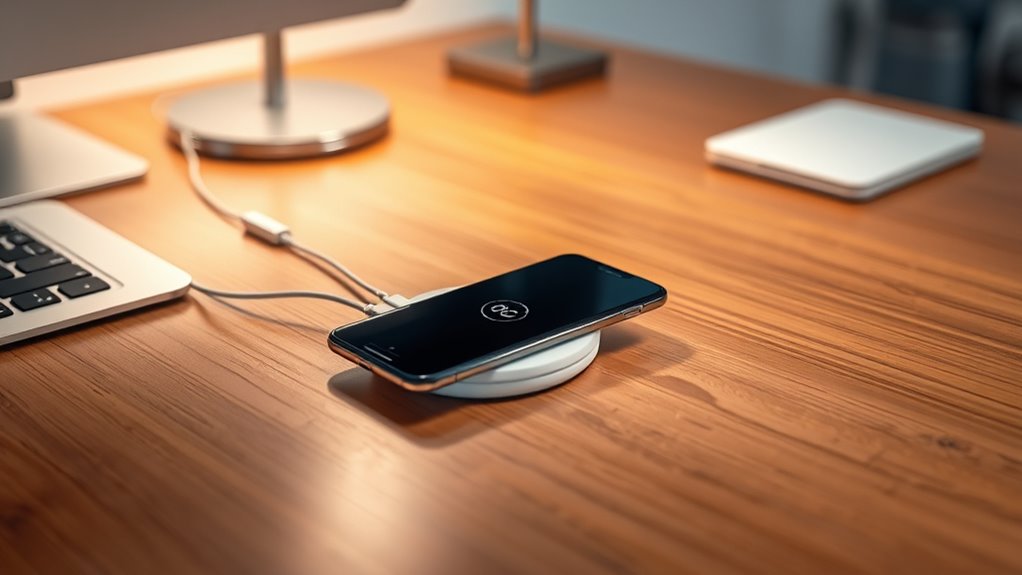
When selecting a Qi2 25W wireless charger, it’s essential to guarantee it’s certified by the Wireless Power Consortium (WPC). Certification ensures the charger meets strict safety, efficiency, and compatibility standards, reducing risks of damage or overheating. Look for the Qi2 logo on the packaging or product listing, indicating official certification. Avoid generic or unbranded chargers claiming 25W support, as they may not deliver consistent power or could pose safety hazards. A certified charger supports magnetic alignment, fast charging speeds, and backward compatibility with older Qi devices. Choosing a reputable brand with certified products also provides access to reliable customer support and warranty coverage. Prioritize certification over low-cost options to ensure safe, efficient, and excellent wireless charging experiences.
Selecting the Right Power Adapter and Cables
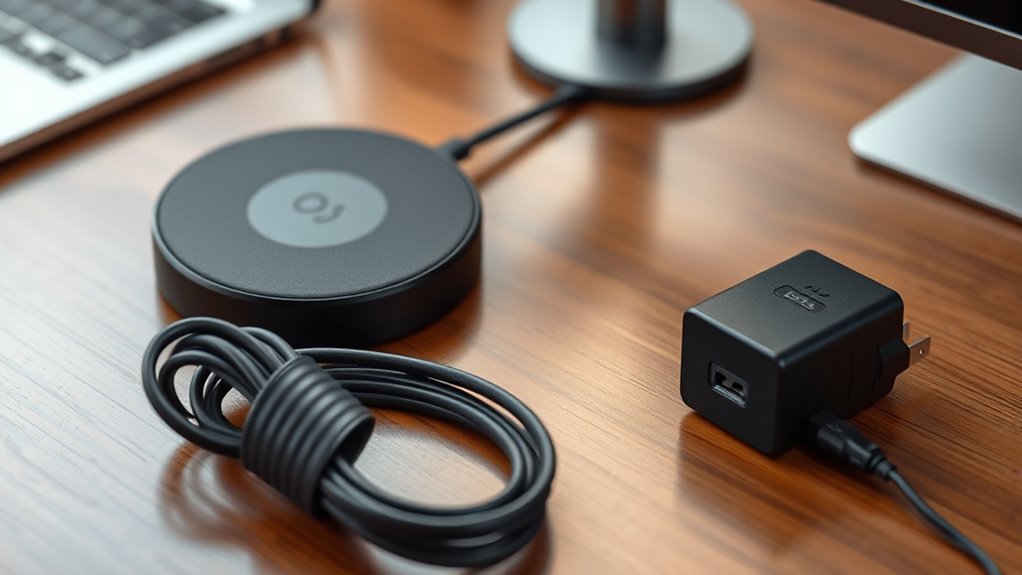
To guarantee your Qi2 25W wireless charging setup performs reliably and safely, selecting the right power adapter and cables is crucial. You need a high-quality USB-C PD power adapter of at least 30W to ensure stable, fast charging. Use short, thick USB-C cables to minimize power loss and prevent voltage drops. Certified cables reduce the risk of overheating and interference, maintaining consistent performance. Additionally, opt for adapters and cables that support the latest USB Power Delivery standards. Avoid cheap or incompatible accessories that can cause instability or damage. Properly matching your power source with your charger and cables helps maintain safety, efficiency, and fast charging speeds, making your setup more dependable and durable. Ensuring compatibility with your device’s tuning capabilities can further optimize charging efficiency and safeguard your equipment. Being aware of gadget safety guidelines can help prevent potential hazards during charging. Moreover, selecting appropriate accessories aligned with your device specifications can enhance overall safety and performance. Regularly checking for compatibility updates ensures your setup remains secure and functions optimally over time. Additionally, choosing accessories with proper certifications can further ensure safety and reliability during charging.
Preparing Your Compatible Device for Wireless Charging
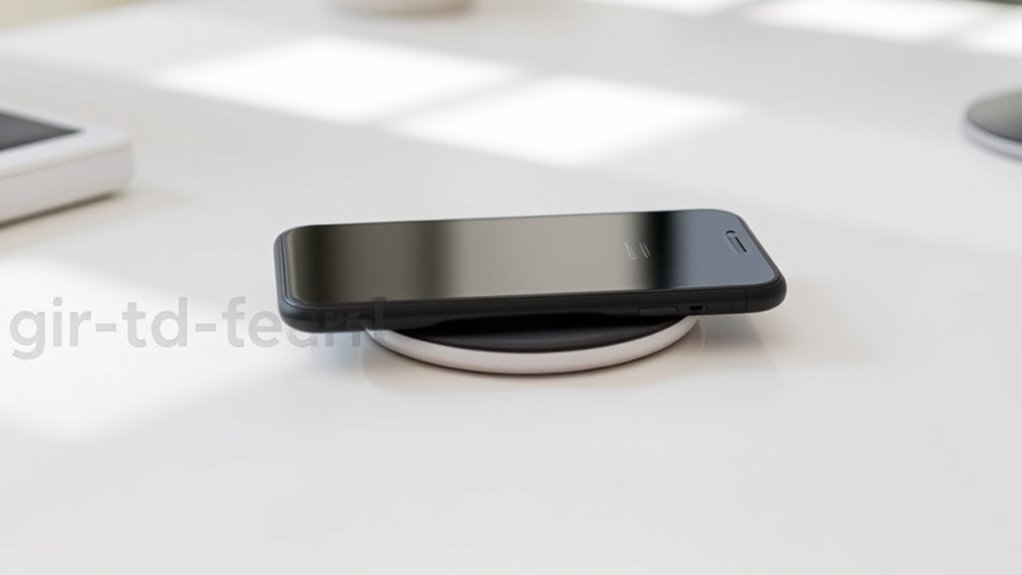
First, make certain your device supports the Qi2 25W standard to guarantee it can handle the fast charging speeds. Next, remove any thick or non-compatible cases that might interfere with magnetic alignment or cause overheating. Finally, enable wireless charging in your device settings so it’s ready to power up quickly and safely. To ensure optimal performance, verify that your charging area has minimal interference for the best wireless charging efficiency.
Verify Device Compatibility
Are your devices ready to take advantage of the Qi2 25W wireless charging standard? First, check if your phone supports Qi2 25W or at least Qi wireless charging. Look for official specifications or consult the manufacturer’s website. Next, verify if your device can handle magnetic alignment for ideal power transfer. Some phones may require a compatible magnetic case to enable full 25W charging. Also, confirm your phone is updated with the latest firmware to maximize wireless charging performance. Lastly, confirm that your device is on the list of certified Qi2-compatible models. To summarize:
- Supports Qi2 25W or Qi wireless charging
- Compatible with magnetic alignment features
- Updated with the latest firmware
- Listed as a certified Qi2 device
- Ensures compliance with eco-friendly travel practices
This guarantees your device is ready for fast, safe wireless charging.
Remove Interfering Cases
Interfering cases, especially thick or metal ones, can disrupt the magnetic alignment necessary for peak Qi2 25W wireless charging. Metal or overly bulky cases can block the magnetic field, reducing charging efficiency or preventing charging altogether. Even some plastic cases with metal accents might interfere with proper coil alignment. To guarantee ideal charging speed and safety, remove any non-compatible cases before placing your device on the charger. If your case is magnetic or Qi2-compatible, leave it on, but verify it’s certified for wireless charging. Keep the area around your device clear of metal objects or accessories that could cause overheating or misalignment. Properly preparing your device by removing incompatible cases helps maintain consistent power delivery and protects your device during charging. Additionally, understanding the importance of air purifier maintenance can help ensure a safe environment while using electronic devices. Regularly cleaning and maintaining your air purifier can reduce airborne contaminants, creating a healthier space for both your device and your well-being. Furthermore, paying attention to device safety tips can enhance your overall charging experience and prevent potential hazards. Moreover, choosing cases made from non-metallic materials can improve charging efficiency and protect your device effectively. Being aware of interference sources around your charging area can further improve safety and performance.
Enable Wireless Charging
To enable wireless charging on your compatible device, start by checking that the device supports Qi2 25W or higher wireless charging standards. Once confirmed, verify your device is properly prepared to maximize charging efficiency. Top beach towns and the diverse experiences they offer can inspire your travel plans, but for optimal wireless charging, focus on your device setup. – Remove any incompatible or thick cases that could interfere with magnetic alignment. – Enable wireless charging in your device settings if needed. – Make sure your device’s firmware is up to date for best compatibility. – Position your device correctly over the magnetic alignment pad or stand, centering the coils precisely. This ensures a stable connection and fast charging speeds. Additionally, using a magnetic or Qi2-compatible case can improve power transfer efficiency and prevent disruptions. Incorporating wireless charging standards can also help ensure your device is compatible with the latest charging technology. Proper setup, including device compatibility, helps you achieve quick, safe charging without interruptions. Also, ensure your charging environment is free from interference sources like metal objects or other electronic devices to maintain optimal performance.
Proper Placement and Magnetic Alignment Techniques
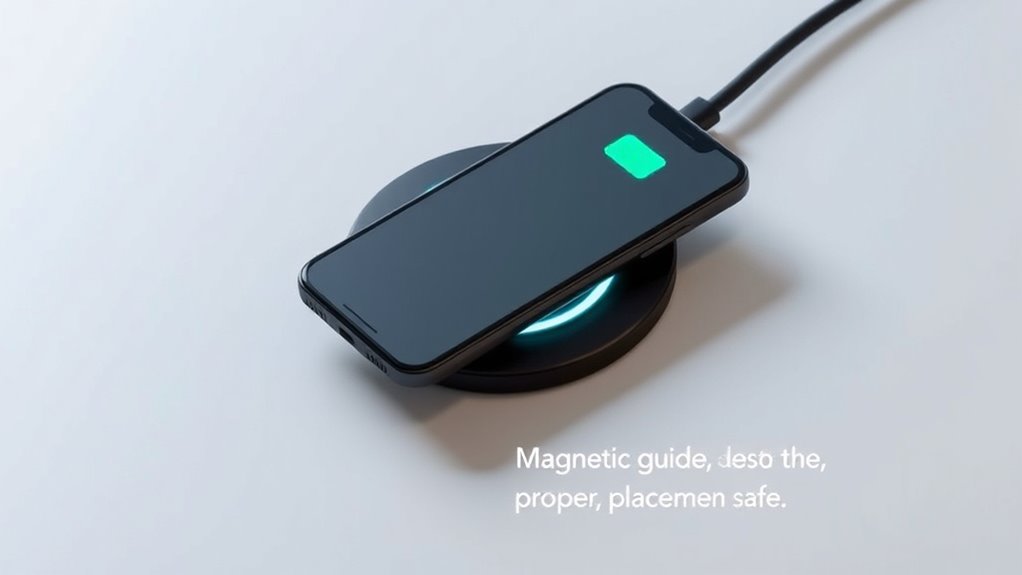
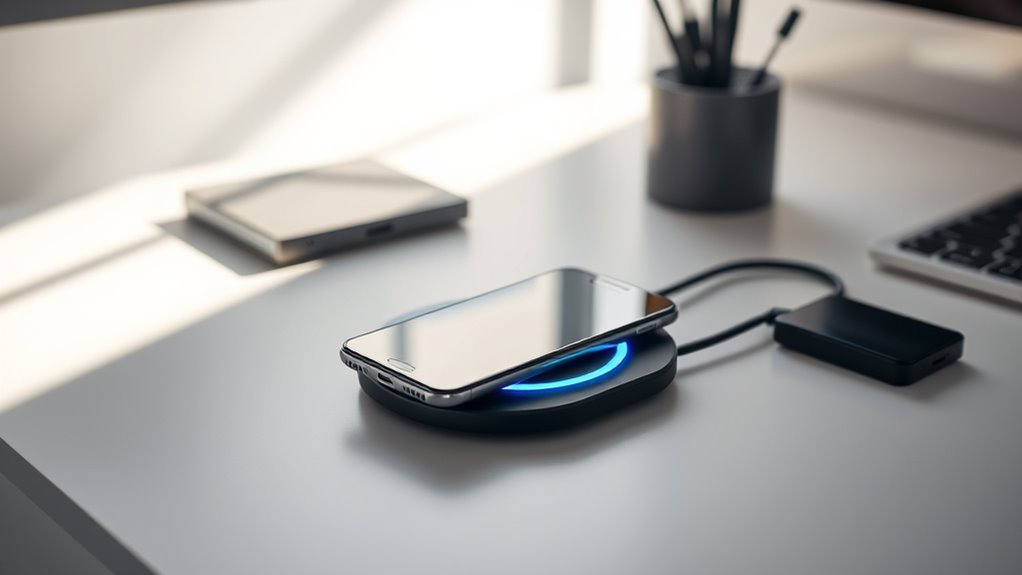
Proper placement and magnetic alignment are essential for maximizing the efficiency of your Qi2 25W wireless charger. To guarantee ideal charging, position your phone directly on the magnetic pad or stand, making sure the coils are perfectly aligned. Slight misalignment can cause energy loss and slower charging speeds. Use cases designed for magnetic alignment, or attach a compatible magnetic ring if needed, to help your device stay centered. When placing your phone, avoid shifting it once positioned—this can disrupt the magnetic connection. Ensure your device remains stable during charging to maintain consistent power flow. Proper placement not only boosts charging speed but also reduces heat buildup and prevents unnecessary energy loss, keeping your device safe and charging efficiently. Additionally, understanding magnetic alignment can significantly improve your charging experience by ensuring optimal energy transfer. Being aware of wireless charging standards can help you select compatible accessories and optimize setup. Paying attention to device compatibility ensures your charger functions correctly with your specific model. Moreover, maintaining proper charging environment can prevent interference and further enhance charging performance.
Ensuring Optimal Charger and Device Connectivity
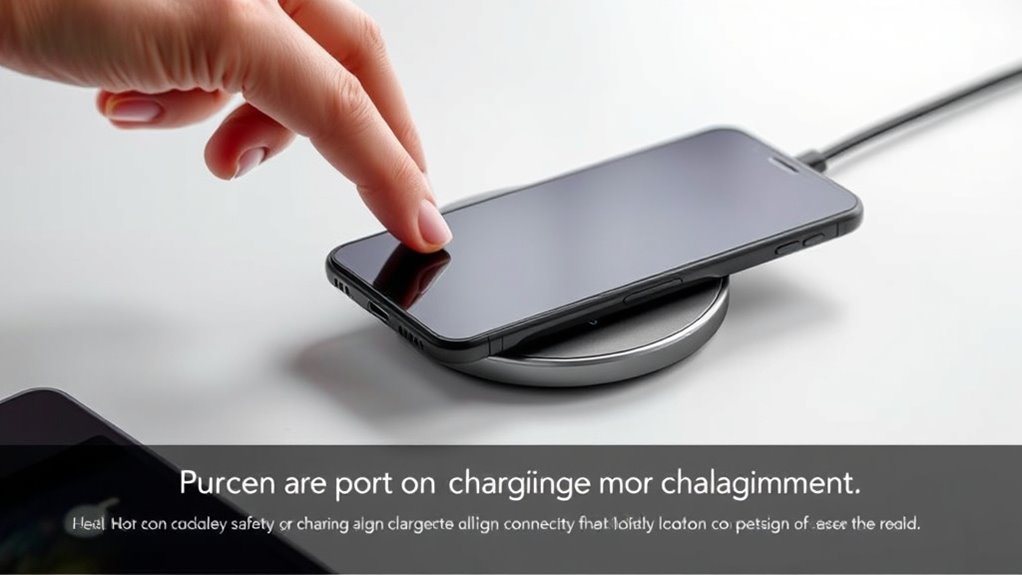
To guarantee your charger and device connect effectively, you need to place your phone precisely over the magnetic alignment area. Using compatible accessories, like magnetic cases, helps maintain a strong, stable connection. Keep cables short and quality-rated to prevent power drops and maximize charging efficiency. Additionally, ensuring your device supports wireless charging standards enhances compatibility and safety during use. Proper device positioning during charging can further improve efficiency and prevent interruptions. Being aware of power bank specifications can also help in achieving optimal charging performance.
Precise Device Placement
Achieving ideal wireless charging performance with Qi2 25W depends heavily on precise device placement. Proper alignment ensures the charging coils are perfectly matched, maximizing power transfer. To optimize placement:
- Place your phone directly over the magnetic alignment pad or stand to keep coils centered.
- Ensure the device’s charging area lines up with the charger’s magnetic point.
- Avoid shifting the phone during charging, as micro-movements can reduce efficiency.
- Remove thick or non-magnetic cases that might interfere with magnetic alignment.
- Incorporate mindful positioning practices to enhance overall mindfulness of the device’s placement during charging.
Proper placement minimizes energy loss and prevents overheating. Take a moment to adjust your device until it sits flat and centered. This simple step guarantees faster, more reliable charging and preserves your device’s battery health.
Use Compatible Accessories
Using compatible accessories is essential for guaranteeing your Qi2 25W wireless charging setup works smoothly and safely. Choose certified chargers, magnetic cases, and cables designed for Qi2 25W standards to maximize efficiency. Using incompatible or subpar accessories can cause misalignment, slow charging, or overheating. To help visualize, here’s a quick comparison:
| Compatible Accessory Type | Benefits |
|---|---|
| Certified Magnetic Cases | Proper alignment, no interference |
| Short, Thick USB-C Cables | Minimize power loss, ensure stability |
| Qi2-Certified Charger | Supports full 25W power delivery |
Always verify accessories meet WPC standards to maintain safety, speed, and device longevity during wireless charging.
Managing Heat and Ventilation During Charging

Managing heat and ventilation during Qi2 25W wireless charging is vital to guarantee safe, efficient performance and maintain your device’s battery health. Excess heat can slow charging, damage components, or reduce battery lifespan. To keep temperatures in check, ensure good airflow around the charger and device. Avoid placing your setup in enclosed or hot environments. Use a flat, hard surface that doesn’t trap heat, and remove thick or metal cases that hinder cooling. Keep cables neat to prevent obstruction and heat buildup. Regularly monitor your device for signs of overheating, and disconnect if it gets too hot. Proper ventilation not only safeguards your device but also guarantees consistent charging speeds and longevity of your wireless setup.
- Place the charger on a hard, flat surface for better airflow
- Keep the charging area free from clutter and heat-trapping objects
- Remove incompatible or thick cases that insulate heat
- Avoid direct sunlight or hot environments during charging
Recognizing Safety Features and Preventing Overheating
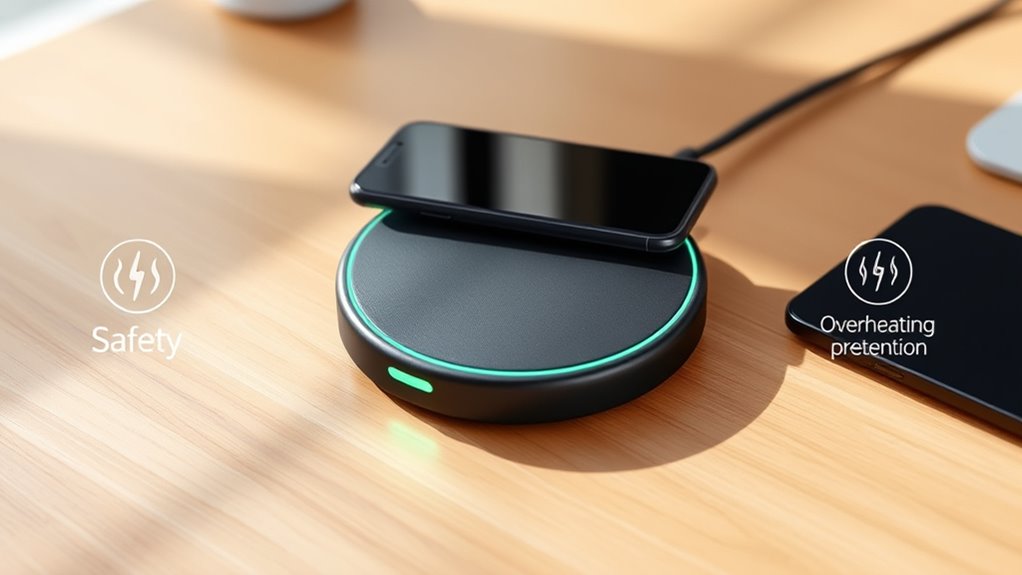
Recognizing the safety features embedded in Qi2 25W wireless chargers helps prevent overheating and other hazards during charging. These features include foreign-object detection, temperature monitoring, and power negotiation. Foreign-object detection stops energy transfer if metal objects or unauthorized items are present, reducing heat buildup. Built-in temperature sensors monitor device and charger heat, dynamically adjusting power to prevent overheating. Power negotiation ensures the charger delivers only the necessary wattage based on the device’s battery state, avoiding excessive heat. Magnetic alignment minimizes micro-shifts that could cause power fluctuations or overheating. Use certified accessories to meet safety standards. Here’s a quick overview:
| Safety Feature | Function |
|---|---|
| Foreign-object detection | Stops charging if metal objects are detected |
| Temperature monitoring | Adjusts power to prevent overheating |
| Power negotiation | Regulates wattage based on device needs |
| Magnetic alignment | Ensures steady contact, reducing heat from misalignment |
Monitoring Charging Performance and Speed Expectations
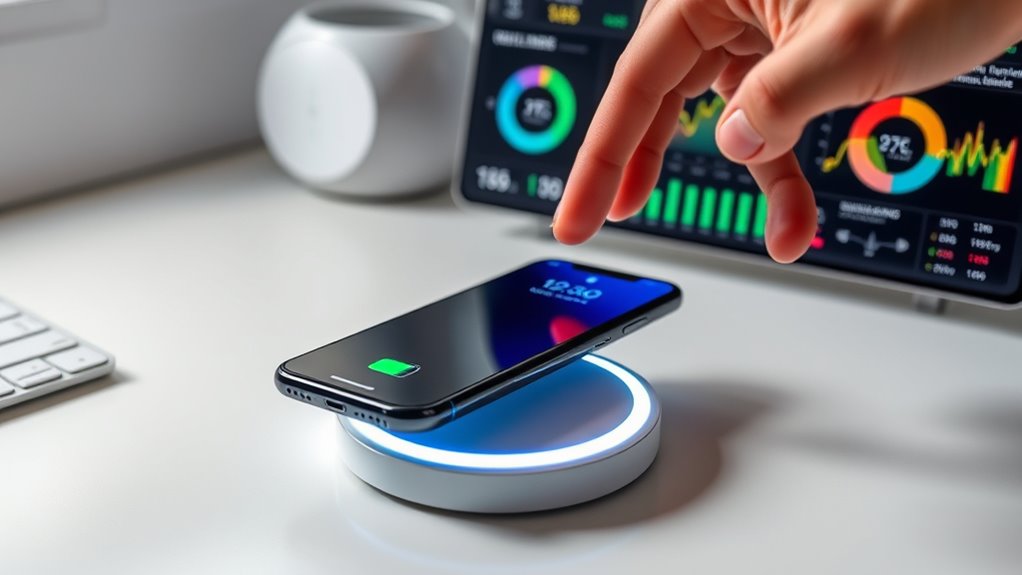
Monitoring the performance of your Qi2 25W wireless charger guarantees you get the fastest and most reliable charging experience. To do this effectively, keep an eye on your device’s charging speed and temperature. Expect a full charge from 0% to about 50% in roughly 30 minutes, and a complete top-up in 25-30 minutes under ideal conditions. Be aware that thermal management may cause fluctuations in power delivery, so slight speed variations are normal. You can also:
- Check the charger’s indicator lights for the correct 25W charging signal
- Use a compatible app or device info to verify actual charging wattage
- Ensure your device is properly aligned for consistent power flow
- Monitor temperature to prevent overheating during prolonged charging sessions
Staying attentive ensures your charging stays fast, safe, and efficient.
Troubleshooting Common Setup and Charging Issues
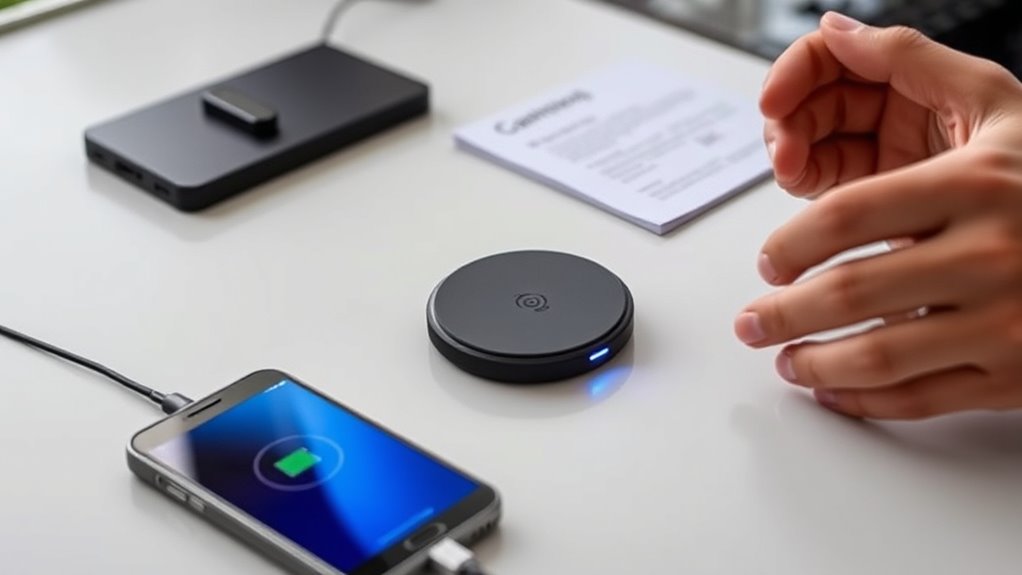
If your Qi2 25W wireless charging setup isn’t performing as expected, troubleshooting can help identify and resolve common issues quickly. First, check that your charger and power adapter are Qi2 25W certified and support 25W output. Ensure your USB-C cable is thick, short, and undamaged, as poor-quality cables can cause power drops. Confirm that your phone is correctly aligned with the magnetic pad or stand; slight misplacement reduces charging efficiency. Remove any non-compatible metal or thick cases that could interfere with the magnetic connection. Keep an eye on your device’s temperature—overheating can slow or halt charging. Finally, verify that the charger’s indicator shows active 25W charging. Addressing these points usually resolves most setup and charging issues quickly.
Frequently Asked Questions
Can I Use a Regular Qi Charger for 25W Wireless Charging?
You can’t use a regular Qi charger for 25W wireless charging unless it specifically supports the Qi2 25W standard. Most standard Qi chargers are limited to 5W or 10W, which won’t provide the fast charging speeds you’re aiming for. To get the full 25W power, you need a certified Qi2 25W charger, a compatible device, and a suitable power adapter. Using the right equipment guarantees safe, fast, and efficient charging.
Does Magnetic Alignment Affect Charging Speed or Battery Health?
Magnetic alignment helps improve charging speed and battery health by ensuring your device’s coil is perfectly centered over the charger. When aligned correctly, energy transfer becomes more efficient, reducing heat and energy loss. Misalignment can slow down charging and generate excess heat, which may harm your battery over time. Always place your device precisely on the magnetic pad to maximize charging speed and protect your battery’s longevity.
Will Using a Non-Certified Cable Reduce Charging Performance?
Using a non-certified cable can definitely reduce your charging performance. When you don’t use certified cables, you risk inconsistent power delivery, which can cause slower charging speeds or interruptions. Non-certified cables may also lack proper insulation and safety features, increasing the chance of overheating or damage to your device. To get the best out of your Qi2 25W wireless charger, always opt for high-quality, certified cables that support fast, stable power transfer.
How Does Temperature Impact Qi2 25W Wireless Charging Safety?
Did you know that Qi2 25W wireless chargers monitor temperature to prevent overheating? Temperature directly impacts safety by triggering power adjustments or stopping charging if it gets too hot, which can damage your device or cause fires. You should keep the charger well-ventilated and avoid charging in hot environments. Overheating also reduces charging speed and can degrade your battery over time, so maintaining proper temperature is essential for safe, efficient charging.
Is It Safe to Charge Through Magnetic or Metal Cases?
Charging through magnetic or metal cases isn’t safe because metal can interfere with the magnetic alignment, cause overheating, or damage the charger and device. Magnetic cases designed for Qi2 25W are usually safe, but non-compatible metal cases can block signals and generate heat. Always use certified magnetic or compatible cases, and remove thick or metal cases if you notice slow charging or overheating to guarantee safety and peak performance.
Conclusion
So, after all that careful setup, don’t be surprised if your shiny new Qi2 charger suddenly refuses to work or overheats just when you need it most. Irony has a way of sneaking in, doesn’t it? But hey, with proper precautions, you’ll enjoy safe, fast charging—most of the time. Just remember, even the best setups can have their quirks, so stay vigilant and keep that device cool. Happy charging!