

AI upscaling works best on clear, textured videos like old films or structured scenes, enhancing sharpness and detail naturally. However, it can produce artifacts or unnatural details if used on noisy, heavily compressed, or poorly lit footage. You might see flickering or hallucinated textures, especially with fast motion or complex scenes. To learn how to get ideal results and avoid common pitfalls, explore more about this cutting-edge technology.
Key Takeaways
- AI upscaling excels with clear, textured, and repetitive patterns, enhancing older or low-resolution videos effectively.
- It may produce artifacts, hallucinated details, or unnatural textures in poorly lit, noisy, or heavily compressed footage.
- Content with structured backgrounds, fabrics, or natural textures benefits most from AI’s detail preservation.
- Rapid scene changes or complex motion can cause flickering and temporal inconsistencies in AI-upscaled videos.
- Optimal results are achieved with high-quality sources, careful settings, and post-processing to minimize artifacts.

AI Photo Enhancer Remove Objects, Upscale Images, Retouch Portraits
As an affiliate, we earn on qualifying purchases.
As an affiliate, we earn on qualifying purchases.
How AI Upscaling Enhances Video Quality

Have you ever wondered how AI upscaling can turn low-resolution videos into sharper, more detailed images? It achieves this by analyzing existing pixels and predicting what missing details should look like. Unlike traditional methods that simply stretch pixels, AI models use deep learning to understand textures, edges, and patterns. This allows them to generate new, plausible details that weren’t visible before. As a result, your videos become clearer, with enhanced sharpness and depth. Noise and compression artifacts are reduced, making the image cleaner. The process preserves textures and outlines, especially in scenes with repetitive patterns or structured backgrounds. This means old or blurry videos appear more modern and vibrant, delivering a much better viewing experience without needing to reshoot or replace the original footage. Additionally, AI upscaling can mitigate bias and artifacts, ensuring more reliable enhancements across different types of footage. Incorporating professional tools can further optimize the results, especially for high-stakes projects. Moreover, understanding video resolution and the original quality of footage helps tailor the upscaling process for optimal results. Recognizing the importance of regional legal resources can also assist in protecting your content rights when sharing enhanced videos online. Overall, advancements in machine learning have significantly expanded the capabilities of video enhancement technologies.
The Technology Behind AI-Based Upscaling

Ever wondered how AI transforms low-resolution videos into sharp, detailed images? It all comes down to deep learning models like convolutional neural networks (CNNs). You feed these models paired low- and high-resolution video frames during training, helping them learn the relationship between pixel patterns. Instead of just stretching pixels, AI analyzes surrounding pixels and learned textures to generate new details. This involves signal analysis, noise reduction, edge detection, and texture synthesis. Some models, like GANs, generate realistic textures, while others consider temporal information across frames for smooth motion. By predicting missing details, AI creates sharper images and reduces artifacts. This process relies heavily on powerful hardware and high-quality training data for ideal results, making AI upscaling a sophisticated blend of pattern recognition and image synthesis. Additionally, the effectiveness of AI upscaling heavily depends on the contrast ratio of the original content to accurately enhance dark and bright areas. Furthermore, advances in training datasets and neural network architectures have significantly improved the realism and accuracy of AI-generated details, especially when combined with advanced neural network architectures. Improving the training process has also contributed to more consistent and reliable upscaling outcomes.
Comparing AI Upscaling and Traditional Methods
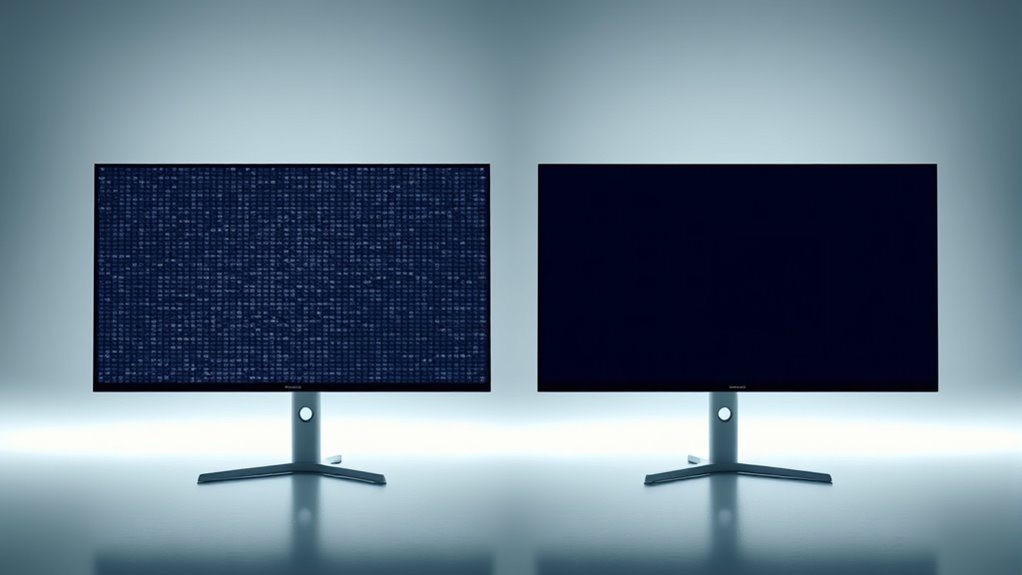
When comparing AI upscaling with traditional methods, you’ll notice that AI produces sharper images by predicting and generating missing details, unlike simple pixel duplication. Traditional techniques often result in blurry or jagged visuals, especially in complex scenes, because they can’t add new information. AI, on the other hand, preserves natural textures and edges, making the upscaled video look more realistic and detailed. Additionally, understanding compatibility factors can help optimize the quality and effectiveness of the upscaling process. Recognizing texture preservation is crucial, as it allows AI algorithms to maintain authentic surface qualities during enhancement. Incorporating content clustering strategies can further enhance results by focusing on specific visual features and scenes for targeted improvements. Employing advanced algorithms can also significantly improve the accuracy and clarity of upscaled images, ensuring a more seamless viewing experience. Moreover, keeping in mind hardware capabilities is essential for achieving optimal performance and avoiding artifacts during the upscaling process.
Image Sharpness Differences
AI upscaling produces noticeably sharper images than traditional interpolation methods because it intelligently reconstructs missing details by analyzing patterns and textures. Instead of just stretching pixels, AI predicts and generates new, realistic details, leading to clearer visuals. You’ll see more precise edges, richer textures, and an overall more natural appearance. Additionally, AI upscaling leverages machine learning algorithms to continuously improve its accuracy and effectiveness over time. This process often results in images that better preserve fine details, such as hair, fabric, or foliage, enhancing realism. By understanding the content context, AI enhances the clarity of complex scenes and intricate features. – Better preservation of fine details like hair, fabric, or foliage – Sharper edges around objects and text – Reduced blurriness compared to bilinear or bicubic scaling – More lifelike textures that enhance realism. Traditional methods often result in a soft or jagged look, but AI creates a crisper, more detailed image by understanding the content. This sharpness makes a significant difference, especially in complex scenes with intricate textures or small features — for example, when tuning a performance vehicle, clarity is crucial for appreciating subtle modifications. The ability of AI to adapt to different content types further improves the visual quality of upscaled images, making it a valuable tool for high-resolution displays and professional imaging applications.
Pixel Duplication Limitations
Traditional upscaling methods rely on pixel duplication or simple interpolation, which can only stretch existing pixels to increase resolution. This approach doesn’t add new details; instead, it enlarges the original pixels, often resulting in blurry or jagged images. You’ll notice a loss of sharpness and clarity, especially in scenes with fine textures or edges. Because these methods lack understanding of the content, they can’t reconstruct missing information or enhance complex patterns. As a result, images can appear artificially smooth or pixelated, making it clear that no genuine detail has been added. This limitation becomes even more apparent with larger upscaling factors, where the flaws are magnified. While fast, traditional methods simply can’t match the nuanced, realistic improvements that AI-based approaches can provide. Additionally, AI upscaling can better recognize and preserve textures and details found in vintage decor and other elements typical of a farmhouse bedroom aesthetic.
Natural Texture Preservation
AI upscaling excels at maintaining natural textures in videos, creating sharper and more realistic details that blend seamlessly with the original content. Unlike traditional methods, which often produce blurry or jagged edges, AI analyzes surrounding pixels and learned patterns to generate authentic textures. This process is particularly effective for complex surface details like fabrics, wood grains, or foliage. To understand its advantages, consider these points:
- AI preserves fine details that interpolation typically blurs or misses
- Textures appear more natural and consistent across frames
- Complex patterns, such as brickwork or textiles, are reconstructed with higher fidelity
- Artificial smoothing or artifacts are minimized when models are well-trained
- The effectiveness of AI upscaling can be further enhanced by high-quality training data that accurately represents real-world textures. Additionally, advancements in machine learning algorithms continue to improve the realism and reliability of AI upscaling techniques. Incorporating texture preservation techniques helps ensure that fine details remain intact during the upscaling process. Developing robust neural networks is essential for achieving consistently high-quality results in diverse video content.
Ideal Content Types for AI Upscaling

You’ll get the best results with content that has clear, repetitive patterns like textures and structured backgrounds. Restoring old films and vintage videos also benefits from AI upscaling, as it can enhance details lost over time. Additionally, videos with moderate noise levels respond well, making AI ideal for improving less-than-perfect source material.
Clear, Repetitive Patterns
Clear, repetitive patterns are ideal content types for AI upscaling because they provide the neural network with consistent textures and structured details to analyze and enhance. When patterns repeat regularly, the AI can easily identify and extrapolate missing information, resulting in sharper, more accurate results. These patterns help the model distinguish edges, textures, and background elements, making the upscaling process more effective. You’ll notice better preservation of fine details and fewer artifacts. Examples include:
- Brick walls and tiled surfaces
- Repeating fabric textures
- Structured backgrounds like grids or foliage
- Regular geometric shapes and patterns
With such content, the AI leverages its learned patterns more confidently, producing clearer, more natural-looking upscale results. This makes clear, repetitive patterns the perfect candidate for AI-driven enhancement.
Restoring Old Films
Restoring old films with AI upscaling works best when the source material contains well-preserved textures and structured scenes. You want footage that still shows clear edges, defined details, and consistent patterns. Films with minimal damage, such as scratches, heavy noise, or severe compression artifacts, may challenge the AI’s ability to accurately recreate details. Look for scenes with distinct textures like fabrics, wood grains, or brickwork, as these help the AI predict missing information more reliably. Structured scenes—such as cityscapes, interiors, or landscapes—provide context that guides the model’s reconstruction. When the source has enough detail and clarity, AI can enhance resolution while maintaining a natural look. However, overly degraded or chaotic footage may produce artifacts or unnatural results, limiting the effectiveness of the process.
Moderate Noise Levels
Have you ever wondered why AI upscaling works so well on videos with moderate noise levels? It’s because the AI can better distinguish between actual details and noise, making reconstruction more accurate. With moderate noise, the model can analyze patterns without being overwhelmed by distortions. This allows for clearer edge and texture enhancement, resulting in a more natural look. When working on such content, AI can:
- Reduce compression artifacts while preserving details
- Fill in missing textures accurately
- Maintain consistency across frames
- Improve overall clarity without introducing unnatural artifacts
Content with moderate noise provides enough information for AI to extrapolate details effectively. It strikes a balance where the AI’s predictive capabilities shine, making your videos sharper, cleaner, and more visually appealing.
Common Artifacts and Challenges in AI Upscaling

AI upscaling can considerably improve video quality, but it also introduces common artifacts that can detract from the viewing experience. These issues often happen when the model misinterprets the source data or encounters challenging content. You might see unnatural textures, flickering, or inconsistent details across frames. Complex motion or rapid scene changes can cause temporal inconsistencies, making the video look jarring. Over-processing can generate hallucinated details, adding false elements that weren’t there originally. To better understand these challenges, consider the table below:
| Artifact Type | Cause | Effect |
|---|---|---|
| Unnatural textures | Poor model training or over-enhancement | Distracts viewers, looks fake |
| Flickering | Frame-to-frame inconsistencies | Reduces visual stability |
| Hallucinated details | Over-aggressive upscaling | Adds false information |
| Temporal inconsistencies | Complex motion, rapid scene changes | Jarring visual experience |
Understanding these challenges helps you choose the right tools and settings.
Key AI Models Powering Upscaling Solutions

What powers the effectiveness of AI upscaling solutions are various deep learning models designed to analyze and enhance video content. These models process frames to predict missing details and improve resolution. Key models include:
- Convolutional Neural Networks (CNNs): They analyze spatial information, recognizing textures and patterns within individual frames.
- Generative Adversarial Networks (GANs): They generate realistic details by having a generator create images and a discriminator evaluate their authenticity.
- Recurrent Neural Networks (RNNs): They consider temporal information across frames, ensuring smoother motion and consistency.
- Hybrid Models: Many solutions combine these architectures, optimizing for content type and quality.
Your choice of model impacts the clarity, realism, and artifact rate in the upscaled video, making understanding these models essential.
Practical Uses and Limitations of AI Upscaling
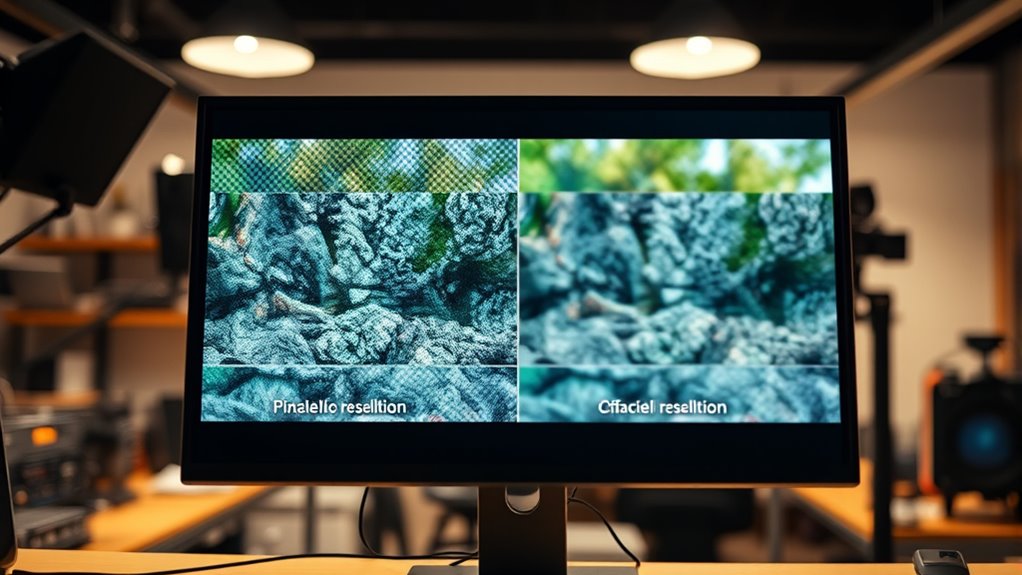
The effectiveness of AI upscaling solutions depends heavily on their practical applications and the current limitations they face. You’ll find AI upscaling most useful for restoring old films, improving home videos, and enhancing content for high-resolution displays, especially when source material has clear textures and moderate noise. However, it struggles with extremely low-quality footage, heavy noise, or rapid scene changes, which can lead to unnatural artifacts or flickering. Real-time processing remains challenging due to high computational demands, often limiting AI upscaling to offline or on-demand content. Additionally, increased resolution increases bandwidth and storage needs. While ongoing advancements are making AI upscaling faster and more reliable, it’s essential to recognize these limitations when applying it to your projects.
Tips for Getting the Best Results From AI Upscaling
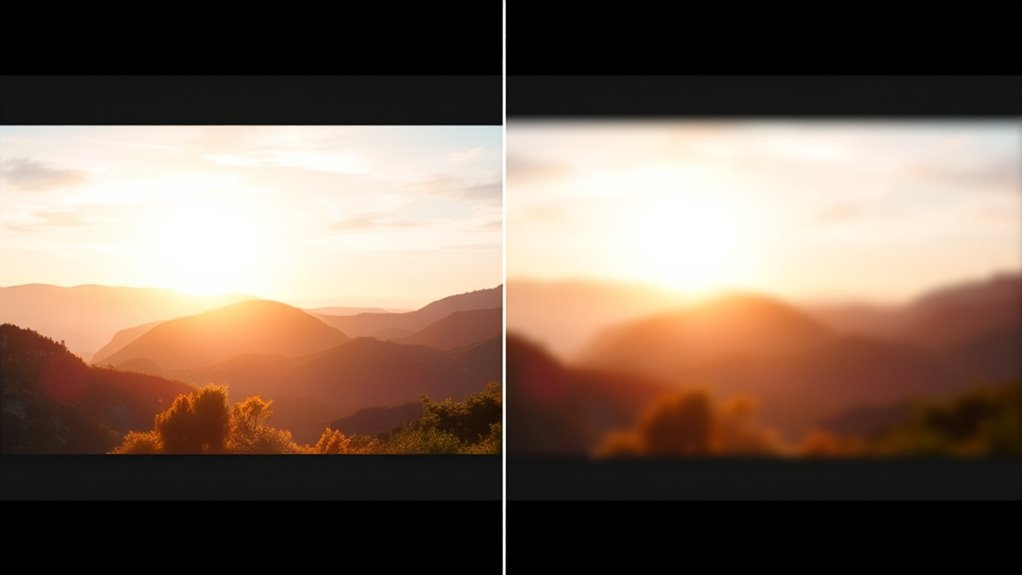
To achieve the best results from AI upscaling, start by guaranteeing your source material is as high quality as possible. Clear, well-lit footage with minimal compression artifacts provides better input for the AI to analyze and enhance. Avoid heavily compressed or noisy videos, as they can lead to artifacts or unnatural details. Adjust upscaling settings thoughtfully; overdoing it may produce hallucinated textures. Use software that offers options for noise reduction and sharpening to optimize results. Additionally, consider these tips:
Start with high-quality, well-lit footage and adjust settings carefully for optimal AI upscaling results.
- Use high-resolution sources when available
- Choose models trained for your content type
- Apply noise reduction before upscaling to minimize artifacts
- Preview results with different settings to find the best balance
Following these steps helps ensure sharper, more natural-looking upscaled videos.
Future Developments in AI Video Enhancement

Advancements in AI video enhancement are poised to revolutionize how you improve and restore footage. Expect future models to become faster, more accurate, and capable of real-time processing, even on less powerful hardware. Techniques like multi-frame analysis and temporal modeling will reduce artifacts and improve consistency across scenes. Hybrid AI architectures combining CNNs, GANs, and RNNs will refine detail generation while maintaining natural motion. You’ll see smarter algorithms that adapt to different content types, automatically optimizing settings for the best results. Additionally, training on larger, more diverse datasets will enhance model robustness, minimizing artifacts. As hardware accelerates and algorithms evolve, AI upscaling will become more accessible, enabling you to enhance videos seamlessly at home or on the go, with minimal artifacts and maximum detail.
Frequently Asked Questions
How Does AI Upscaling Handle Fast Motion Scenes?
When you upscale fast motion scenes with AI, it can struggle to keep details consistent across frames. The AI may generate artifacts, flickering, or unnatural textures due to rapid scene changes. This happens because the models sometimes have difficulty predicting motion accurately, especially if trained on less dynamic content. To improve results, using models that consider temporal information helps, but fast motion remains a challenging aspect of AI upscaling.
Can AI Models Be Trained Specifically for Different Video Genres?
Think of AI models as tailored suits, crafted precisely for each genre’s fabric. You can train them specifically for genres like horror, romance, or documentaries, so they understand the unique textures, colors, and styles. This specialization helps the AI paint visuals more naturally, preserving genre-specific nuances. When you customize models for different content types, you enhance accuracy and reduce artifacts, making each video feel authentic and immersive.
What Are the Best Settings to Minimize Artifacts During Upscaling?
To minimize artifacts during AI upscaling, you should use moderate enhancement settings, avoiding over-sharpening or excessive noise reduction. Choose models trained on similar content types, and verify your source video has adequate detail. Use stable, well-optimized software, and consider applying post-processing filters for refinement. Additionally, keep your AI models updated and experiment with different configurations to find the best balance between detail enhancement and artifact suppression.
How Does AI Upscaling Impact Video File Sizes and Bandwidth?
Imagine you’re back in the days of dial-up internet, and AI upscaling impacts your video files just like that slow connection—by increasing file sizes and bandwidth needs. When you upscale videos, the process adds detail, which results in larger files. This means you’ll need more storage and higher bandwidth for streaming. However, efficient codecs can help, but overall, AI upscaling tends to elevate data requirements for better quality.
Is Real-Time AI Upscaling Feasible for Live Streaming?
Real-time AI upscaling for live streaming is becoming increasingly feasible, but it still faces challenges. You’ll need powerful GPUs and optimized algorithms to process video quickly enough without lag. While some advances allow for near real-time performance, achieving flawless quality consistently remains difficult. Expect occasional artifacts or delays, especially with complex scenes or fast motion. Overall, progress is ongoing, but full reliability for live AI upscaling is still a work in progress.
Conclusion
Think of AI upscaling as a skilled artist restoring a faded masterpiece—bringing new life where once was dull. When it works well, it’s like watching a crystal-clear window into memories long past. But beware of the artifacts, the shadows that hide imperfections. With patience and understanding, you can harness this technology’s potential, shaping your videos into vibrant stories. Embrace the journey, and let AI be the brush that refines your visual history.