Your mesh backhaul speed differences boil down to the range and power limits of 5 GHz and 6 GHz links. 6 GHz signals are faster but don’t travel as far or penetrate walls as well, often leading to weaker connections and reduced speeds over distance. Regulatory restrictions further limit power, making 6 GHz less reliable for long-range backhaul. Understanding these factors can help you optimize your setup and get better performance—there’s more to uncover ahead.
Key Takeaways
- 6 GHz signals weaken faster over distance and obstacles, reducing effective backhaul speed compared to 5 GHz.
- Higher peak speeds of 6 GHz are often limited by shorter range and environmental attenuation in real-world setups.
- Mesh depth increases latency and reduces bandwidth, especially on 6 GHz links with limited power and coverage.
- Regional regulations restrict 6 GHz transmit power, limiting its backhaul range and overall performance.
- Wired backhaul generally provides more consistent and faster performance than wireless 5 GHz or 6 GHz links.
Differences in Range and Signal Characteristics Between 5 GHz and 6 GHz Bands
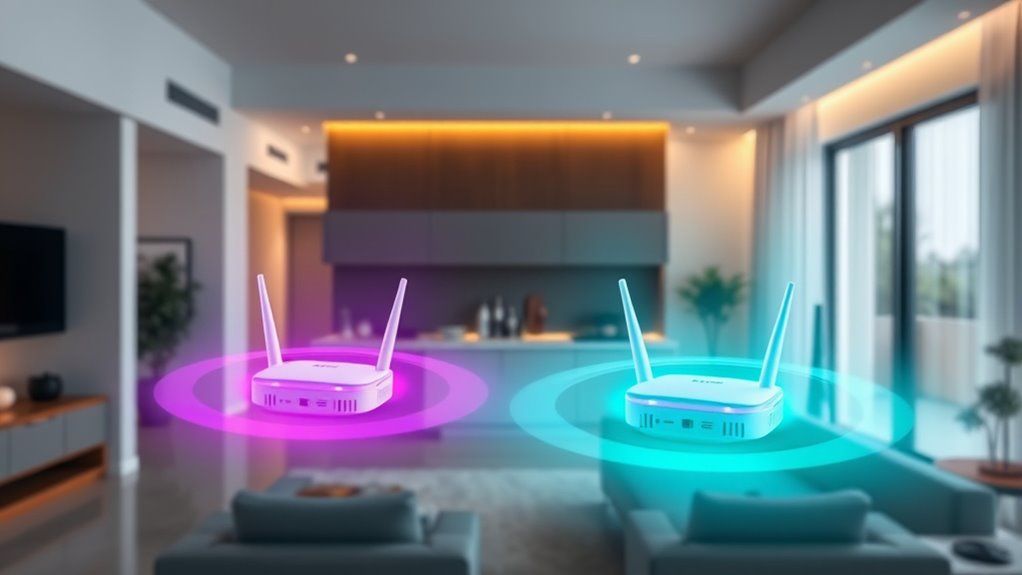
The main difference between 5 GHz and 6 GHz bands lies in their range and signal characteristics. You’ll notice that 6 GHz signals don’t travel as far as 5 GHz because higher frequencies weaken more quickly over distance and through obstacles. This means your devices may lose connection sooner when using 6 GHz, especially if they’re far from the router. Meanwhile, 5 GHz provides better coverage and penetrates walls more effectively, making it more reliable across larger spaces. Current regulations allow higher power for 5 GHz, boosting its reach. Although Wi-Fi 7’s AFC can extend 6 GHz range, regional restrictions limit its effectiveness. Overall, 5 GHz offers more consistent coverage, while 6 GHz shines with faster speeds over shorter distances. High refresh rates and low latency are also key factors that influence overall performance and user experience. Additionally, advancements in antenna technology are helping improve the range and stability of 6 GHz signals. Furthermore, network optimization techniques are being developed to enhance the reliability of shorter-range bands like 6 GHz in various environments. Moreover, ongoing research into regulatory policies aims to expand the effective use of 6 GHz frequencies for broader coverage and improved performance. Innovations in signal processing are also contributing to better performance and stability of 6 GHz links.
Impact on Mesh Backhaul Performance and Speed
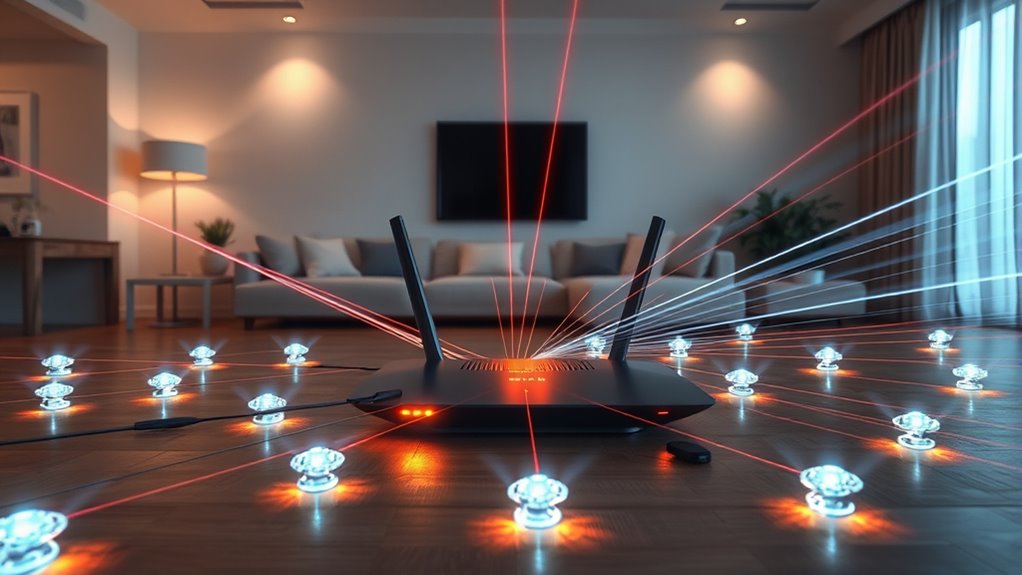
Switching between 5 GHz and 6 GHz bands substantially impacts mesh backhaul performance and speed. The 6 GHz band can deliver up to 3.5 Gbps, nearly double the 1.8 Gbps typical of 5 GHz under ideal conditions. However, its shorter range and higher attenuation often limit real-world speeds, especially over longer distances. Using 6 GHz may reduce latency and congestion, enhancing performance, but only if the signal remains stable. Dynamic communication exercises can improve overall network resilience and adaptability. Additionally, Kia Tuning techniques such as ECU remapping and suspension upgrades can optimize system performance under varying conditions. As technology advances, understanding the role of battery technologies in supporting high-speed data transmission can further enhance network stability and efficiency. Moreover, implementing mesh networking protocols can help mitigate some of the limitations by intelligently managing band switching and device connections. Proper band management strategies are essential for maximizing speed and reliability across various environments.
Switching to 6 GHz boosts speed but may reduce coverage and stability over distance.
- 6 GHz offers faster peak speeds but shorter coverage
- 5 GHz provides better penetration and longer reach
- Signal degradation impacts 6 GHz more over distance
- MLO (Multi-Link Operation) can combine bands for stability
- Mesh performance depends on placement, environment, and band choice
Wireless Backhaul Limitations and Mesh Depth Penalties
While higher speeds on the 6 GHz band are appealing, wireless backhaul performance often suffers from mesh depth penalties that can limit overall network capacity. As you add more mesh hops, the available bandwidth per hop decreases because the same radio handles both sending and receiving data, effectively halving throughput. Increasing mesh depth leads to higher latency and reduced speeds, especially on 5 GHz, which is more susceptible to interference and signal degradation over distance. Although 6 GHz offers faster potential speeds, its shorter range and stricter power limits intensify these penalties. Using multiple bands or wired backhaul can mitigate some issues, but in typical home environments, mesh depth often results in diminishing returns, making wired connections the most reliable solution for maintaining high performance. Additionally, AI in Business technologies like automation can optimize network management, but physical limitations still impact overall wireless backhaul efficiency. Properly understanding the frequency bands and their capabilities is essential for designing an effective network, especially when considering the limitations of wireless signals. Employing wireless backhaul with adequate signal strength and minimal interference can help improve overall network reliability. Recognizing the importance of Gold IRA principles can also guide investments in reliable, high-quality equipment to ensure optimal performance.
Regulatory and Power Limitations Affecting Backhaul Efficiency
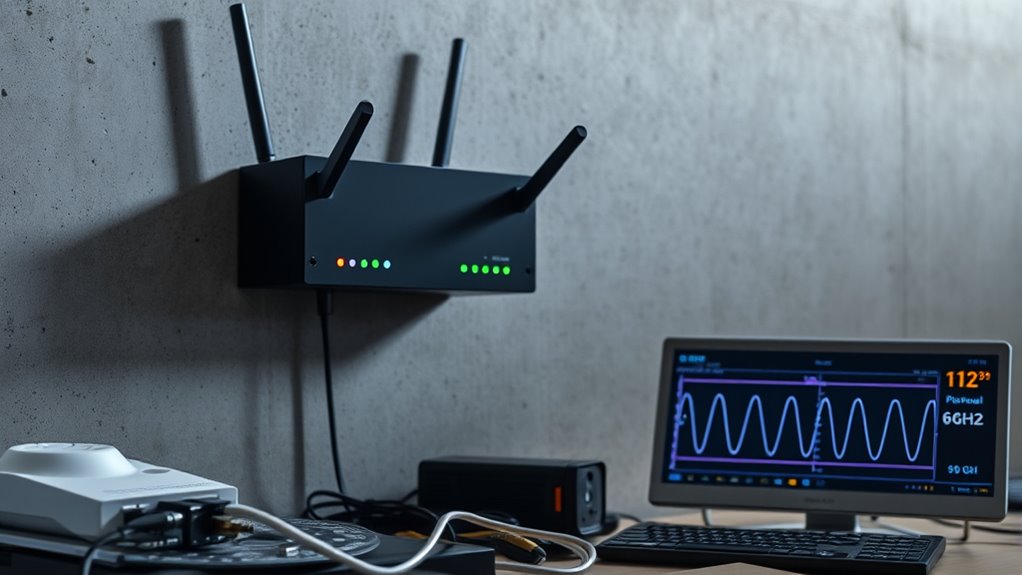
Regulatory and power limitations play a significant role in shaping the performance of wireless backhaul links, especially on the 6 GHz band. These restrictions vary by region, affecting how much power your devices can transmit. The 5 GHz band typically allows higher transmit power, which boosts range and penetration. In contrast, 6 GHz faces stricter limits, reducing signal strength and coverage. Additionally, the Automatic Frequency Coordination (AFC) mechanism in Wi-Fi 7 aims to reduce interference but isn’t universally available or fully enabled. These regulatory constraints prevent 6 GHz backhaul systems from reaching their full potential, often resulting in slower speeds and limited coverage. As a result, many manufacturers default to 5 GHz for reliable, high-performance backhaul in home environments. Understanding regional regulations is essential for optimizing wireless network setups. Furthermore, power restrictions contribute to these limitations, making it challenging to achieve maximum speed and coverage on the 6 GHz band.
Wired Versus Wireless Backhaul: Performance and Setup Considerations
Wired backhaul depends heavily on distance, obstacles, and interference, which can reduce speeds and increase latency. Additionally, it provides a more trusted connection that is less susceptible to external disruptions, making it ideal for critical network setups. In some cases, interference from other electronic devices can further impact performance, emphasizing the importance of digital literacy programs in understanding optimal setup practices. Moreover, proper network configuration can significantly improve overall backhaul efficiency and stability. Staying informed about wireless standards can also help optimize setup choices for better performance.
Frequently Asked Questions
Can 6 GHZ Replace 5 GHZ for Mesh Backhaul in All Homes?
No, 6 GHz can’t replace 5 GHz for mesh backhaul in all homes. Its shorter range and higher signal attenuation mean it struggles over longer distances and through walls. While it offers faster speeds and less congestion, regulatory power limits and regional restrictions reduce its effectiveness. For reliable, widespread coverage, 5 GHz remains better suited, especially in larger or obstacle-rich homes, unless you have a setup optimized for 6 GHz proximity.
How Does Wi-Fi 7’s Multi-Link Operation Improve Mesh Backhaul?
Think of Wi-Fi 7’s Multi-Link Operation (MLO) as a traffic cop directing multiple lanes of data, ensuring smoother flow. MLO lets your mesh system send and receive data simultaneously over both 5 GHz and 6 GHz bands. This boosts backhaul speed, reduces congestion, and minimizes latency, creating a more stable connection. By combining bands, MLO makes your mesh network smarter, faster, and more reliable—especially in busy homes with lots of devices.
Is Wired Ethernet Always Better Than Wireless Backhaul?
Wired Ethernet usually beats wireless backhaul because it offers consistent, high-speed connections without interference or range issues. You won’t experience bandwidth loss or latency increases, even with multiple access points. While wireless backhaul can be convenient and flexible, it’s dependent on obstacles, distance, and regulatory limits. For ideal performance, especially in larger homes or demanding setups, a wired Ethernet backhaul is the best choice.
What Regional Restrictions Limit 6 GHZ Backhaul Performance?
A chain is only as strong as its weakest link, and regional restrictions can weaken your 6 GHz backhaul. These limits include lower transmit power, regional spectrum allocations, and stricter regulations that vary worldwide. You might find your connection struggles to reach its full potential, especially in areas with tight restrictions. These rules aim to prevent interference but can hinder the range and speed of your 6 GHz mesh network, making performance less predictable.
Does Increasing Mesh Nodes Always Improve Wi-Fi Speed?
Adding more mesh nodes doesn’t always boost your Wi-Fi speed. While extra nodes can expand coverage, they introduce mesh depth, which cuts bandwidth and increases latency. If your nodes are too far apart or placed poorly, signal degradation occurs, hurting speed. To maximize performance, use wired backhaul or dedicated wireless bands like 5 GHz or 6 GHz with proper placement, rather than just increasing node numbers.
Conclusion
Did you know that 6 GHz bands can deliver up to 3 times faster speeds than 5 GHz, but often struggle with range? As you set up your mesh network, remember that longer distances and regulatory limits can slow your backhaul, even on the newest bands. By understanding these factors, you can optimize your setup for better performance. Keep experimenting to find the perfect balance between speed and coverage, and enjoy a faster, more reliable network.