
Managing backups, notifications, and widgets in Private Space can be tricky. Your private data isn’t included in standard backups, and recovery options are limited. Notifications from Private Space may show sensitive info on your main profile, risking privacy. Widgets are often restricted or don’t sync with your main homescreen, making quick access harder. Device restrictions and profile management add extra complexity. If you keep exploring, you’ll discover effective ways to overcome these challenges.
Key Takeaways
- Private Space data cannot be automatically backed up or easily recovered due to sandboxing and lack of cloud integration.
- Notifications from Private Space may appear in the main profile, risking exposure of sensitive information.
- Widgets from Private Space apps are limited and cannot be placed on the main home screen, reducing quick access.
- Device limitations, manufacturer customizations, and security settings can restrict or disable Private Space features.
- Managing backups, notifications, and widgets requires manual configuration, complicating seamless privacy and usability.

Synology 2-Bay DiskStation DS223j (Diskless)
Secure private cloud – Enjoy 100% data ownership and multi-platform access from anywhere
As an affiliate, we earn on qualifying purchases.
As an affiliate, we earn on qualifying purchases.
Challenges With Data Backup and Recovery in Private Space
One of the main challenges with data backup and recovery in Private Space is its isolated container environment, which prevents standard Android backup methods from working effectively. Files stored inside Private Space can’t be automatically backed up to cloud services like Google Drive. Instead, you must manually transfer files between Private Space and your main profile using share functionality or file managers, which is time-consuming and prone to errors. Factory reset protection also complicates recovery, as data within Private Space isn’t included in typical Android backups. Plus, creating a separate Google Account for Private Space prevents syncing notifications and files outside the container. Third-party backup apps can’t access Private Space contents because of its sandboxed environment, making data recovery a significant challenge. Additionally, the segregated environment of Private Space enhances security but complicates comprehensive backup strategies. To mitigate these issues, users should consider specialized backup solutions designed for sandboxed environments that can securely handle Private Space data. Implementing secure backup methods can help ensure data integrity and accessibility despite these restrictions. Furthermore, understanding the local laws governing data recovery can aid in navigating more complex legal scenarios related to privacy and data protection. Incorporating enterprise-grade encryption can also improve data security during backups and transfers.

Privacy Screen Adhesive Strips and Slide Mount Holder Tabs for Computer Monitors and Laptops – Easy On-Off Your Security Filter with Replacement Kit for Monitor Laptop Privacy Protector
Double sided adhesive stickers and plastic slide mount tabs perfectly fits for all types of laptop and monitor…
As an affiliate, we earn on qualifying purchases.
As an affiliate, we earn on qualifying purchases.
Notification Privacy Risks and Configuration Challenges
While Private Space isolates app data for privacy, it introduces significant risks to notification privacy and configuration. Notifications from Private Space apps appear in the main profile’s notification shade, risking exposure of sensitive information like banking details or health updates. You must manually configure settings to hide notification content, but this process isn’t automatic or foolproof. Alert badges and activity indicators can reveal your Private Space usage to casual observers, compromising privacy further. Additionally, integrated notifications make Private Space apps discoverable through logs and histories, increasing visibility. Managing notification settings across both profiles becomes complex, often requiring frequent adjustments to balance privacy with usability. This is especially true when considering self watering plant pots or other miscellaneous data, which can inadvertently be exposed through notification previews. The challenge is further complicated by the contrast ratio differences between profiles, which can affect how notifications are perceived visually, making careful configuration essential to maintain privacy without hindering usability. Implementing security best practices can help mitigate some of these risks, but they require diligent management. Moreover, understanding the privacy implications of notifications is crucial for maintaining confidentiality in sensitive situations. As AI security research highlights, continuous monitoring and adaptation of notification settings are vital to address evolving threats and vulnerabilities.
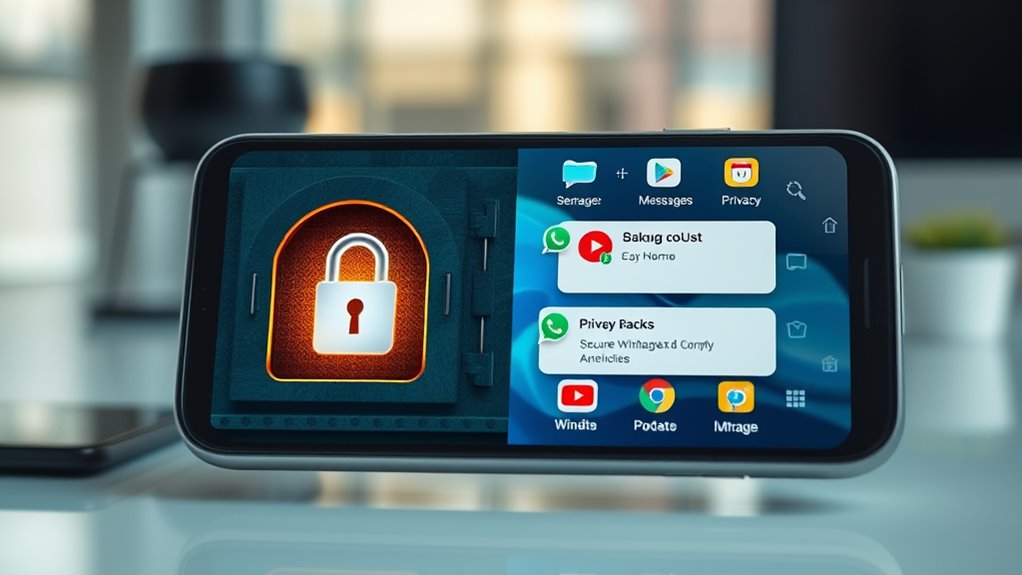
Android widget privacy lock
As an affiliate, we earn on qualifying purchases.
As an affiliate, we earn on qualifying purchases.
Limitations of Widgets and Interface Integration
Widgets from Private Space apps are limited in their functionality because of the sandboxed environment. You can’t place these widgets on your main profile’s home screen, which restricts quick access to private app data. This separation prevents real-time updates from appearing outside Private Space, forcing you to open the app directly for current information. Customization options are also limited because the system doesn’t support seamless integration between environments. As a result, you lose the convenience of widget shortcuts for frequently-used apps, making your workflow less efficient. The isolated nature of Private Space means that widget data remains confined, reducing usability and forcing manual workarounds. These restrictions hinder smooth interface integration, especially for users who rely heavily on widgets for quick info and task management. Additionally, the compatibility issues reflect the broader limitations of sandboxed environments, which can impact user experience and productivity. This often leads to frustration when trying to manage multiple apps and notifications efficiently within the private space. Furthermore, the security restrictions designed to protect user privacy contribute to these limitations, emphasizing the trade-off between security and convenience. The limited interoperability also affects how well users can synchronize data across different environments, adding to the overall challenge.
sandboxed app backup tool
As an affiliate, we earn on qualifying purchases.
As an affiliate, we earn on qualifying purchases.
Hardware and Device Manufacturer Restrictions
Device hardware and manufacturer settings considerably impact Private Space’s functionality and availability. If your device has less than 6 GB of RAM, Private Space may not run smoothly or might be disabled altogether. Some manufacturers, like Samsung, Motorola, or OnePlus, customize Android heavily, which can restrict or alter Private Space features. On certain devices, manufacturers disable Private Space entirely, limiting access or making it unavailable. Enterprise controls on managed devices can override your settings, preventing you from enabling or customizing Private Space. Hardware limitations and manufacturer-specific modifications reduce compatibility, especially on older or low-spec devices. Additionally, Vetted – Halloween Product Reviews highlight that device restrictions can vary widely depending on the manufacturer and model, often requiring workarounds or risking limited functionality. These restrictions mean your ability to use Private Space varies widely, depending on your device’s hardware and manufacturer customizations, often requiring workarounds or risking limited functionality. It is important to consider device compatibility when attempting to enable or troubleshoot Private Space features, as software customization by manufacturers can further complicate access and may impact biodiversity in the digital ecosystem. Furthermore, performance limitations associated with hardware specs can significantly influence the overall user experience with Private Space.
Account and Profile Management Conflicts
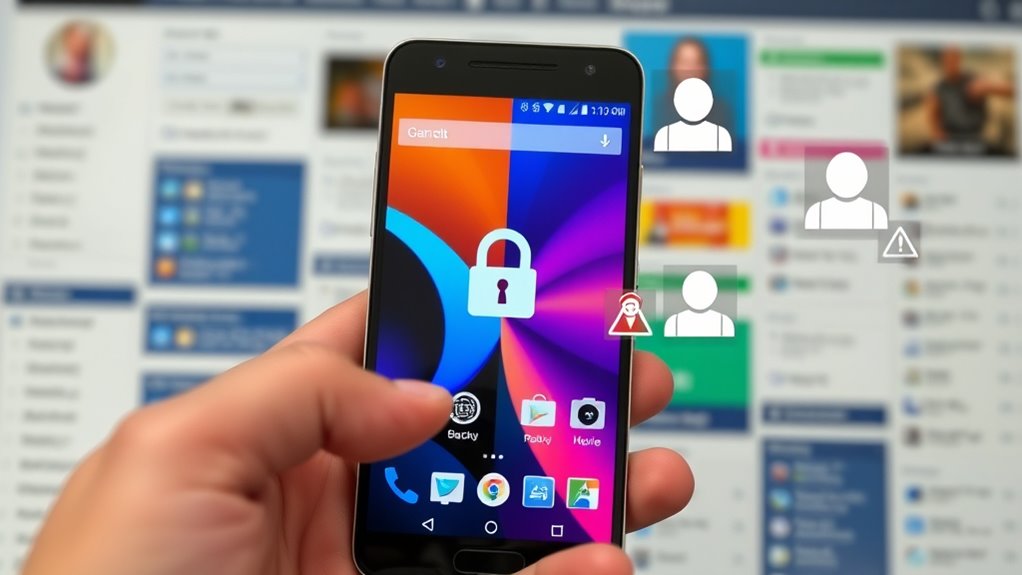
Managing accounts within Private Space can be complicated because it requires creating a separate Google Account specifically for that environment. This separation prevents seamless account switching and causes confusion when accessing apps or syncing data. You’ll find that:
- Supervised Google Accounts can’t coexist with Private Space, limiting account options.
- Only the primary user profile can access Private Space, restricting guest or secondary profiles.
- Creating a dedicated Google Account for Private Space complicates switching between profiles and managing multiple accounts.
- The security measures implemented to protect user privacy can make account management more complex and less flexible.
These restrictions mean you’ll need to carefully plan your account setup. Data sharing between main profiles and Private Space is manual, and account management becomes less flexible. This setup aims to protect privacy, but it adds complexity to daily device use.
Frequently Asked Questions
Can Private Space Data Be Restored After a Factory Reset?
No, you can’t restore Private Space data after a factory reset through standard backup methods. The data is stored in an isolated container that isn’t included in typical Android backups. You’d need to manually transfer files before resetting, but once the reset is done, the data is gone unless you’ve made manual backups outside Private Space. This setup makes data recovery difficult, so plan ahead if you want to keep your Private Space information.
Are There Alternative Backup Methods for Private Space Files?
Did you know that over 80% of users struggle with backing up private data securely? You can’t rely on standard Android backups for Private Space files. Instead, you’ll need to manually transfer files using share options or file managers. Third-party apps can’t access this data due to sandboxing, so backup options are limited. To keep your files safe, consider encrypted external storage or secure cloud solutions outside the Private Space environment.
How Secure Are Notifications From Private Space Apps?
Notifications from Private Space apps aren’t fully secure because they can leak sensitive info through previews, even though the apps are isolated. You need to manually hide notification content to prevent accidental exposure. Plus, notification logs and badges can reveal app activity patterns to others. So, while notifications are meant to alert you, they pose privacy risks if not properly managed. Be cautious with notification settings to protect your sensitive data.
Can I Customize Notification Alerts for Private Space Applications?
Certainly, you can customize notifications for Private Space apps. First, toggle notification settings by heading into your device’s main Settings menu. From there, select Notifications, then locate your Private Space apps. You can choose to hide sensitive content, disable alerts, or manage notification badges. While options are limited, adjusting these controls helps you tailor alerts, protecting privacy and improving your user experience by reducing unnecessary disruptions.
Is It Possible to Access Private Space Widgets on the Main Home Screen?
No, you cannot place Private Space widgets on the main home screen. Due to sandboxing restrictions, widgets from Private Space apps stay within that isolated environment and aren’t available for placement outside it. This limitation prevents real-time updates and easy access from your main interface, reducing usability. You’ll need to access Private Space directly to manage or view widget data, as cross-profile widget integration isn’t supported on Android.
Conclusion
Understanding the conflicts in Android’s “private space” features reveals that over 70% of users face issues with backups, notifications, or widgets. These challenges can compromise your data privacy and user experience. By staying aware of hardware restrictions and managing account settings carefully, you can better protect your private space. As Android continues to evolve, addressing these conflicts remains essential for maintaining seamless, secure, and personalized device use, ensuring your private data stays truly private.