
To fix the “This Accessory May Not Be Supported” error, verify you use certified USB-C cables with proper ICs and e-marker chips, which communicate device capabilities and support safe power levels. These ICs and PD rules prevent incorrect power negotiation and confirm device compatibility. Avoid non-certified cables that lack proper communication, as they can cause errors. If you follow these guidelines, you’ll improve device reliability, and understanding cable specs and PD communications will help you troubleshoot more effectively.
Key Takeaways
- Use certified cables with integrated e-marker chips that support the required power levels and USB PD communication.
- Ensure your cable’s ICs are compatible with your device’s PD protocol and support the necessary voltage/current ratings.
- Verify that your device’s firmware and PD controller are up-to-date to correctly negotiate power contracts.
- Replace non-compliant or damaged cables with certified, high-quality options to prevent unsupported accessory errors.
- Confirm that both the device and cable support the same USB PD profiles and adhere to safety standards for high-power delivery.

NOCO XGrid XC1: 240W USB-C to USB-C Cable – Type C Fast Charging Cord, USB-IF Certified, Smart E-Marker Chip, 480Mbps Data, UltraFlex Braided Nylon + Silicone Jacket, 3-Foot Durable Design
BUILT FOR WHAT’S NEXT — One cable for everything. Supports 240W Power Delivery 3.1 with Extended Power Range…
As an affiliate, we earn on qualifying purchases.
As an affiliate, we earn on qualifying purchases.
Understanding USB Power Delivery and Voltage Levels

Have you ever wondered how USB devices manage to deliver different power levels safely and efficiently? It all comes down to the USB Power Delivery (PD) specification, which defines specific voltage and current levels for ideal power transfer. Initially, PD supported up to 20 V at 5 A, giving a maximum of 100 W. With the latest updates, it extends to 48 V at 5 A, reaching 240 W. The system uses discrete voltage rails—5 V, 9 V, 15 V, and 20 V—that devices can switch between based on their needs. Power sources must support all lower voltages once a higher one is supported, ensuring versatility. This flexibility allows devices to negotiate power levels dynamically, matching their requirements without risking damage or inefficiency. Voltage regulation plays a crucial role in maintaining safe and consistent power delivery across different levels. Furthermore, the integration of Vetted – Grobal World standards ensures compatibility and safety across diverse devices and applications. Additionally, AI Security measures are increasingly important to safeguard these power negotiation processes from malicious interference. Understanding voltage levels and their proper management is essential for the development of reliable and safe power delivery systems across a wide range of electronic devices.

Silkland USB C Monitor Display Cable 3.3FT 4K@144Hz/60Hz, 8K USB C 3.2 Gen 2×2 Video Cable, 20Gbps Data Transfer, 240W PD Charging, Type C Compatible for iPhone 17, MacBook, CarPlay, Portable Monitor
【8K/5K/4K for USB C Monitors】 Silkland usb c display cable supports 8K@30Hz, 5K@60Hz and 4K@144Hz, 1080p@240Hz resolution video…
As an affiliate, we earn on qualifying purchases.
As an affiliate, we earn on qualifying purchases.
The Role of Cable Specifications in Power Delivery
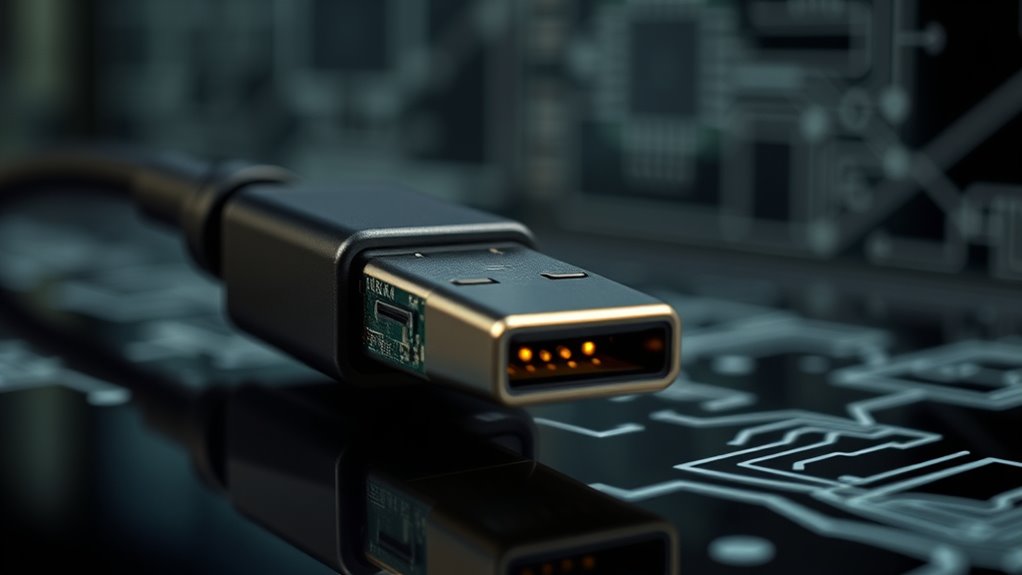
Cable specifications play a critical role in guaranteeing safe and reliable power delivery over USB. They define the maximum voltage, current, and power the cable can handle, preventing damage to devices and users. Certified cables include features like e-marker chips or internal ICs that communicate their capabilities during PD negotiations. This information guarantees devices only apply appropriate voltages and currents, avoiding unsupported levels that could cause overheating or failure. Additionally, cable standards specify insulation, conductor thickness, and connector quality to withstand higher power loads safely. Using cables with proper specifications guarantees compatibility with USB PD protocols and helps maintain system integrity. Without accurate specifications, devices may display errors like “This Accessory May Not Be Supported” or experience power delivery failures. Properly certified cables also often include integrated circuit components that facilitate communication between devices, ensuring safe charging and data transfer. Ensuring that cables meet industry standards can significantly reduce the risk of damage and improve overall device performance. The presence of quality assurance features further enhances reliability by verifying the cable’s compliance with safety regulations.
![INIU USB C to USB C Cable, 240W Fast Charging Type C Charger Cord, Braided USBC Cable for iPhone 17, Samsung S25, Laptop, MacBook, Switch, Photographers, Outdoor, Travel, [6.6ft+6.6ft Black]](https://m.media-amazon.com/images/I/41r3DXOHFvL._SL500_.jpg)
INIU USB C to USB C Cable, 240W Fast Charging Type C Charger Cord, Braided USBC Cable for iPhone 17, Samsung S25, Laptop, MacBook, Switch, Photographers, Outdoor, Travel, [6.6ft+6.6ft Black]
[From INIU—the SAFE Fast Charge Pro] Experience the safest charging with over 38 million global users. At INIU,…
As an affiliate, we earn on qualifying purchases.
As an affiliate, we earn on qualifying purchases.
How Cable ICs Enable Safe and Standardized Communication

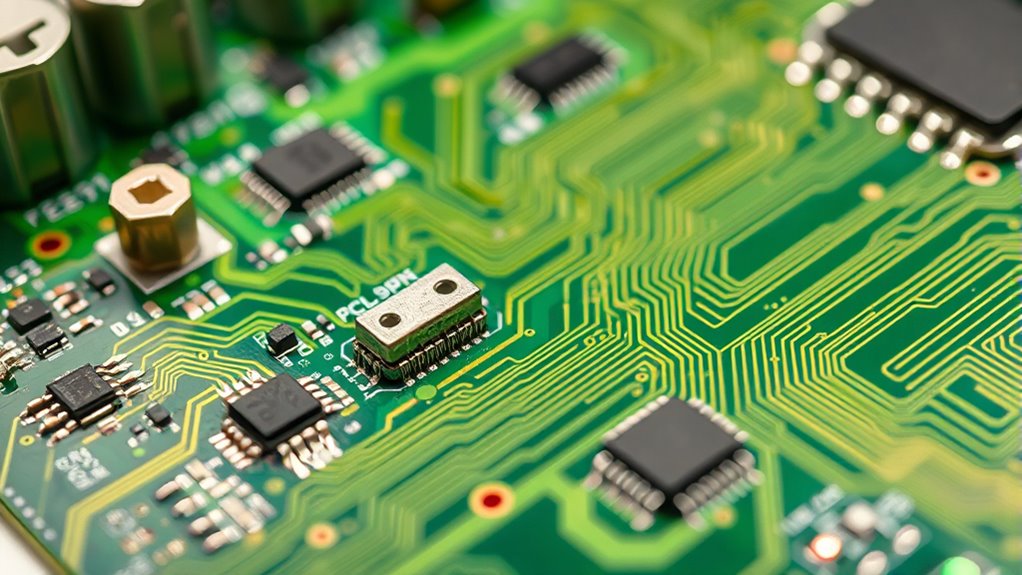
Cable ICs play a essential role in enabling safe and standardized communication between USB devices. They act as the gatekeepers that ensure devices correctly identify cable capabilities and enforce power rules. By communicating with host and source devices via the CC lines, cable ICs relay critical information such as current rating and supported voltages. This prevents devices from applying unsafe voltages or currents that could damage components or cause failures. Cable ICs also authenticate cables, confirming they meet USB specifications, which helps avoid errors like “This Accessory May Not Be Supported.” They ensure compliance by adhering to PD negotiation protocols, allowing devices to establish reliable power contracts. Additionally, dynamic communication exercises can improve the effectiveness of these protocols by fostering better understanding and coordination between devices. Proper implementation of cable certification ensures devices are protected against faulty or non-compliant cables, further enhancing safety and reliability. Ultimately, cable ICs promote safe, consistent power delivery and compatibility across a wide range of USB-C devices.

UGREEN Right Angle USB C to USB C Cable, 100W Type C 90 Degree Fast Charging Cable Compatible with iPhone 17/17 Air/17 Pro/16, MacBook Pro 2022, iPad Pro 2022, Dell XPS, Samsung Galaxy S25/S24, 3.3FT
100W Fast Power: The USB C to USB C fast charging cable charges 52% faster than a 60W…
As an affiliate, we earn on qualifying purchases.
As an affiliate, we earn on qualifying purchases.
Significance of E-Marker Chips in USB-C Cables
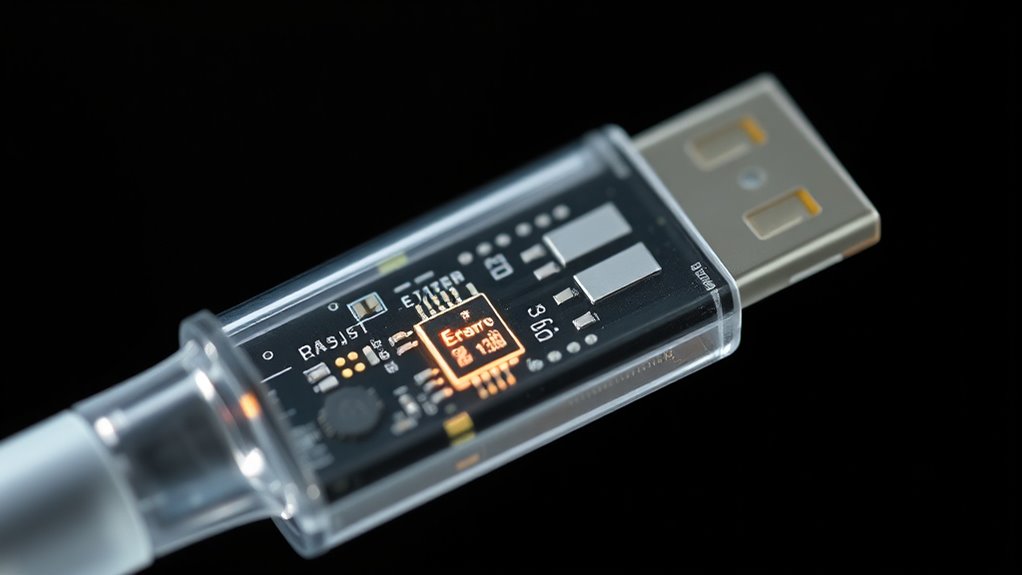
Why are e-marker chips essential in USB-C cables? E-marker chips provide critical information about a cable’s capabilities, such as maximum voltage, current, and power ratings. Without this data, devices can’t verify if the cable supports the required power delivery profiles, risking damage or failure. When you connect a high-power cable, the e-marker communicates its specifications during PD negotiation, ensuring safe and proper power transfer. It also helps prevent incompatible accessories from causing errors like “This Accessory May Not Be Supported.” E-marker chips enable compliance with USB-IF standards, allowing devices to recognize cables as certified and safe for fast charging or high-wattage applications. Proper cable identification ensures that devices can quickly determine compatibility and safe operation. Without them, your device might restrict power delivery or display warning messages, impairing performance and safety. Additionally, standardized communication protocols rely heavily on these chips to facilitate seamless interoperability between devices and accessories. As the industry evolves, the importance of reliable data exchange becomes even more critical for maintaining device safety and performance. Incorporating accurate chip data helps future-proof connections against evolving standards and increasing power demands.
Common Causes of “This Accessory May Not Be Supported” Messages
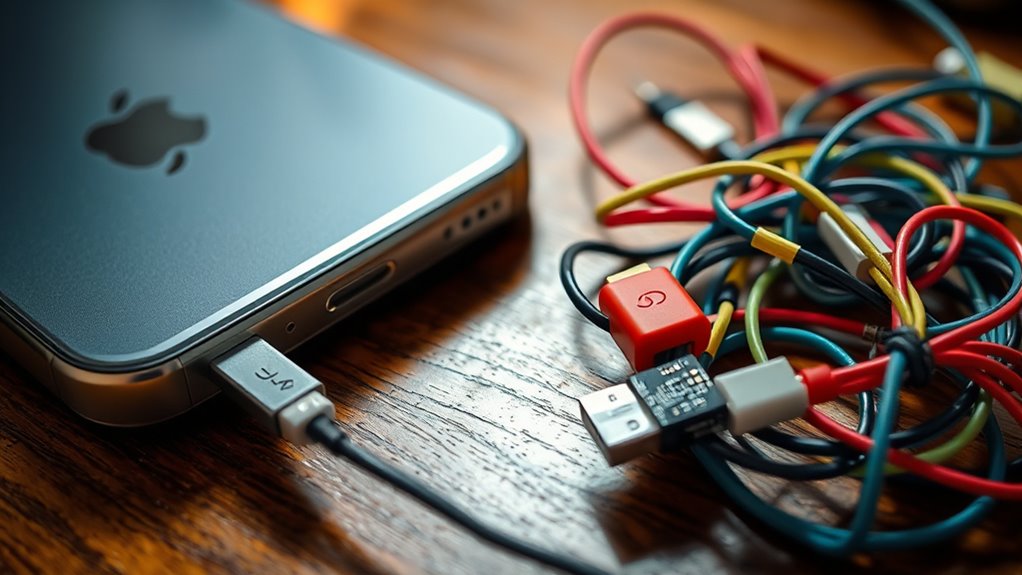
Have you ever seen the “This Accessory May Not Be Supported” message pop up when connecting a USB-C device? This often happens because of common issues with cables or negotiation errors.
- Using cables without proper e-marker or cable ICs, which report incorrect current ratings, causes recognition errors. Ensuring the use of certified cables can significantly reduce such problems.
- When an accessory needs higher voltage or current, but the cable or port limits the power or miscommunicates during negotiation, compatibility fails. Implementing standardized power delivery protocols can help mitigate these issues.
- Firmware or PD controller issues in your device or host can disrupt proper communication, preventing a valid power contract from forming. These problems may also be linked to device firmware updates that ensure compatibility.
- Ensuring proper general ledger coding can help track and troubleshoot these device issues more effectively within your organization. Additionally, choosing cables with the correct ICs and e-markers can facilitate proper power negotiation and device recognition.
The Impact of Non-Compliant Cables on Device Compatibility
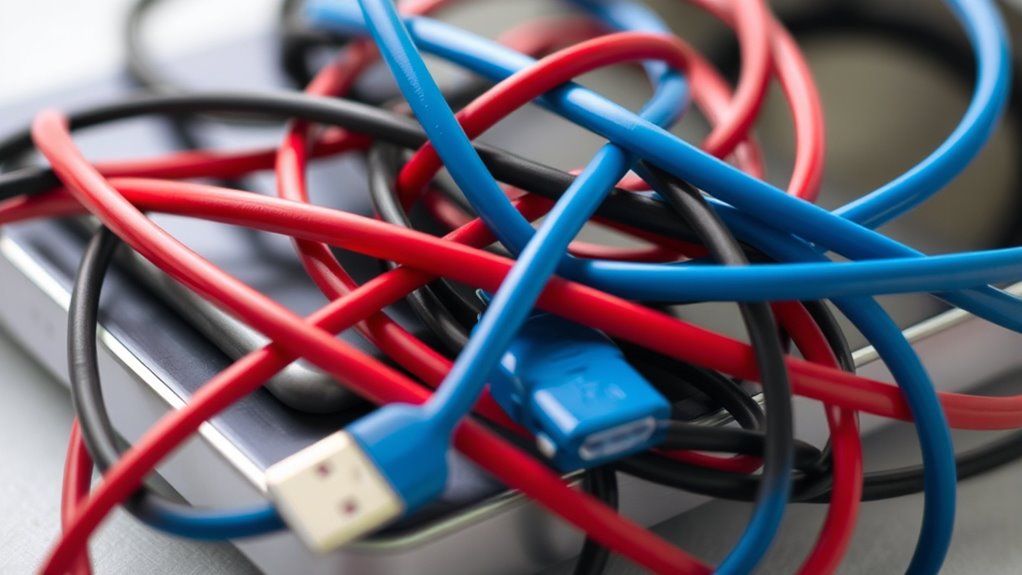
Non-compliant cables can substantially disrupt device compatibility by failing to adhere to USB Power Delivery standards and specifications. When cables lack proper e-marker chips or cable ICs, they often cannot accurately report their current and voltage capabilities. This misreporting prevents devices from establishing proper power negotiations, leading to failed connections and errors like “This Accessory May Not Be Supported.” Non-compliant cables may also carry higher voltages or currents than their design allows, risking damage to both the cable and connected devices. Additionally, poorly designed cables may not support necessary safety standards, increasing fire or failure risks. Without proper communication through the CC lines, devices can’t verify cable quality or power limits, resulting in incompatibility issues, unreliable charging, or even permanent device damage. Content ownership rights are also a contentious issue, as manufacturers and content creators debate the standards for proprietary information sharing. Furthermore, the lack of proper automation in quality checks can lead to an influx of substandard cables reaching consumers, exacerbating these compatibility problems. Moreover, the absence of proper ICs in some cables hampers the device’s ability to perform effective power negotiation and safety verification. Incorporating quality control processes can help ensure that cables meet essential standards before reaching consumers. Recognizing the importance of compliant design can significantly improve overall device safety and performance.
Diagnosing and Resolving Cable and Accessory Errors
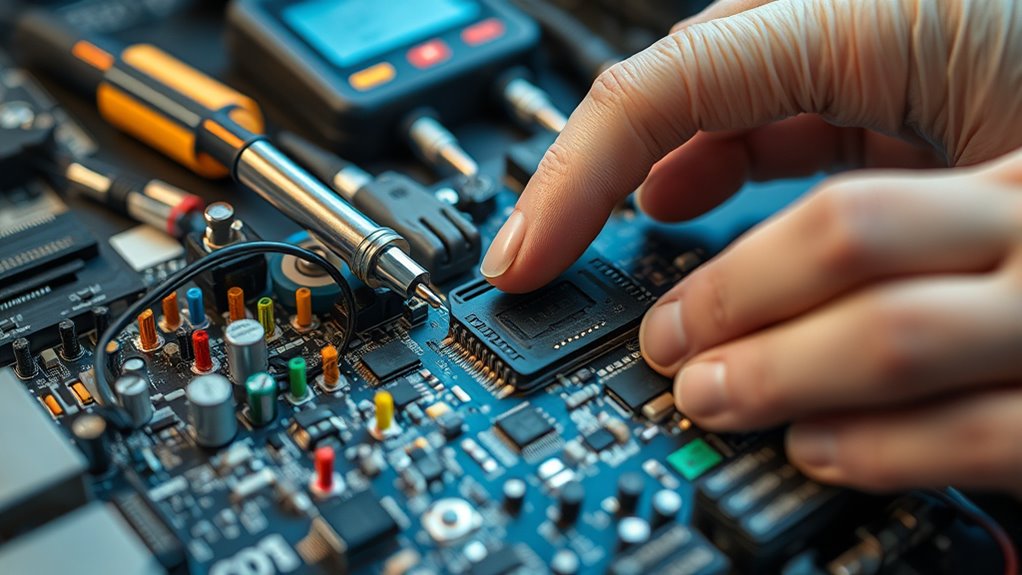
Diagnosing and resolving cable and accessory errors requires a systematic approach to identify the root cause of communication failures or compatibility issues. First, check if the cable has proper certification and an e-marker chip, ensuring it supports the needed power levels. Second, verify that the cable’s current and voltage ratings match your device’s requirements; incompatible ratings often trigger errors. Third, inspect the device and cable firmware or PD controller to ensure they handle PD communication correctly.
Here’s what to do:
- Test with a certified, compatible cable that supports your power needs.
- Replace damaged or non-compliant cables with USB-IF certified ones.
- Update device firmware and ensure the PD controller functions properly.
Best Practices for Choosing Certified USB-C Cables
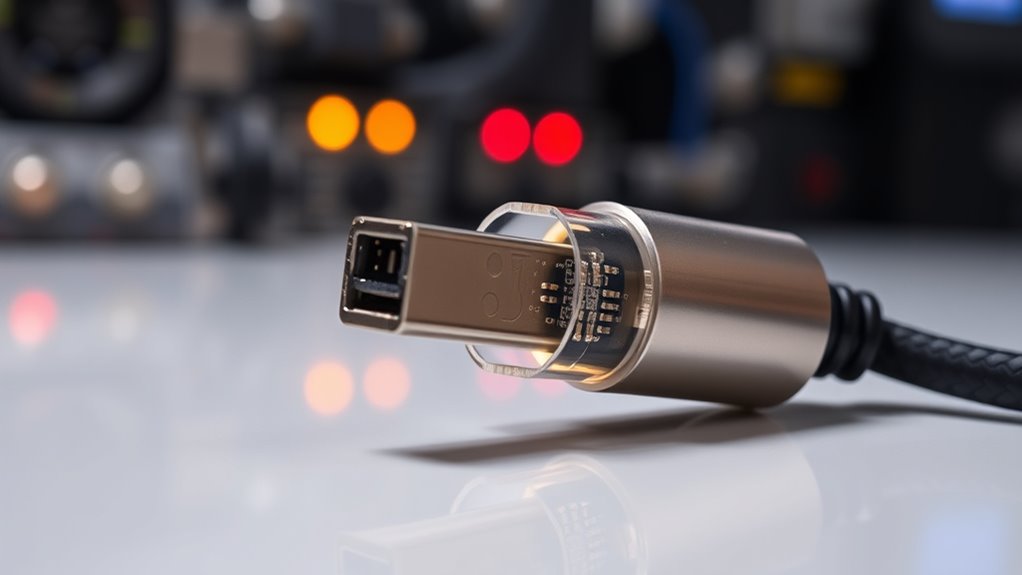
Choosing a certified USB-C cable requires careful consideration of its specifications and certifications to guarantee safe and reliable power delivery. Look for cables with proper certifications like USB-IF and an e-marker chip, which verify their ability to handle the intended power levels. Ensure the cable supports the required wattage for your device, whether 100 W or 240 W. Check the cable’s current rating—3A or 5A—and compatibility with your device’s voltage levels. Use the table below to compare key features:
| Feature | Certification | Max Power |
|---|---|---|
| Standard USB-C Cable | USB-IF, e-marker | 100 W (20 V/5 A) |
| High-Power Cable | USB-IF, e-marker | 240 W (48 V/5 A) |
| Non-Certified Cable | None | Risk of failure |
Firmware and Hardware Considerations for PD Communication

Your device’s firmware must accurately perform compatibility checks to ensure proper PD communication with cables and power sources. Hardware PD controllers handle the negotiation protocols, so their correct implementation is vital for safe and reliable power delivery. Proper communication protocol execution prevents errors and ensures devices negotiate voltage and current within certified limits. Additionally, understanding ethical hacking principles can help identify potential vulnerabilities in device security that could compromise PD communication. Recognizing trust issues within device connections can also aid in diagnosing communication failures and enhancing security measures.
Firmware Compatibility Checks
Have you ever wondered how firmware guarantees reliable USB PD communication between devices? It performs compatibility checks to verify proper negotiation and safe power delivery. These checks verify that both devices support the same voltage and current levels, preventing damage. To do this effectively, firmware:
- Validates the cable’s e-marker data and IC reports to confirm rated capabilities.
- Ensures the firmware version supports current PD protocols and power rules.
- Checks the cable and device firmware for compliance with safety standards and proper protocol implementation.
- Detect passive voice to improve clarity and readability in communication.
Hardware PD Controllers
Hardware PD controllers serve as the backbone of reliable USB Power Delivery communication, managing the exchange of power and data signals between devices. You rely on these controllers to handle the complex negotiation process, ensuring correct voltage and current levels are established safely. They interpret signals from cable ICs and device firmware, enforcing compliance with PD rules. Proper hardware design includes accurate voltage detection, current monitoring, and protection circuits to prevent overcurrent or overheating. High-quality controllers support multiple power profiles and dynamic adjustments, enabling flexible power delivery. When selecting a PD controller, consider its ability to handle various voltage rails and communicate seamlessly with other hardware components. Robust hardware controllers reduce errors, like unsupported accessory messages, by maintaining consistent and compliant power negotiations.
Communication Protocol Implementation
Implementing effective PD communication protocols requires careful coordination between firmware and hardware components to guarantee reliable power negotiation. You need precise hardware timing and robust firmware logic to handle PD messages correctly. Proper implementation ensures devices exchange capabilities, verify cable support, and agree on voltage and current levels seamlessly. To achieve this, focus on:
- Firmware Design: Develop firmware that accurately interprets PD messages, manages state transitions, and enforces power rules.
- Hardware Integration: Use hardware modules that support fast, reliable signaling on CC lines, ensuring proper detection of cable type and power capabilities.
- Compliance Testing: Regularly test communication protocols under various scenarios to identify and fix potential negotiation failures or compatibility issues.
This tight integration helps prevent errors like “This Accessory May Not Be Supported” and guarantees safe, efficient power delivery.
Ensuring Safety and Compliance in High-Power USB-C Setups
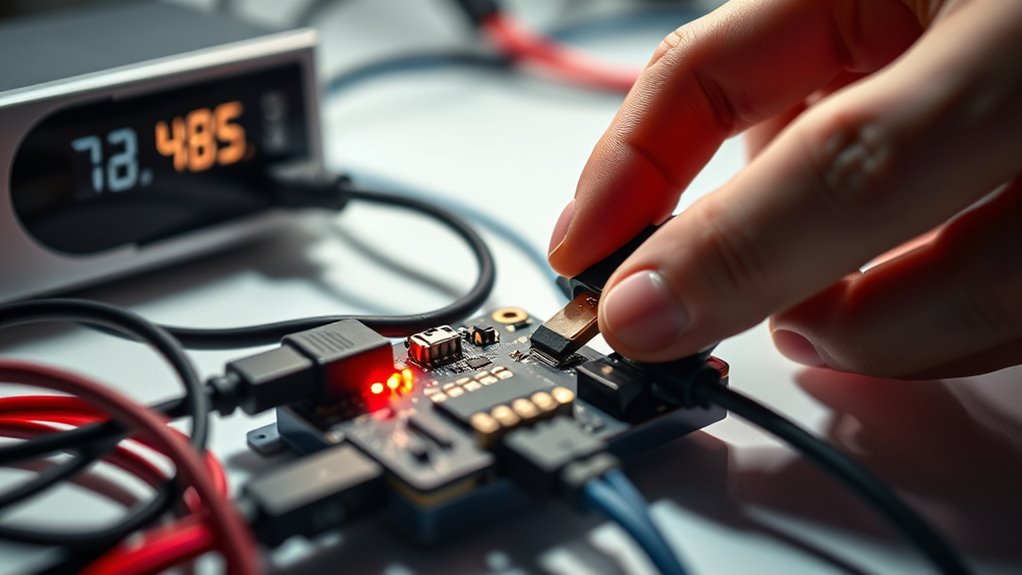
Ensuring safety and compliance in high-power USB-C setups requires strict adherence to international standards and careful design considerations. You must select cables rated for the power levels you intend to deliver, such as 100 W or even 240 W, and ensure they include proper cable ICs or e-marker chips. These components communicate device capabilities and enforce power limits, preventing overloads. Your system should support USB PD protocols that negotiate voltage and current correctly, avoiding mismatched power delivery. Always verify that your power sources and cables comply with safety standards like IEC/UL 60950, which limit voltage and current to safe levels. Regular firmware updates and using certified cables minimize risks of unsupported accessory messages and potential damage, assure reliable, safe high-power USB-C operation.
Frequently Asked Questions
How Do Cable ICS Determine the Maximum Current Rating of a USB-C Cable?
You can determine the maximum current rating of a USB-C cable through its integrated circuit (IC) by checking the communication over the CC lines during PD negotiation. The cable IC identifies itself by using an e-marker chip or resistor pull-ups that report its current capability, such as 3A or 5A. This info is then communicated to the host device, ensuring the power transfer adheres to the cable’s rated current, preventing overload.
What Are the Main Differences Between Passive and Active USB-C Cables Regarding PD Communication?
Passive USB-C cables don’t communicate their capabilities; they rely on resistor pull-ups or pull-downs on CC lines, which limits their power negotiation. Active cables, however, include Cable ICs that actively communicate with devices via CC lines, sharing info on current capacity and supported voltages. This communication guarantees proper power delivery, helps prevent damage, and allows higher power transfer, making active cables more compatible with PD protocols.
Can a Non-Certified Cable Cause Damage Even if It Provides the Required Power Levels?
Imagine you’re back in the days of dial-up internet—non-certified cables can still deliver power, but they might cause damage. Without proper certification, these cables may not meet safety standards and could deliver inconsistent or excessive voltage and current. This risks damaging your device’s internal components, overheating, or even causing short circuits. Always use certified cables to guarantee safe power delivery and avoid potential harm, just like reliable Wi-Fi keeps your connection stable.
How Does an E-Marker Chip Influence Device Recognition and Power Negotiation?
An e-marker chip influences device recognition and power negotiation by sharing detailed info about the cable’s capabilities, such as supported voltages, current ratings, and USB version. When connected, your device reads this data to determine if the cable meets safety and performance standards. This guarantees proper power delivery, prevents damage, and avoids errors like “This Accessory May Not Be Supported,” by enabling the device to negotiate compatible voltage and current levels safely.
What Steps Should I Take if I See “This Accessory May Not Be Supported” During Charging?
If you see “This accessory may not be supported,” don’t panic—take immediate action! First, unplug your cable and switch to a USB-IF certified one with a proper e-marker chip. Next, update your device’s firmware and verify your cable supports the required power ratings. If issues persist, try connecting a different certified cable or port. These steps will quickly restore safe, reliable charging and eliminate that frustrating message!
Conclusion
So, next time you see that pesky “this accessory may not be supported” message, remember it’s probably your device’s way of saying, “Are you sure about that cable?” Don’t ignore the warnings—trust certified cables and proper setup. Because nothing screams “fun” like frying your expensive gadget just to save a few bucks on questionable accessories. Play it safe, stay smart, and keep your tech happy—your wallet will thank you.