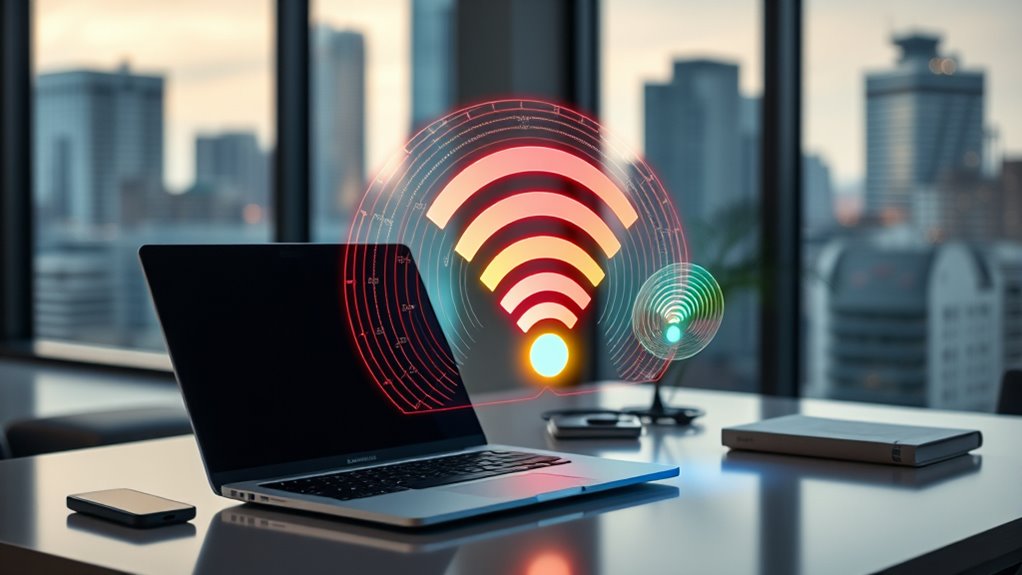

Choosing between 2.4 GHz, 5 GHz, and 6 GHz Wi-Fi depends on your needs. Use 2.4 GHz for wider coverage and better obstacle penetration with low-bandwidth tasks like browsing. Opt for 5 GHz when you require faster speeds for streaming or gaming, especially in less congested areas. Turn to 6 GHz for ultra-fast, low-latency connections in high-density environments. Understanding these differences helps you get the most out of your network — explore further to find out how each band works best for you.
Key Takeaways
- Use 2.4 GHz for broad coverage and penetrating walls, ideal for low-bandwidth tasks and legacy devices.
- Choose 5 GHz for higher speeds and less congestion, perfect for streaming, gaming, and bandwidth-intensive activities.
- Opt for 6 GHz in high-density environments demanding ultra-fast speeds and minimal interference, with compatible Wi-Fi 6E devices.
- Select the appropriate band based on device support, range needs, and interference levels to optimize network performance.
- Higher frequency bands offer faster speeds but shorter range, while lower frequencies provide better coverage at lower speeds.

TP-Link AXE5400 Tri-Band WiFi 6E Router (Archer AXE75), 2025 PCMag Editors' Choice, Gigabit Internet for Gaming & Streaming, New 6GHz Band, 160MHz, OneMesh, Quad-Core CPU, VPN & WPA3 Security
Tri-Band WiFi 6E Router – Up to 5400 Mbps WiFi for faster browsing, streaming, gaming and downloading, all…
As an affiliate, we earn on qualifying purchases.
As an affiliate, we earn on qualifying purchases.
Understanding Range and Penetration Capabilities
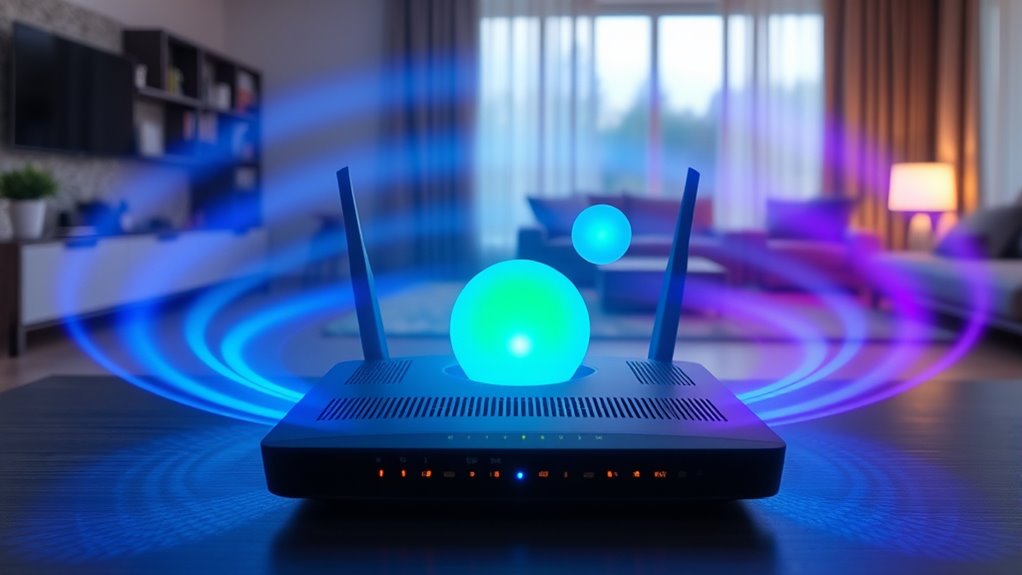
Have you ever wondered why some Wi-Fi signals reach every corner of your home while others struggle to penetrate walls? It all comes down to frequency. The 2.4 GHz band offers longer range and better penetration because lower frequencies travel farther and pass through obstacles more easily. You’ll notice it covers larger areas, even behind thick walls. In contrast, the 5 GHz band has a shorter range and weaker wall penetration due to higher frequencies losing strength faster over distance. The 6 GHz band, being the newest, provides even less coverage because of its higher frequency but benefits from less interference. So, if you need wide coverage and solid wall penetration, 2.4 GHz is your best choice. For shorter, high-speed connections, higher bands work better but with limited range. Understanding frequency properties helps clarify why each band performs differently in various environments.

TP-Link AC1200 WiFi Extender, 2023 Engadget Best Budget Pick, 1.2Gbps Signal Booster for Home, Dual Band 5GHz/2.4GHz, Covers Up to 1500 Sq.ft and 30 Devices,Support Onemesh, One Ethernet Port (RE315)
𝐒𝐭𝐫𝐨𝐧𝐠𝐞𝐫 𝐖𝐢-𝐅𝐢 𝐢𝐧 𝐄𝐯𝐞𝐫𝐲 𝐂𝐨𝐫𝐧𝐞𝐫 – Enjoy extended coverage with strong performance powered by Adaptive Path Selection and…
As an affiliate, we earn on qualifying purchases.
As an affiliate, we earn on qualifying purchases.
Comparing Speed and Bandwidth Potential

As you move from considering Wi-Fi coverage to evaluating speed, it’s clear that higher frequency bands deliver faster data transfer rates. The 2.4 GHz band maxes out around 100 Mbps under ideal conditions, while 5 GHz can reach up to 1 Gbps, thanks to wider channels and less congestion. The 6 GHz band offers the highest potential, with speeds exceeding 2 Gbps due to its broader spectrum and modern technology like Wi-Fi 6E. Keep in mind, real-world speeds depend on interference, channel width, and device capabilities. Higher frequencies provide faster throughput but often at the expense of range. If you need ultra-fast speeds for streaming or gaming, 5 GHz and 6 GHz outperform 2.4 GHz, especially in less congested environments.

TP-Link AC600 USB WiFi Adapter for PC (Archer T2U Plus)- Wireless Network Adapter for Desktop with 2.4GHz, 5GHz High Gain Dual Band 5dBi Antenna, Supports Win11/10/8.1/8/7/XP, Mac OS 10.9-10.14, Black
𝐋𝐨𝐧𝐠 𝐑𝐚𝐧𝐠𝐞 𝐀𝐝𝐚𝐩𝐭𝐞𝐫 – This compact USB Wi-Fi adapter provides long-range and lag-free connections wherever you are. Upgrade…
As an affiliate, we earn on qualifying purchases.
As an affiliate, we earn on qualifying purchases.
Navigating Interference and Network Congestion
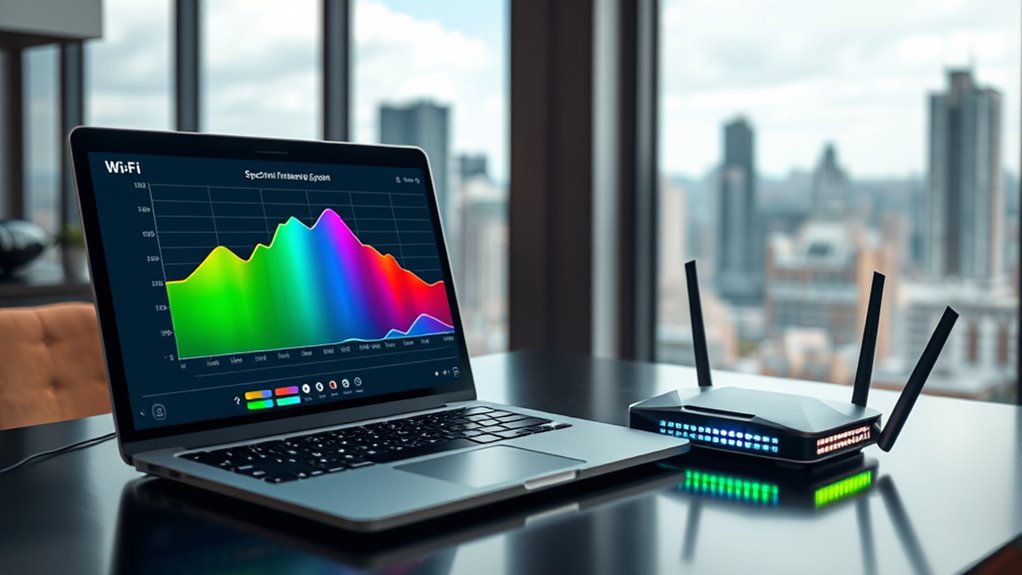
Navigating interference and network congestion requires understanding how each Wi-Fi band interacts with other devices and networks. The 2.4 GHz band is crowded because many household gadgets—like Bluetooth devices, microwaves, and cordless phones—share the same spectrum, causing interference that slows your connection. To reduce this, select channels 1, 6, or 11, which minimize overlap. The 5 GHz band experiences less congestion, thanks to more non-overlapping channels and fewer competing networks, offering more reliable performance in dense environments. The 6 GHz band has the least interference because it’s newer and less populated, making it ideal for high-speed, low-latency needs. Properly configuring your router’s channels and understanding device compatibility helps you navigate congestion and optimize your network’s performance.
TP-Link AXE5400 Tri-Band WiFi 6E Router (Archer AXE75), 2025 PCMag Editors' Choice, Gigabit Internet for Gaming & Streaming, New 6GHz Band, 160MHz, OneMesh, Quad-Core CPU, VPN & WPA3 Security
Tri-Band WiFi 6E Router – Up to 5400 Mbps WiFi for faster browsing, streaming, gaming and downloading, all…
As an affiliate, we earn on qualifying purchases.
As an affiliate, we earn on qualifying purchases.
Compatibility and Device Support Considerations
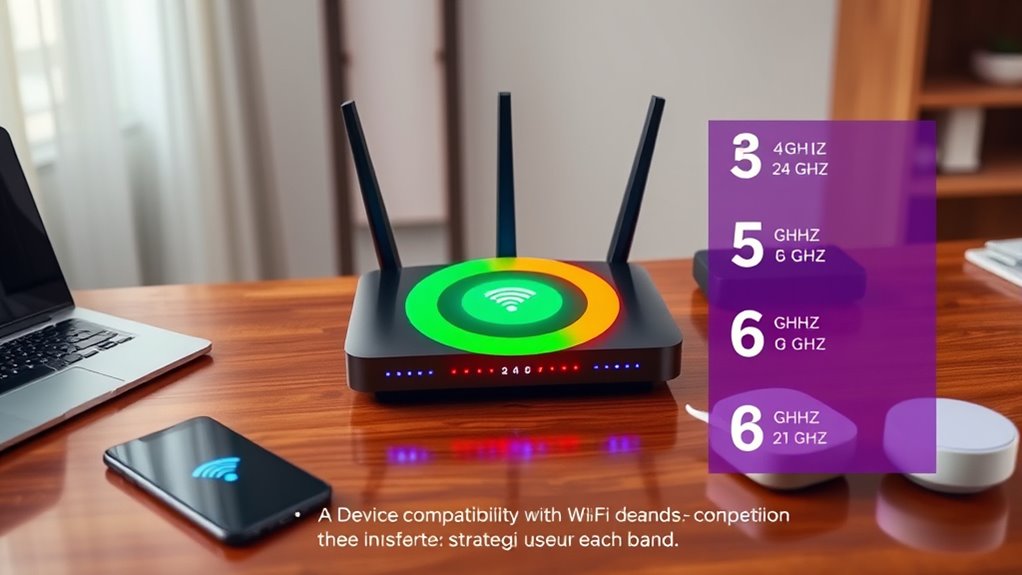
Device compatibility considerably influences which Wi-Fi bands you can effectively use. Older devices often only support 2.4 GHz, making it essential if you have legacy gadgets like printers or basic IoT devices. Modern smartphones, laptops, and smart home gear usually support both 2.4 and 5 GHz, allowing you to choose higher speeds when needed. However, support for the 6 GHz band, introduced with Wi-Fi 6E, requires newer devices with compatible chipsets, and most older gadgets won’t connect. Compatibility limits can restrict your options, so evaluating your device support is vital before upgrading your network or choosing specific bands. Understanding device support is key to optimizing your Wi-Fi experience and ensuring compatibility with current standards. Additionally, device compatibility often depends on firmware updates that can sometimes add support for newer Wi-Fi bands, so keeping firmware current can expand your device’s connectivity options.
Optimal Use Cases for Each Frequency Band
Each Wi-Fi band excels in different scenarios based on its strengths and limitations. Use the 2.4 GHz band when you need wide coverage, especially for large areas or devices behind walls, like smart home gadgets or older devices that only support this frequency. It’s ideal for low-bandwidth tasks such as browsing or checking emails. The 5 GHz band is best for high-speed activities like streaming HD videos, online gaming, or video conferencing, where proximity to the router isn’t an issue. It’s less congested and offers faster throughput. The 6 GHz band suits environments demanding ultra-fast speeds, minimal latency, and high-density device environments, especially with compatible devices. It’s perfect for future-proofing setups and applications requiring the highest performance, like virtual reality or large data transfers. Additionally, selecting the appropriate band can help optimize network efficiency and reduce interference in busy environments. Incorporating the latest Wi-Fi standards can further enhance performance and security. Considering device compatibility is also essential to maximize the benefits of each band and ensure seamless connectivity across your network.
Frequently Asked Questions
Can Older Devices Connect to 6 GHZ Wi-Fi Networks?
You can’t connect older devices to 6 GHz Wi-Fi networks because they lack the necessary hardware support. Less than 50% of devices released before 2020 support Wi-Fi 6E, which operates on 6 GHz. If you want to use 6 GHz, you’ll need newer devices with compatible chipsets. So, if your older devices are essential, stick to 2.4 or 5 GHz networks for seamless connectivity.
How Do I Manually Select the Best Channel on My Wi-Fi Router?
To manually select the best channel on your Wi-Fi router, log into your router’s admin panel through a web browser. Navigate to wireless settings or advanced options, then look for channel selection. Use tools like Wi-Fi Analyzer apps to scan for less congested channels in your area. Choose a channel with minimal interference, typically 1, 6, or 11 for 2.4 GHz, and save your settings to optimize performance.
Is It Safe to Use Multiple Wi-Fi Bands Simultaneously?
Ever wonder if using multiple Wi-Fi bands at once is risky? It’s perfectly safe and actually beneficial. When you connect your devices to different bands like 2.4 GHz and 5 GHz, you reduce congestion, improve speeds, and enhance overall network stability. Your router manages this seamlessly, so you don’t have to worry about security. Just make certain your devices support multiple bands, and you’ll enjoy a faster, more reliable connection across your home.
Do All Smart Home Devices Support 5 GHZ Connectivity?
Most smart home devices only support 2.4 GHz connectivity, so you’ll often find them unable to connect to 5 GHz networks. While newer devices do support 5 GHz, many older or budget-friendly options don’t. To guarantee all your devices stay connected, use a dual-band router that broadcasts both 2.4 GHz and 5 GHz signals. This way, your smart home remains fully functional, regardless of each device’s supported band.
How Does Weather or Environmental Interference Affect Each Band’s Performance?
Did you know that environmental interference can reduce Wi-Fi signals by up to 50%? Weather and obstacles impact each band differently. You’ll find 2.4 GHz more resilient in bad weather, thanks to its longer range and better obstacle penetration. Meanwhile, 5 GHz and 6 GHz are more sensitive to rain, snow, and walls, which weaken their signals faster. So, weather conditions can markedly affect your Wi-Fi performance, especially on higher-frequency bands.
Conclusion
So, next time you’re choosing between 2.4, 5, or 6 GHz, remember you’re basically picking your Wi-Fi superhero. Will it be the trusty 2.4 GHz, sneaking through walls like a stealthy ninja? Or the blazing 6 GHz, zooming past everyone at a sci-fi speed? Pick wisely, or you might end up stuck in Wi-Fi purgatory, wishing your signal had the power of a superhero cape. Choose your band, save your sanity!