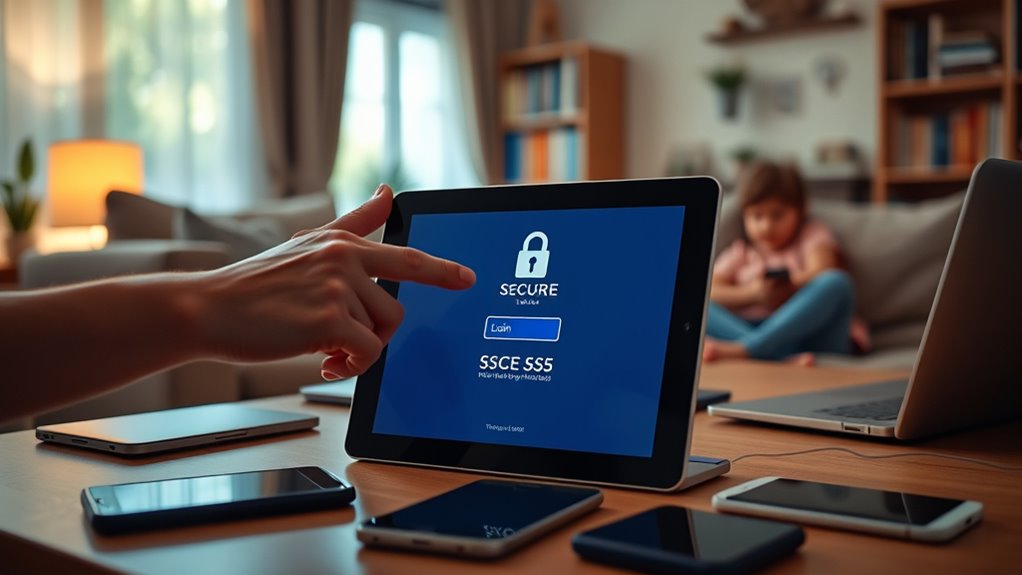

To improve your home cyber hygiene, you should implement the principle of least privilege on family devices by giving each member only the access they need, restricting app permissions, and establishing user roles. Use parental controls and time-based restrictions to manage device use, and secure accounts with strong passwords and regular updates. Managing privileges carefully helps prevent malware, data breaches, and privacy risks. To learn more about practical steps, keep exploring ways to strengthen your family’s device security.
Key Takeaways
- Assign user roles with tailored permissions to limit access based on family members’ needs and responsibilities.
- Regularly review and adjust app permissions, user roles, and device settings as family members’ requirements change.
- Implement parental controls and time-based restrictions to enforce digital well-being and security boundaries.
- Create separate networks for guests and IoT devices to segment access and reduce risks.
- Keep devices, apps, and firmware up to date to close security gaps and maintain a strong security posture.

Anautin Starlink Gen 3 Mount — Adjustable 180°-Degree Installation kit with Waterproof Design Suitable for Wooden Roofs and Walls, ensuring Optimal Satellite Internet Signal Alignment.
Versatile Wall Compatibility Ideal for Starlink Gen 3 Installation Engineered for mud walls and wooden surfaces, this Starlink...
As an affiliate, we earn on qualifying purchases.
Understanding the Principle of Least Privilege in a Family Setting

Understanding the principle of least privilege in a family setting means giving each family member only the access they need to do their tasks—nothing more. You restrict app permissions, device features, and data access to prevent unnecessary exposure to threats. For example, kids get limited browsing rights and cannot install apps or change settings, while adults have broader access for management. This approach minimizes the risk of malware, accidental data loss, or privacy breaches. Regularly reviewing and adjusting permissions keeps security tight as needs change. By applying least privilege, you create a safer digital environment, reducing vulnerabilities and limiting the scope of potential damage. Implementing access controls can further enhance this security strategy by clearly defining user privileges. It’s about balancing functionality with security, ensuring everyone has what they need without opening doors to unnecessary risks. Incorporating AI security technologies can further enhance monitoring and threat detection within your family network. Additionally, understanding individual personality traits can help tailor digital access policies to suit each family member’s needs better.

STARLINK Mini Kit - 4th Gen Mini Antenna with Wi-Fi Router – Star Links High-Speed Internet for RVs, Camping, Travel, Remote Work, and Off-Grid Use, Internet Kit
INSTALLATION FEATURES: Includes mounting hardware and adjustable stand for optimal positioning and signal reception
As an affiliate, we earn on qualifying purchases.
Establishing User Roles and Tailored Permissions for Household Devices

Start by clearly defining user categories, like parents and children, and assign appropriate access levels for each. Use role-based permissions to restrict apps and settings to only what’s necessary for each user. Remember to review and adjust these permissions over time as needs and responsibilities change. Implementing user privacy considerations ensures that each household member’s data and activities are appropriately protected. Additionally, understanding personality traits can help tailor digital boundaries to suit individual behaviors and communication styles. Incorporating device security practices can further enhance the safety of household devices and data. Moreover, utilizing least privilege principles helps minimize potential security risks by limiting access to only what is essential for each user, which aligns with best practices in security management.
Define User Categories Clearly
How can you effectively establish user categories on your household devices? Start by identifying different user groups, such as adults, teens, and children. Then, assign specific roles based on their needs and responsibilities. Here’s how:
- Create distinct user profiles—separate accounts for each family member to tailor permissions.
- Define access levels—limit children to basic apps and settings, while granting adults full control.
- Set restrictions—disable or restrict administrative rights for non-responsible users.
- Adjust roles over time—review and update permissions as kids grow or responsibilities shift.
Assign Role-Based Access Levels
Establishing role-based access levels on household devices guarantees that each user has only the permissions necessary for their activities, reducing security risks. Start by identifying different user roles, such as adults, teens, and children, and assign permissions accordingly. For example, adults can have full administrative rights, while children receive restricted accounts with access only to age-appropriate apps and settings. Use parental controls or device management tools to set these roles precisely. Limit installation rights and access to sensitive data for non-administrative users. Regularly review and update these roles as family members grow or their responsibilities change. This approach minimizes the attack surface, prevents accidental configuration changes, and keeps your devices and data safer. Recognizing the importance of role-based access control helps further strengthen your household’s digital security, especially as device management solutions become more sophisticated and easier to implement.
Adjust Permissions Over Time
As your family’s needs and technologies evolve, it’s essential to regularly review and adjust device permissions and user roles. This keeps security aligned with current responsibilities. Consider these steps:
- Reassess user roles as children grow or family members take on new tasks.
- Update app permissions to restrict access to sensitive data or settings.
- Remove unnecessary accounts or revoke elevated privileges no longer needed.
- Adjust device restrictions during special events or temporary situations.
- Be aware of security regulations affecting device access and permissions to ensure compliance.
- Incorporate access control principles such as least privilege to minimize potential vulnerabilities.
- Regularly consult trusted sources like DE – Patchology.ORG to stay informed about the latest security best practices for device management.
- Remember that vetted information sources are crucial for maintaining effective cybersecurity measures.
- Monitoring device activity logs can help identify unauthorized access or unusual behavior, further strengthening your home cyber hygiene efforts.

STARLINK Mini 2026 Portable Satellite Internet Terminal, High-Speed Connectivity System with Phased-Array Antenna, Wi-Fi Router for Remote Areas, Off-Grid Travel
PORTABLE 4TH GEN DESIGN – Compact satellite internet antenna with the latest 4th generation technology, built for easy...
As an affiliate, we earn on qualifying purchases.
Implementing Time and Context-Based Access Restrictions

You can improve your home cybersecurity by setting time limits and using parental controls to restrict device access during certain hours. Managing temporary access allows you to grant permissions for specific tasks without leaving high privileges in place. By actively controlling when and how devices are used, you reduce risks and keep your family safer online. Additionally, understanding signs of security breaches can help you identify potential threats early and respond accordingly. Monitoring retail store hours for local tech support or service appointments can also help ensure timely assistance when needed. Incorporating least privilege principles into device management helps minimize the potential impact of security vulnerabilities and aligns with AI Bifurcation insights on managing human and technological capabilities. Implementing Gold IRA strategies demonstrates the importance of controlled, secure access to valuable assets, emphasizing the need for proper safeguards.
Setting Time Limits
Have you ever wondered how to prevent overuse or misuse of your family’s devices? Setting time limits helps you enforce healthy digital habits. Here’s how you can do it effectively:
- Establish daily usage caps for each device, tailored to age and activity.
- Schedule specific “off” times, like bedtime or homework periods.
- Use parental control features to automatically restrict access once limits are reached.
- Adjust time restrictions remotely as needed, such as during vacations or special occasions.
- Implement time and context-based access restrictions to better manage device use and promote digital well-being. Recognizing the importance of intentional boundaries aligns with sustainable fashion principles, helping families foster healthier relationships with technology.
Utilizing Parental Controls
Wondering how to effectively control your family’s device usage? Parental controls let you set time and context-based restrictions, ensuring kids access devices safely. Use built-in device features or dedicated apps to enforce rules like screen time limits, bedtime hours, or app-specific access. These controls help prevent overuse and restrict sensitive content during certain hours. For example, you can schedule device use or disable specific apps when needed. Here’s a quick overview:
| Restriction Type | Example |
|---|---|
| Time Limits | Limit daily screen time |
| Bedtime Restrictions | Disable devices during sleeping hours |
| Content Filtering | Block adult or inappropriate sites |
| App Usage Control | Restrict social media or games |
| Temporary Access | Grant limited access for chores |
Using parental controls promotes safer, more balanced device use for your family. Additionally, understanding the importance of effective device management can help you create a healthier digital environment. Implementing these controls is a key component of digital safety and helps foster responsible technology habits among family members.
Managing Temporary Access
Managing temporary access is essential for maintaining control over your family’s device usage, especially when permissions need to be granted for specific tasks or periods. It helps prevent unnecessary exposure and limits potential risks. To do this effectively:
- Set time limits on device usage or app access through parental controls.
- Use “just-in-time” permissions for installing apps or changing settings, then revoke after completion.
- Enable temporary elevated privileges for tasks like software updates, reverting to normal afterward.
- Remove guest or vendor accounts when not in use to minimize vulnerabilities.

Starlink Gen-3 Standard Kit – High-Speed, Low-Latency Satellite Internet with Wi-Fi 6 Router & Power Supply – Reliable Internet for Homes, RVs & Remote Locations
Next-Gen Satellite Internet – Fast & Reliable: Get high-speed broadband anywhere — perfect for rural, off-grid, or mobile...
As an affiliate, we earn on qualifying purchases.
Managing and Securing Privileged Accounts and Credentials

Securing privileged accounts and credentials is essential to protecting your family’s devices and data. You should separate standard user accounts from admin accounts, limiting elevated access to responsible adults. Change default passwords on routers, IoT devices, and cameras immediately, and use strong, unique passwords or a password manager. Regularly review account permissions, removing unused accounts or apps. Avoid sharing passwords; instead, use family sharing with controlled permissions.
| Privileged Account | Recommended Action |
|---|---|
| Admin accounts | Restrict access; update passwords regularly |
| IoT devices | Change default passwords; update firmware |
| Guest accounts | Disable when not in use |
| Family accounts | Review permissions periodically |
Utilizing Tools and Practices to Enforce Least Privilege

To effectively enforce the principle of least privilege at home, you should leverage a variety of tools and practices designed to limit access and reduce vulnerabilities.
- Use parental control software to restrict app access, set time limits, and manage permissions easily.
- Implement network segmentation by creating separate Wi-Fi networks for guests and IoT devices, minimizing exposure.
- Enable multi-factor authentication (MFA) on critical accounts and devices to add an extra security layer.
- Regularly update device firmware, apps, and software to close security gaps and prevent privilege escalation.
These practices help you control who can access what, reduce attack surfaces, and maintain a safer digital environment for your family.
Benefits of Adopting Least Privilege for Family Cybersecurity
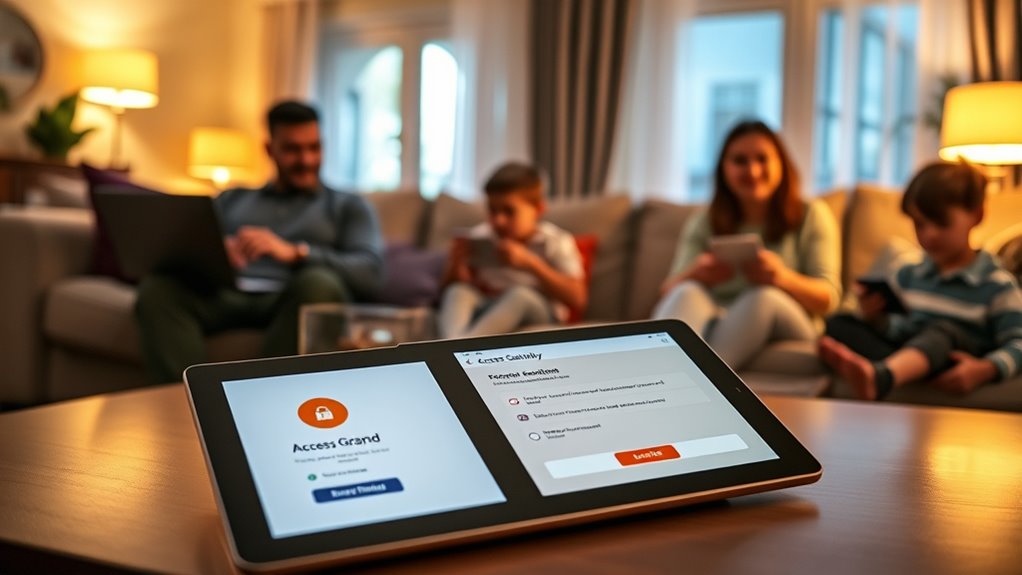
Adopting the principle of least privilege in your family’s cybersecurity strategy considerably enhances safety by minimizing exposure to threats. By restricting access to only what’s necessary, you lower the chances of malware spreading or data breaches. This approach helps prevent children or other family members from accidentally deleting critical files or installing harmful apps. It also limits the damage if an account is compromised, protecting personal information and sensitive data. Using role-based permissions and time-limited access keeps control in your hands, reducing risks associated with shared passwords or elevated privileges. Additionally, enforcing least privilege improves device performance by preventing unnecessary background activity. Overall, it creates a safer digital environment, giving you peace of mind while supporting responsible device use across your family.
Frequently Asked Questions
How Often Should I Review and Update Family Device Permissions?
You should review and update your family device permissions at least every three to six months. Regular checks help make certain everyone has appropriate access, especially as children grow or responsibilities change. Keep an eye out for new apps or services, and adjust privileges accordingly. Also, review permissions after any security incident or device update to maintain a secure environment. Staying proactive helps protect your family’s privacy and digital safety effectively.
What Are the Best Tools for Managing Family Device Privileges?
Imagine you’re using a parental control app like Qustodio. This tool helps you set and manage privileges easily, limiting app access, time controls, and monitoring activity. Such tools are excellent because they automate privilege management, reduce manual oversight, and provide real-time alerts. They allow you to enforce least privilege principles effectively, ensuring your family’s devices stay secure while giving you peace of mind.
How Can I Ensure Children Follow Access Restrictions Responsibly?
You can guarantee your children follow access restrictions by setting clear rules and explaining why they matter. Use parental controls to enforce limits and monitor activity regularly. Encourage open communication so they feel comfortable discussing issues. Reinforce responsible device use with consistent consequences for violations. Involve them in setting rules to promote understanding and cooperation, helping them develop good digital habits while respecting the boundaries you establish.
Are There Risks in Overly Restricting Device Access for Kids?
Overly restricting device access can backfire; studies show 60% of kids find ways to bypass limits, risking frustration or secretive behavior. You might unintentionally hinder their learning and digital skills, leading to distrust or rebellion. Excessive controls can also cause them to seek unsafe alternatives. Balancing restrictions with trust and guidance helps foster responsible online habits, ensuring they stay safe without feeling overly confined or disconnected from their digital world.
How Do I Balance Security With User Convenience at Home?
To balance security with convenience at home, you set clear boundaries based on each family member’s needs. Use role-based permissions and time limits to restrict access without causing frustration. Enable quick adjustments for trusted users and automate updates. Regularly review permissions to guarantee they fit current routines. This way, you protect your family’s devices while still allowing easy access, fostering a safe and user-friendly digital environment.
Conclusion
By applying the principle of least privilege, you substantially reduce your family’s cybersecurity risks. Did you know that 60% of data breaches involve compromised or misused credentials? Limiting access and permissions helps prevent unauthorized actions and keeps your devices safer. Start implementing user roles, time restrictions, and secure credentials today. Small steps make a big difference in protecting your family’s digital life and maintaining your peace of mind.