To fix GPS drift on your phone, start by calibrating your sensors with a quick figure-eight movement or through device settings. Keep your software updated and enable high-accuracy location modes to enhance signals. Clear your location cache to prevent glitches, and verify you’re in an environment with good satellite reception. Using newer devices or hardware enhancements can also help. If you want to improve your GPS even more, detailed tips are just a step away.
Key Takeaways
- Perform a quick calibration by moving your phone in a figure-eight pattern within the compass app.
- Enable high-accuracy location mode and keep device software updated for better sensor performance.
- Recalibrate sensors regularly using built-in calibration tools or settings.
- Clear location services cache to eliminate glitches causing GPS drift.
- Use devices with multi-constellation support (GPS, GLONASS, Galileo, BeiDou) for enhanced accuracy.
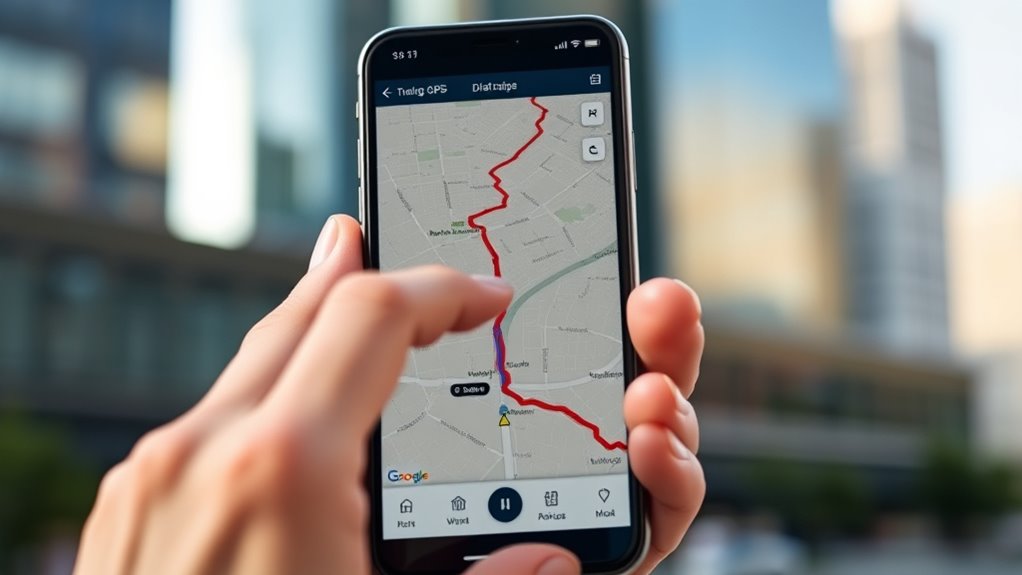
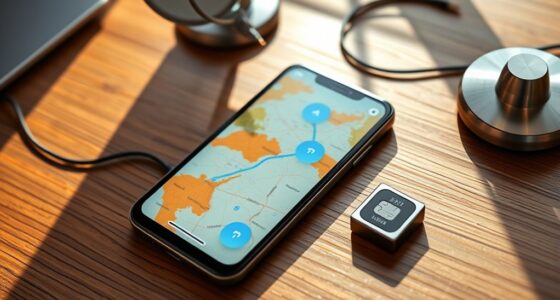
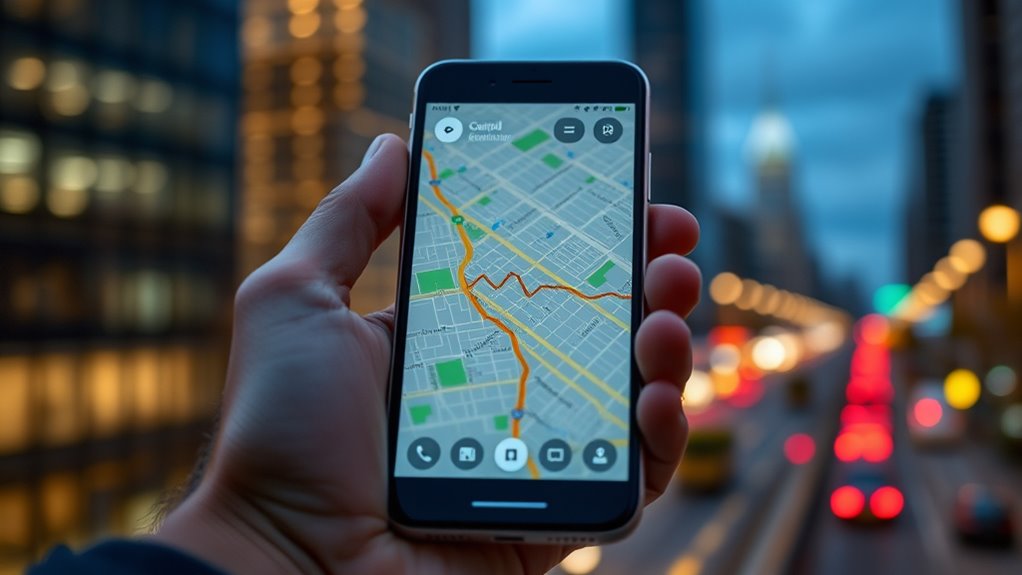
Are you noticing your phone’s GPS keeps jumping around or providing inaccurate location data? If so, you’re probably frustrated trying to navigate or find nearby places. The good news is that there are ways to improve your GPS accuracy, and understanding calibration techniques can make a big difference. Your phone’s GPS relies on signals from satellites, but various factors can interfere with these signals, causing drift. Calibration techniques involve resetting or adjusting your device’s internal sensors and software to better interpret satellite data. For example, performing a quick calibration by opening your compass app and moving your phone in a figure-eight pattern can help realign the sensors. Many smartphones also have built-in calibration tools that you can access through settings, which guide you through steps to recalibrate your GPS and compass. Regularly updating your device’s software can also improve calibration processes, as manufacturers often release patches that enhance GPS performance. Modern phones now include multiple GNSS (Global Navigation Satellite System) chips, supporting not just GPS but also GLONASS, Galileo, and BeiDou satellites. This multi-constellation support offers more satellite connections, resulting in better positioning accuracy. If your device is older or has limited hardware, upgrading to a newer model with advanced hardware improvements can notably reduce GPS errors. Some newer phones incorporate dual-frequency GPS, which uses two different signals to improve precision and minimize interference from environmental factors like tall buildings or dense urban areas. Additionally, hardware enhancements like improved antenna designs and more sensitive receiver components help your phone lock onto satellites faster and stay connected more reliably. To further improve your GPS, consider enabling high-accuracy location mode in your settings, which leverages Wi-Fi, Bluetooth, and cellular data alongside satellite signals. This hybrid approach compensates for satellite signal weaknesses and provides more consistent results. Clearing your device’s cache related to location services can also eliminate minor glitches that might cause drift. It’s also beneficial to understand that noise reduction technology in modern heat pumps contributes to more reliable data transmission, similar to how your device’s hardware improvements can enhance GPS accuracy. Keep in mind that environmental factors, like dense urban landscapes or tunnels, can still impact GPS accuracy despite hardware and calibration efforts. In such cases, patience is key, and waiting for better signal conditions often yields the most precise data.
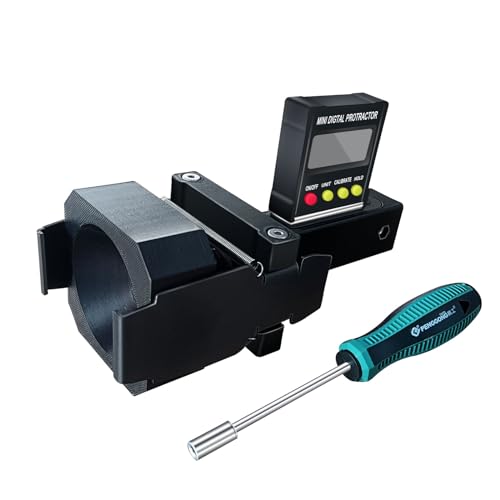
ADAS Calibration Dynamic ACC Positioning Tool for Eyeball Unit, Angso-auto Angle Leveling Tool Accessory for Auto
The ANGSO-AUTO leveling tool is designed to be powered by 2* AAA 1.5 V batteries (Please note that…
As an affiliate, we earn on qualifying purchases.
As an affiliate, we earn on qualifying purchases.
Frequently Asked Questions
Does GPS Drift Affect All Smartphone Models Equally?
GPS drift doesn’t affect all smartphone models equally. It depends on hardware calibration quality and how well the device manages signal interference. Some phones have advanced sensors and better calibration, reducing drift issues, while others are more susceptible. Environmental factors, like tall buildings or dense forests, also impact signal strength. To improve accuracy, make sure your device’s GPS hardware is calibrated properly and avoid areas with strong signal interference whenever possible.
Can Third-Party Apps Help Reduce GPS Drift?
They say “a problem shared is a problem halved,” and third-party apps can indeed help reduce GPS drift. These apps assist with GPS calibration, improving location accuracy by resetting or enhancing your phone’s GPS signals. While they might not eliminate drift entirely, they often provide noticeable improvements. Just make certain you choose reputable apps, as better calibration can make your navigation more precise and reliable during your travels.
Is GPS Drift More Common Indoors or Outdoors?
GPS drift is more common indoors because signal interference from walls and furniture weakens satellite signals. When you use indoor navigation, your phone struggles to pinpoint your exact location, leading to drift. Outdoors, signals are stronger and clearer, so your GPS stays more accurate. To reduce drift indoors, try moving closer to windows or open areas to improve signal reception and minimize interference.
How Long Does It Take to Fix GPS Drift?
It usually takes a few minutes to fix GPS drift once you update your software or restart your device. If hardware issues are causing the problem, it might take longer, possibly requiring repairs. Make sure your phone’s GPS settings are optimized and that your software is up to date. Sometimes, simply toggling airplane mode or recalibrating your GPS can quickly improve accuracy, reducing the time needed to fix the drift.
Does GPS Drift Impact Location Accuracy for Emergency Services?
GPS drift can cause your location to wiggle like a leaf in the wind, especially in urban environments. This drift can impact emergency services‘ ability to pinpoint your exact position because satellite signals struggle to bounce around tall buildings. While they still get close, the accuracy may be slightly off, possibly delaying assistance. Staying aware of this helps you understand why sometimes emergency responders might not find you instantly.

Android GPS Tracker for Vehicles, Hidden Tracking Device for Vehicles, Car Tracker No Subscription Work with Find My, Smart Tag with Audio for Kids, Key, Dogs, Luggage, Bag (Android-2 Pack)
【Real-time GPS tracker】Our small GPS tracker allows global tracking and location, it can record the location of your…
As an affiliate, we earn on qualifying purchases.
As an affiliate, we earn on qualifying purchases.
Conclusion
Think of fixing your GPS drift like tuning a musical instrument. When strings are out of tune, the melody falters; similarly, when your GPS drifts, your navigation gets off-key. By calibrating your phone and updating settings, you’re like a skilled musician restoring harmony. Soon, your device will play the perfect tune—accurate directions that guide you smoothly through every journey. Keep your GPS tuned, and enjoy a symphony of seamless navigation.

Garmin MSC 10 Marine Satellite Compass, Easy-to-Install, Multi-Band GNSS and Multi-Constellation Receiver, (010-02407-00)
Built-in attitude and heading reference system to filter and smooth GPS-derived heading
As an affiliate, we earn on qualifying purchases.
As an affiliate, we earn on qualifying purchases.
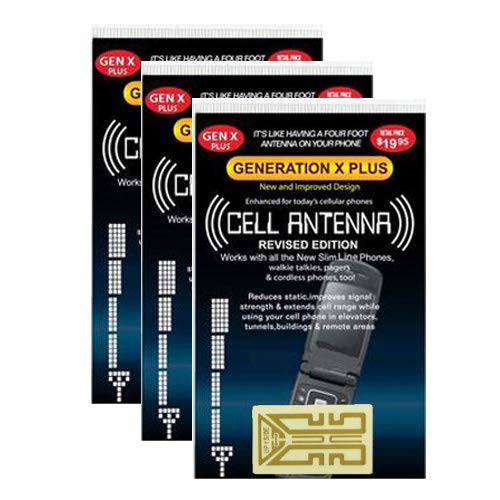
Harper Grove Cell Phone Internal Antenna Signal Reception Booster, 3 Pack, for Android Alcatel Apple BlackBerry LG Microsoft Motorola ZTE
Improves the signal strength of your device
As an affiliate, we earn on qualifying purchases.
As an affiliate, we earn on qualifying purchases.