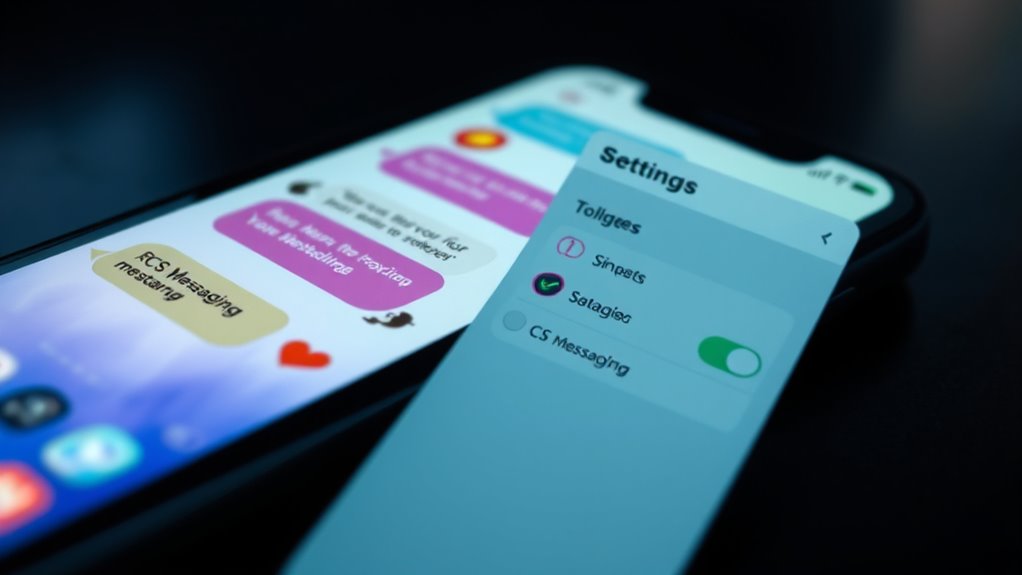
To turn on RCS messaging on your iPhone, make sure you’re running iOS 18 or later and that your carrier supports RCS. Go to Settings > Messages, then toggle on RCS Messaging if available. Keep in mind, support varies by region and carrier, so if you don’t see the option, it might not be enabled for your network. If you want to discover what features RCS can bring to your chats, keep exploring further.
Key Takeaways
- Ensure your iPhone runs iOS 18 or later and your carrier supports RCS messaging.
- Enable RCS by going to Settings > Apps > Messages > RCS Messaging and toggling it on.
- RCS offers features like high-res media sharing, read receipts, typing indicators, and cross-platform compatibility.
- Expect improved media quality, real-time updates, and more dynamic conversations with supported contacts.
- Note that RCS may fallback to SMS if your carrier or recipient’s device doesn’t support it.
Understanding RCS and Its Benefits for Iphone Users
Understanding RCS and its benefits for iPhone users is important because it enhances the messaging experience beyond traditional SMS. RCS, or Rich Communication Services, brings features like high-resolution photo and video sharing, read and delivery receipts, and typing indicators, making conversations more interactive. Unlike basic SMS, RCS supports sending links and files seamlessly between Android and iPhone devices, creating a more unified messaging experience. It also allows for richer media and real-time updates, which improve communication clarity. While iMessage remains exclusive to Apple, RCS offers similar enhancements for cross-platform chats, especially with Android users. Activating RCS can make your messaging more dynamic, efficient, and engaging—offering a modern upgrade to standard text messaging. Enhanced messaging capabilities contribute to a more seamless conversation flow across different devices. Additionally, technological interoperability is key to ensuring consistent communication regardless of device ecosystem.
Checking Compatibility and Requirements for RCS Activation
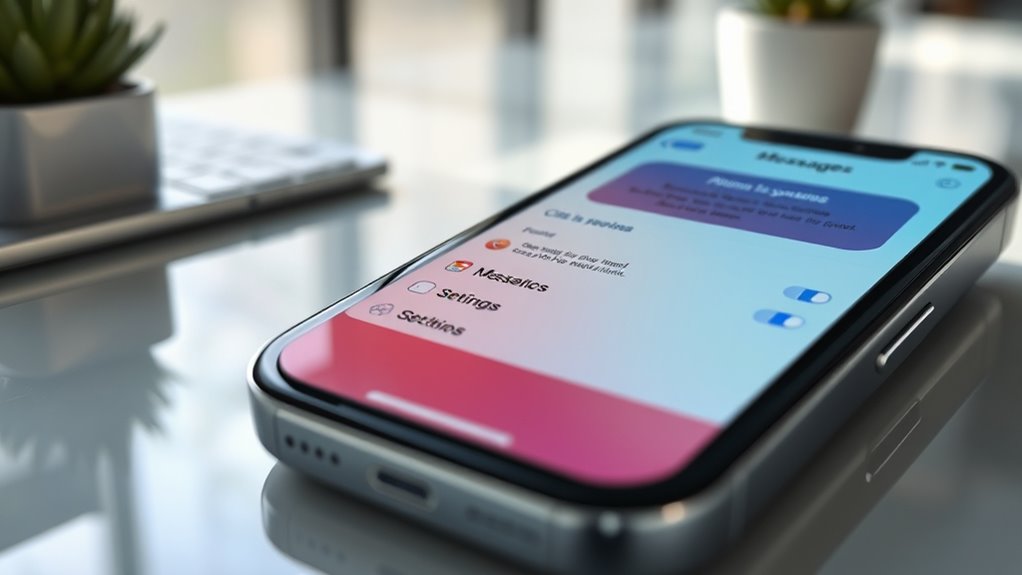
Before attempting to activate RCS messaging on your iPhone, you need to verify your device and network meet specific requirements. First, confirm your device runs iOS 18 or later. Next, verify your carrier supports RCS, as not all do. Region support varies, so check if your country and network are compatible. Your cellular plan must be with a participating carrier, and additional fees might apply. Use the table below to understand key factors:
| Requirement | Explanation |
|---|---|
| iOS Version | iOS 18 or newer required |
| Carrier Support | Must support RCS for iPhone |
| Regional Availability | Limited in some countries |
| Network & Plan | Cellular plan with participating carrier needed |
Verify these before proceeding to avoid issues activating RCS. Ensuring your device and network meet these technical requirements can help prevent activation issues, especially since carrier support is crucial for successful activation. Additionally, region-specific limitations may impact the availability of RCS features in your area.
How to Enable RCS Messaging on Your Iphone
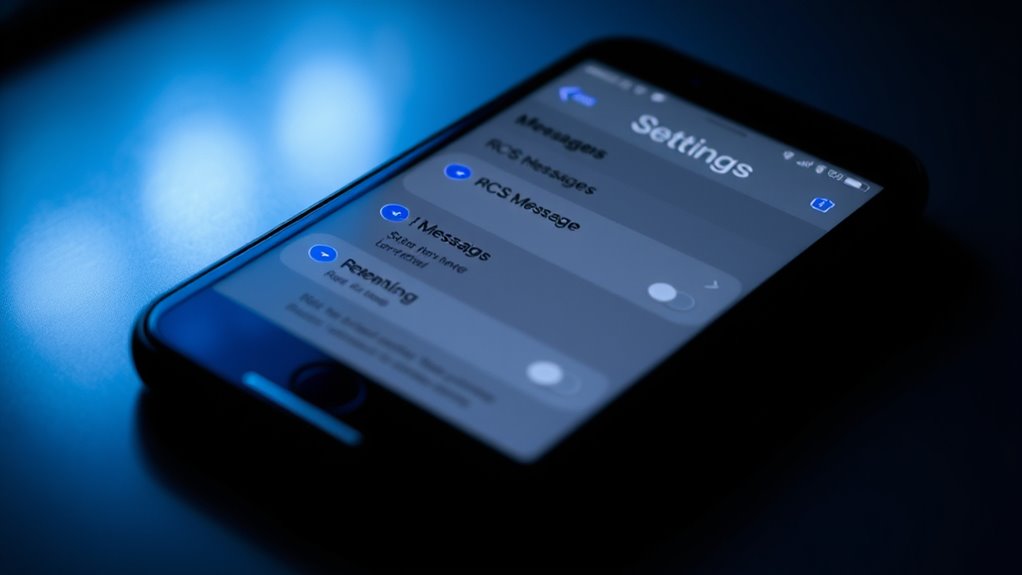
Keen to start using RCS messaging on your iPhone? Here’s how to enable it quickly:
- Open the Settings app.
- Scroll down and tap Apps.
- Select Messages.
- Tap RCS Messaging under the Text Messaging section, then toggle it on.
Make sure your device runs iOS 18 or later, and your carrier supports RCS. Once activated, you’ll see green message bubbles indicating RCS is active. Keep in mind, regional support varies, so confirm your carrier and region support RCS. If you don’t see the option or RCS isn’t working, restart your iPhone or check for carrier updates. Enabling RCS enhances your messaging with features like high-res media sharing and read receipts, making your texts richer and more interactive.
Exploring the Features Offered by RCS
RCS messaging brings a range of enhanced features that make texting more dynamic and interactive. You can share high-resolution photos and videos, which look clearer and more vibrant than standard messages. Typing indicators let you see when the other person is composing a reply, adding a real-time feel to conversations. Read receipts and delivery notifications let you know when your messages are seen and delivered. You can send links and files to both Apple and non-Apple devices, expanding your sharing options. RCS messages appear in green text bubbles, similar to traditional SMS, but with richer capabilities. These features work seamlessly over Wi-Fi or cellular data, providing a more engaging and versatile messaging experience compared to basic text messages. Understanding store hours can help you plan your messaging around times when your contacts are most likely available. Incorporating end-to-end encryption can further enhance your message security and privacy. Additionally, RCS supports security features that help protect your conversations from unauthorized access, giving you peace of mind during your chats. RCS also enables multi-device support, allowing you to stay connected across various gadgets for a more integrated messaging experience. Moreover, the compatibility of RCS with various devices ensures a consistent messaging experience across different platforms.
Carrier and Regional Support for RCS on Iphone
Support for RCS messaging on iPhone depends heavily on your carrier and region. Not all carriers or regions support RCS, so your experience varies. To understand if RCS is available, consider these factors:
RCS support on iPhone varies by carrier and region; check with your provider for availability.
- Major US carriers like Verizon, AT&T, and T-Mobile support RCS on iPhone.
- In the UK, only EE and BT currently offer RCS support for iPhone users.
- Regional restrictions mean some countries or carriers do not enable RCS.
- Carrier updates may be needed to activate RCS features fully.
- Hackathons have increasingly focused on developing innovative messaging solutions, which could influence future RCS enhancements.
- The presence of regional support depends on both carrier infrastructure and compliance with local telecommunications regulations.
- As the demand for AI-driven messaging grows, more carriers may adopt RCS support to meet user expectations. Additionally, the integration of creative practices in messaging technology could lead to more personalized and engaging communication options in the future.
- Advances in telecommunications technology could also accelerate the adoption and support of RCS across different regions, making it more accessible worldwide.
Always check your carrier’s support page or contact customer service to confirm RCS availability. Even if your carrier supports it, regional limitations might affect your ability to use RCS features seamlessly.
Troubleshooting Common RCS Activation and Usage Issues
If you’re having trouble activating or using RCS messaging on your iPhone, the first step is to check whether your carrier and region support the feature. Confirm that your carrier supports RCS for iPhone and that your country or region offers compatible services. Restart your device to refresh settings, and make sure iOS is updated to version 18 or later. Double-check that RCS Messaging is enabled in your Settings under Messages. If it still doesn’t work, verify your cellular plan with your carrier, as some may require additional activation or updates. Keep in mind that RCS features won’t function if the recipient’s device or carrier doesn’t support RCS. If issues persist, contact your carrier’s support for further assistance. Additionally, understanding the safety of electronic devices can help you ensure your device is functioning properly without risks. Being aware of home decor options like wall organization systems can also help you optimize your device setup and usage environment. A helpful privacy policy can also inform you about how your data is protected during these processes. Regularly updating your device firmware ensures you benefit from latest security features and stability improvements. Moreover, staying informed about auditory processing considerations can help you troubleshoot potential issues with sound-related features.
Comparing RCS With Imessage and Traditional Sms/Mms
You’ll notice that RCS offers richer features than traditional SMS/MMS, like high-resolution sharing and read receipts, but it still doesn’t match iMessage’s seamless Apple-only experience. Compatibility varies because RCS depends on carrier support and device capabilities, unlike iMessage, which is exclusive to Apple devices. Understanding these differences helps you choose the right messaging option based on your device and network. Additionally, Well-Being Tips suggest that features such as easy-to-clean messaging apps can contribute to overall mental comfort when managing multiple platforms. Since RCS relies on carrier infrastructure and device compatibility, users may experience inconsistent service or features across different carriers and regions, especially due to privacy policies and the varying implementation of cookies. Moreover, the natural materials used in Waldorf toys demonstrate a commitment to environmental sustainability, aligning with eco-friendly communication practices. In addition, the interoperability of messaging platforms influences how smoothly your messages are delivered across different networks and devices.
Compatibility and Platform Limits
RCS messaging on the iPhone bridges the gap between traditional SMS/MMS and Apple’s own iMessage, but it has specific platform and compatibility limits. First, you need iOS 18 or later, and your carrier must support RCS—something not available with all providers. Second, regional restrictions can limit availability, with some countries or networks not offering RCS. Third, your device must have a cellular plan from a participating carrier to use the features. Fourth, RCS messages appear in green bubbles, similar to SMS, and don’t offer the full Apple-exclusive experience. These limits mean RCS complements but doesn’t replace iMessage, especially when communicating across different platforms. Always check if your carrier and region support RCS before expecting full functionality.
Feature and Experience Differences
While RCS enhances messaging by offering rich media and read receipts, it still differs markedly from iMessage and traditional SMS/MMS. RCS provides features like high-resolution photo and video sharing, typing indicators, and message delivery confirmations, making conversations more dynamic. Unlike iMessage, RCS works across multiple platforms and devices, including Android and non-Apple users, but it doesn’t offer end-to-end encryption like iMessage does. RCS messages appear in green bubbles, similar to SMS/MMS, which can cause confusion about security. Compared to traditional SMS/MMS, RCS supports Wi-Fi and cellular data, reducing reliance on carrier limits. However, RCS lacks the seamless integration and privacy features of iMessage, making it a bridge technology rather than a complete replacement.
What to Expect From RCS Messaging on Your Iphone
With RCS messaging on your iPhone, you’ll notice richer features like high-quality photo sharing, read receipts, and typing indicators. These enhancements make conversations more dynamic and seamless across different devices and carriers. While not all networks support RCS everywhere, it offers a promising upgrade for cross-platform messaging.
Enhanced Messaging Features
Enhanced messaging on your iPhone offers a range of features that make conversations more dynamic and engaging. With RCS, you’ll enjoy several benefits that go beyond traditional SMS.
- High-resolution photo and video sharing allow you to send clearer, more vibrant media.
- Typing indicators show when the other person is replying, keeping conversations flowing smoothly.
- Read receipts let you know when your message has been seen, adding transparency.
- Links and files can be sent seamlessly, supporting both Apple and non-Apple devices.
These features bring a richer, more interactive messaging experience, bridging gaps between different platforms. RCS enhances your texting by making it faster, more informative, and visually appealing—all in real-time.
Cross-Platform Compatibility
RCS messaging on your iPhone is designed to improve communication across different devices and platforms, but its cross-platform capabilities depend heavily on carrier support and recipient compatibility. If your contacts use Android devices or different carriers, RCS can deliver richer features like higher-quality media, read receipts, and typing indicators. However, compatibility isn’t guaranteed everywhere. Some carriers and regions lack RCS support, causing messages to revert to standard SMS or MMS.
| Carrier Support | Region Availability | Compatibility | Features Enabled | Message Appearance |
|---|---|---|---|---|
| Verizon, AT&T, T-Mobile | US | Android & iPhone | Rich media, typing | Green bubbles |
| EE, BT | UK | Android & iPhone | Read receipts, high-res media | Green bubbles |
| Limited support | Varies | Mostly Android | Basic messaging | Green or gray bubbles |
| No support | Some regions | Android only | No RCS features | Standard SMS |
| Carrier updates | Needed | Regional constraints | Feature activation | Varies |
Frequently Asked Questions
Can I Use RCS Without an Active Cellular Plan?
No, you can’t use RCS without an active cellular plan. RCS relies on your carrier’s support and requires a cellular plan from a participating network. Without an active plan, the messaging features won’t work, and you won’t be able to send or receive RCS messages. Make sure your carrier supports RCS and that your plan is active to enjoy the enhanced messaging features.
Does RCS Work Internationally on Iphone?
Yes, RCS can work internationally on your iPhone if both you and the recipient are in regions that support RCS, and your carriers offer it. Make sure your device has iOS 18 or later, and check that your carrier supports RCS in your country. Keep in mind, features like high-res media or read receipts depend on carrier compatibility and regional availability. If setup is correct, you’ll enjoy richer messaging across borders.
Are There Additional Costs for RCS Messaging?
Yes, there are additional costs for RCS messaging. Carriers often charge for RCS services, so you might face fees for sending high-resolution photos, videos, or large files. These costs vary depending on your carrier and plan, so it’s wise to check your provider’s details. Expect extra expenses if you frequently message with rich media or international contacts, but basic RCS messaging might be included in your plan.
How Do I Update My Carrier Settings for RCS?
To update your carrier settings for RCS, go to Settings, then General, and tap About. If an update is available, you’ll see a prompt to install it. Make sure your phone is connected to Wi-Fi or cellular data. Sometimes, carriers push updates automatically, but if not, contacting your carrier or visiting their support site can assist you in obtaining the latest settings. This ensures RCS features work smoothly.
Will RCS Replace Sms/Mms on My Iphone?
No, RCS won’t replace SMS/MMS on your iPhone. Think of RCS and SMS as teammates working together; RCS adds richer features like high-res photos, read receipts, and typing indicators, but SMS remains the fallback for devices or carriers that don’t support RCS. You’ll still see green bubbles when messaging those without RCS, making sure your communication stays seamless across all devices and networks.
Conclusion
Enabling RCS on your iPhone can enhance your messaging experience, offering features like read receipts and high-quality media sharing. While some might think Apple’s ecosystem limits RCS, it actually complements your existing messaging options. Expect smoother conversations, faster updates, and better group chats. As more carriers adopt RCS, you’ll notice your messaging gets more versatile, proving that embracing this technology is more about upgrading your communication than replacing what you already love.