
To capture spatial photos and videos, you’ll need devices with dual-camera setups like iPhone 15 Pro or Vision Pro, ensuring steady shots in good lighting for the best depth effects. Playback varies by device—immersive on Vision Pro and 2D on iPhones—while storage is best managed through iCloud with compressed files like MV-HEVC. Understanding these basics helps you create and enjoy realistic, lifelike content. Keep exploring to discover how this technology can transform your visual experiences.
Key Takeaways
- Spatial photos and videos are captured using dual-camera systems to record multiple perspectives, creating a 3D, immersive experience.
- Compatible devices like iPhone 15 Pro/Max and Apple Vision Pro enable high-quality spatial capture and playback.
- Playback varies across devices: immersive 3D on Vision Pro, enhanced depth on iPhone/iPad, and scene exploration limitations.
- Storage is optimized via MV-HEVC compression and cloud syncing with iCloud, balancing quality and file size.
- Proper capture techniques and environmental conditions ensure clarity, depth accuracy, and realistic spatial media experiences.
![Ailun 3 Pack Camera Lens Protector for iPhone 15 Pro & iPhone 15 Pro Max,Tempered Glass,9H Hardness,Ultra HD,Anti-Scratch,Easy to Install,Case Friendly [Does not Affect Night Shots]](https://m.media-amazon.com/images/I/516eoSUYaJL._SL500_.jpg)
Ailun 3 Pack Camera Lens Protector for iPhone 15 Pro & iPhone 15 Pro Max,Tempered Glass,9H Hardness,Ultra HD,Anti-Scratch,Easy to Install,Case Friendly [Does not Affect Night Shots]
Works For iPhone 15 Pro/15 Pro Max 2023 camera lens protector.Effectively protecting the lens,featuring maximum protection from scratches,…
As an affiliate, we earn on qualifying purchases.
As an affiliate, we earn on qualifying purchases.
Understanding Spatial Photos and Videos
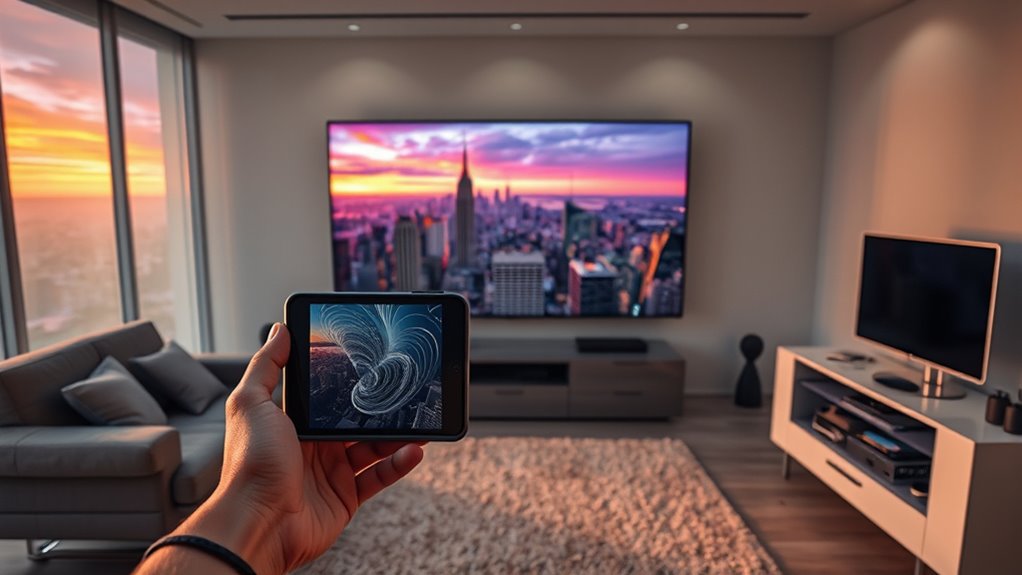
Understanding spatial photos and videos involves recognizing how they capture multiple perspectives to create a three-dimensional effect that mimics human binocular vision. You see, they record slight variations between two images or video streams, which your brain combines to perceive depth. This stereoscopic approach gives a realistic sense of space and volume, making scenes feel lifelike. Unlike traditional flat images, spatial content provides a richer visual experience, emphasizing depth and distance. The key is the dual perspectives, which are processed together to simulate how you naturally see the world. This technology enhances immersion, especially when viewed on compatible devices like headsets or high-end screens. Additionally, advancements in spatial data processing continue to improve the clarity and accuracy of these immersive visuals. As these visual technologies evolve, they become increasingly accessible, allowing more people to enjoy lifelike representations in everyday settings. Moreover, the integration of multisensory experiences through sound and haptic feedback further enriches the perception of spatial media. Furthermore, ongoing research in sound healing science contributes to creating more multisensory and engaging experiences within spatial media. For instance, depth perception techniques are now being integrated to further enhance the realism of 3D visualizations.

Globular Cluster CMA1 Comfort Mod Compatible with Apple Vision Pro
Significantly reduce the pressure around the face/cheekbone
As an affiliate, we earn on qualifying purchases.
As an affiliate, we earn on qualifying purchases.
Devices and Methods for Capturing Spatial Content

To capture high-quality spatial content, you need compatible devices like the iPhone 15 Pro or Apple Vision Pro, which use advanced dual-camera setups or specialized headsets. You should shoot in ideal conditions—steady hands, even lighting, and a distance of 3 to 8 feet from your subject—to guarantee clear depth data. Applying proper techniques and tips will help you produce immersive, lifelike spatial photos and videos that showcase the full potential of this technology. Additionally, understanding spatial data and how to optimize it can greatly enhance the clarity and realism of your captures. Being aware of depth sensing technology helps you better utilize the capabilities of your device for superior spatial content. For optimal results, familiarize yourself with transfer methods to efficiently move your spatial files between devices and platforms. Moreover, considering the technology in energy distribution, such as AI-driven smart grids, can inspire innovative ways to enhance your spatial content workflows. Understanding spatial data processing can also help you refine your editing techniques for even more realistic results.
Compatible Devices for Capture
Capturing spatial content requires compatible devices equipped with advanced camera systems designed to record multiple perspectives simultaneously. Currently, the iPhone 15 Pro and iPhone 15 Pro Max are your primary options for consumer-level spatial video capture. These phones use dual-camera setups to record stereoscopic videos in landscape mode, requiring you to hold the device steady between 3 and 8 feet from your subject in bright, even lighting. The Apple Vision Pro headset also supports spatial video playback and can be used to experience your recordings in immersive 3D. As technology advances, more devices are beginning to support spatial content creation, making it easier for you to produce lifelike, depth-rich videos. Ensuring your device has the proper camera hardware is essential for capturing high-quality spatial photos and videos. Additionally, having a stable capture environment can significantly improve the quality of your recordings, especially as increased spatial video resolution demands more precise stabilization techniques.
Optimal Shooting Conditions
Achieving high-quality spatial photos and videos depends on ideal shooting conditions, including the right device settings and environmental factors. To capture sharp, immersive content, ensure your device is properly configured in Spatial mode and held steady at 3 to 8 feet from your subject. Good lighting is essential; bright, even illumination reduces noise and enhances depth perception. Additionally, avoid moving objects or unstable hands during recording. Keep these tips in mind:
- Use a stable surface or tripod to prevent camera shake
- Shoot in well-lit, evenly illuminated environments
- Maintain a consistent distance from your subject for maximum depth
- Be aware of your device’s capabilities and limitations to maximize spatial content quality
Ensuring your device’s performance capacity aligns with your shooting conditions can make a significant difference in the clarity and realism of your spatial photos and videos. Proper sensor sensitivity can further improve image quality in varying lighting situations.
Capture Techniques and Tips
Using the right devices and techniques is essential for capturing high-quality spatial photos and videos. Start with compatible devices like the iPhone 15 Pro or iPhone 15 Pro Max, which feature advanced dual-camera setups optimized for spatial recording. In Spatial mode, hold your device steady between 3 to 8 feet from your subject, ensuring even lighting for clearer depth data. In addition, maintaining a consistent imaginative mindset can help you creatively compose shots that maximize depth effects. Keep movements minimal to prevent blurring and maintain sharpness. Use a tripod or stabilizer if available, especially in low-light conditions. Frame your shot thoughtfully, paying attention to foreground and background elements to maximize depth effects. Avoid rapid movements or shifting angles during capture, as these can compromise the stereoscopic effect. Consistent lighting and steady handling are key to achieving immersive, high-quality spatial content. Additionally, understanding capture techniques can significantly enhance the overall quality of your spatial recordings, including lighting considerations to improve clarity and depth perception. Proper sensor calibration is also crucial for accurate depth data collection and optimal spatial results.

MFi Certified USB 3.0 Flash Drive 128GB for iPhone, 3in1 External Memory Photo Keeper Storage Stick for Picture/Video/Data Saver/Backup, High Speed Thumb/Jump/Hard Drives for iPhone/iPad/Android/PC
【MFi Certified Multi-function Flash Drive】This flash drive is MFi certified, high quality and excellent performance, allowing you to…
As an affiliate, we earn on qualifying purchases.
As an affiliate, we earn on qualifying purchases.
How Spatial Media Enhances Viewing Experiences
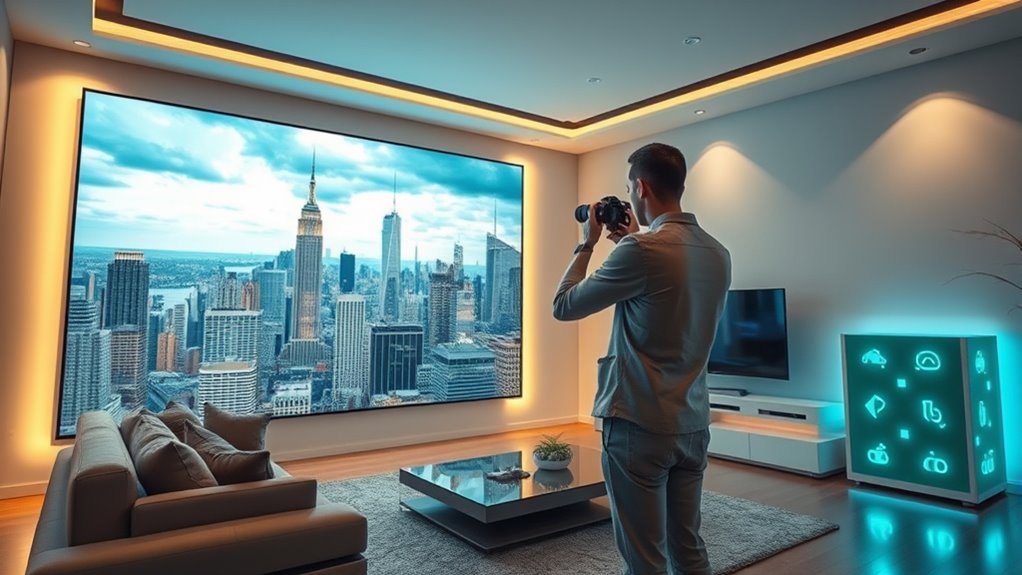
Spatial media transforms the way you experience visual content by adding depth and realism that traditional videos can’t match. When you watch spatial videos, you feel more immersed, almost as if you’re inside the scene. This heightened sense of presence is especially powerful on devices like the Apple Vision Pro, which deliver stereoscopic 3D effects. You’ll notice:
Spatial media immerses you in lifelike scenes, elevating storytelling with realistic depth and presence.
- Enhanced depth perception, making objects seem more tangible and lifelike
- Increased emotional engagement, as scenes feel more real and immediate
- Better understanding of spatial relationships within the scene, thanks to realistic perspective cues
This technology bridges the gap between viewing and experiencing, creating a sense of being “there” without needing full 360-degree footage. Additionally, family dynamics and personal stories are brought to life more vividly through spatial media, allowing for a deeper connection to content. Leveraging AI content clusters can further enhance how such immersive content is created and optimized, ensuring viewers receive highly relevant and engaging experiences. Incorporating interactive elements can also heighten user engagement and personalization, making the experience even more compelling. Employing advanced rendering techniques can improve visual fidelity, making the virtual environment more convincing. Integrating high-resolution displays can significantly elevate the clarity and detail of spatial videos, enriching the overall experience. The result is a richer, more compelling visual experience that elevates storytelling and interaction.

MV Connection Cable & Software Kit
Type: Cable
As an affiliate, we earn on qualifying purchases.
As an affiliate, we earn on qualifying purchases.
Technical Aspects of Encoding and Compression

Encoding and compression play a crucial role in making spatial videos practical for storage and streaming, especially given their dual perspectives. You’ll rely on MV-HEVC (Multiview High-Efficiency Video Coding) to efficiently compress the two slightly different streams into a single file, preserving quality while reducing size. This advanced codec minimizes bandwidth demands during streaming, ensuring smooth playback on devices like iPhones and VR headsets. When encoding, you need to balance quality and compression settings carefully to maintain the depth perception and stereoscopic effect. Modern compression techniques handle the increased data from dual views without overwhelming storage capacities. By optimizing these processes, you guarantee your spatial videos are accessible, easily stored, and deliver an immersive experience without sacrificing clarity. Additionally, understanding predictive modeling can help optimize encoding parameters by analyzing viewer preferences and device capabilities, further enhancing streaming efficiency.
Best Practices for Recording High-Quality Spatial Content

To capture high-quality spatial content, focusing on proper setup and technique can make a significant difference. Start by holding your device steady at 3 to 8 feet from your subject, ensuring even, bright lighting for clear depth data. Use a tripod or stabilizer to minimize movement and avoid shaky footage. Keep the scene well-lit and avoid harsh shadows that can distort depth perception. When recording, select Spatial mode in your camera app, and maintain a consistent distance to prevent distortions.
- Use a stable surface or tripod for steady shots
- Ensure even, bright lighting to enhance depth clarity
- Maintain a consistent distance from subjects for accurate spatial data
Exploring Playback Options Across Devices

You can enjoy spatial videos across a range of Apple devices, but the viewing experience varies depending on the hardware. On devices like the iPhone and iPad, spatial videos display with enhanced depth, but you’re limited to a 2D screen, so full immersion isn’t possible. For the best experience, the Apple Vision Pro headset offers immersive, lifelike 3D playback, allowing you to look around scenes naturally. Mac computers support spatial videos through compatible apps, providing high-quality viewing on larger screens. Apple’s ecosystem ensures seamless playback, with videos stored in iCloud and accessible across devices. While you can’t move around the scene post-recording, these options let you enjoy spatial content with varying degrees of realism, depending on your device’s capabilities.
Managing Storage and Cloud Synchronization
Managing storage and cloud synchronization is key to handling the large files generated by spatial videos. You’ll want to optimize space and guarantee seamless access across your devices. To do this effectively, consider these strategies:
Efficient storage and syncing ensure seamless access to your spatial videos across devices.
- Use iCloud Photos to store original quality files and sync them effortlessly across Apple devices.
- Compress videos with MV-HEVC to reduce file size while maintaining high visual quality.
- Regularly clean your local storage by deleting duplicate or unnecessary spatial media, freeing up space.
Practical Applications and Use Cases for Spatial Media

Spatial media opens up a wide range of practical applications that enhance how you experience and interact with visual content. You can relive memories more vividly by viewing spatial videos of family events or trips, giving you a sense of immersion and presence. In education, spatial media offers interactive lessons, allowing students to explore 3D models or historical sites virtually. Businesses leverage this technology for virtual tours of properties, museums, or products, providing a realistic experience without physical visits. Content creators can craft lifelike storytelling, blending depth and realism to engage audiences on a deeper level. Additionally, spatial videos enable immersive marketing, allowing consumers to virtually try products or experience services firsthand. As device compatibility grows, these applications will become more accessible and impactful across many industries.
Differentiating Between Spatial, Immersive, and 360º Video
You’ll notice that spatial videos have a rectangular shape and focus on realistic depth, but they don’t let you move around the scene. In contrast, immersive and 360º videos cover full spherical areas, enabling exploration from multiple angles. Understanding these differences helps you choose the right format based on scene coverage, interaction levels, and how true-to-life the visuals feel.
Scene Shape and Coverage
Understanding the differences in scene shape and coverage is key to choosing the right type of video technology for your needs. Spatial videos are rectangular and stereoscopic, capturing specific perspectives but not allowing scene movement. Immersive videos, on the other hand, are spherical, covering a full 360º environment for exploration from any angle. 360º videos also typically use equirectangular projection, providing panoramic coverage but lacking depth.
- Spatial videos focus on capturing depth and multiple angles within a rectangular frame.
- Immersive videos surround you with a spherical scene, enabling movement and exploration.
- 360º videos provide a panoramic view, often used for virtual tours without depth perception.
Knowing these distinctions helps you select the right format for your project or viewing experience.
Interaction and Movement
While spatial, immersive, and 360º videos all deliver rich visual experiences, they differ considerably in how you can interact with and move within the scene. Spatial videos are rectangular and stereoscopic, so you experience depth, but your movement is limited to viewing from a fixed position. You can look around within the frame but can’t change your position or explore different angles. Immersive or 360º videos surround you completely, allowing you to look in any direction and, in some cases, move around within the scene if supported by volumetric capture. However, movement within the scene itself isn’t possible in spatial or 360º videos—your interaction is primarily through head or device orientation, not free navigation. This distinction shapes how you engage with each type of content.
Depth and Realism
Spatial, immersive, and 360º videos each deliver distinct levels of depth and realism, shaping how viewers experience digital environments. Spatial videos offer stereoscopic 3D within a rectangular frame, creating a sense of depth but without allowing movement around the scene. Immersive videos surround you in a spherical environment, enabling full exploration and interaction. 360º videos provide panoramic views, letting you look in every direction but lack true depth perception.
- Spatial videos emphasize depth and realism through dual perspectives.
- Immersive content creates full environmental immersion with spherical capture.
- 360º videos focus on panoramic visualization, offering environmental context without stereoscopy.
Understanding these differences helps you choose the right format for your needs and enhances your viewing experience.
Future Trends in Spatial Photo and Video Technology
Advancements in sensor technology, processing power, and compression algorithms are driving rapid innovation in spatial photo and video technology. You can expect future devices to capture higher-resolution, more detailed spatial content with improved depth accuracy. Real-time processing will become faster, enabling instant editing and sharing of spatial media. Compression techniques will evolve, reducing file sizes further while maintaining quality, making storage and streaming more efficient. AI-driven enhancements will automate scene stabilization, depth estimation, and even content creation, simplifying workflows for users. Additionally, more immersive playback options will emerge, blending augmented reality and virtual reality seamlessly into daily experiences. As hardware becomes more accessible and affordable, you’ll find spatial media integrated into a wider range of applications, from entertainment and education to professional workflows, transforming how you capture, share, and experience visual content.
Frequently Asked Questions
Can Spatial Videos Be Edited or Enhanced After Recording?
Yes, you can edit and enhance spatial videos after recording. You might use apps on your iPhone, iPad, or Mac to trim, adjust brightness, contrast, or apply filters to improve the visual quality. Some advanced editing tools also allow you to modify depth effects or add annotations. Keep in mind, though, that editing options are more limited compared to flat videos, but basic enhancements are definitely doable.
What Are the Best Devices for Viewing Spatial Photos and Videos?
Think of your device as a window into a new world. The best devices for viewing spatial photos and videos are the Apple Vision Pro headset, which immerses you fully in 3D depth, and compatible iPhones or iPads that showcase enhanced spatial effects. These tools release lifelike realism, turning flat screens into portals of depth and presence, making your viewing experience truly feel like stepping into the scene itself.
How Does Spatial Video Compression Affect Quality on Different Devices?
Spatial video compression using MV-HEVC reduces file sizes while maintaining high-quality stereoscopic images. On devices like iPhones, you’ll notice minimal quality loss, thanks to advanced encoding. However, on lower-end or bandwidth-limited devices, compression might cause slight artifacts or reduced clarity, especially during fast motion. Overall, modern compression balances visual fidelity and file size, ensuring you get the best experience possible across different devices without compromising too much on quality.
Are There Limitations on Sharing Spatial Content via Social Media Platforms?
Did you know that only about 10% of social media platforms support native spatial video sharing? You’ll find limited options for posting spatial content directly, often needing to convert or compress files for compatibility. Platforms like Instagram or Facebook don’t fully support stereoscopic 3D, so your spatial videos may lose depth or quality. To share effectively, consider converting videos into standard formats or using links to external viewers.
Can Spatial Videos Be Integrated Into Virtual or Augmented Reality Applications?
Yes, you can integrate spatial videos into virtual and augmented reality applications. You’ll need compatible devices like Apple Vision Pro or VR headsets that support stereoscopic 3D playback. Use specialized software or development kits to embed spatial videos into your VR or AR environment. This allows users to experience realistic depth and immersion, creating interactive tours, educational content, or immersive storytelling experiences that enhance engagement and realism.
Conclusion
Think of mastering spatial photos and videos as tending a lush garden. With the right tools, techniques, and care, you cultivate vibrant moments that bloom into immersive experiences. As technology evolves, your ability to capture, store, and share these visuals becomes like nurturing new growth—ever-expanding and full of potential. Embrace this journey, and you’ll transform simple images into a thriving landscape of memories, revealing new depths with every click and playback.