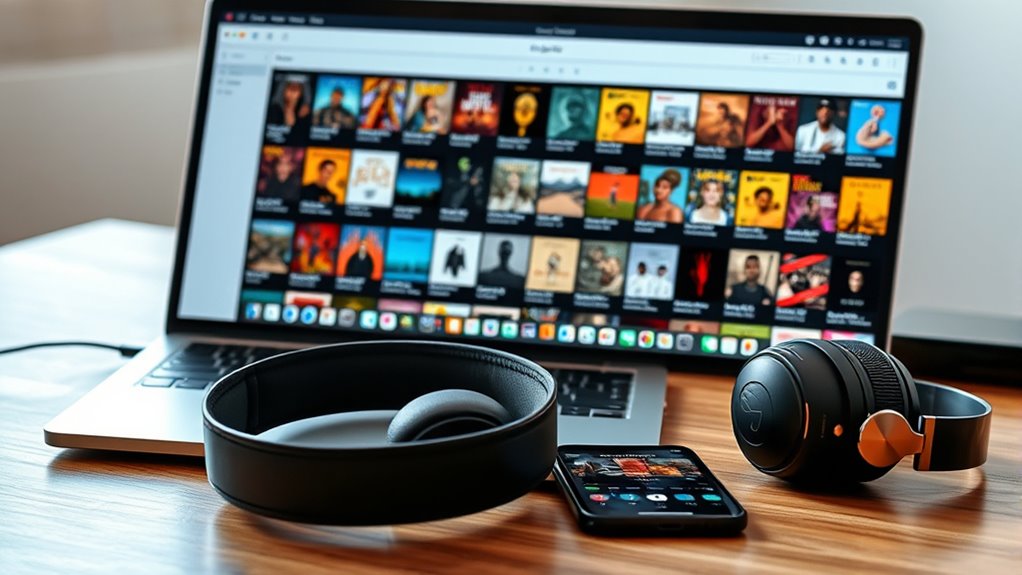

To organize your music library, start by standardizing your file formats, like converting everything to MP3 or FLAC for consistency. Create playlists based on genres, moods, or activities, and regularly remove duplicates or songs you no longer enjoy. Use music management software to tag your files with accurate metadata and album art, making browsing easier. Keep your collection backed up and maintained, so it stays tidy and accessible. Keep exploring to discover more tips for a perfectly organized collection.
Key Takeaways
- Standardize file formats and metadata to ensure consistency and compatibility across devices.
- Create organized playlists based on genres, moods, or activities for easier access.
- Use music management software to tag, sort, and edit files efficiently.
- Remove duplicates and outdated tracks regularly to maintain a clutter-free library.
- Back up your music collection to prevent data loss and preserve organization.
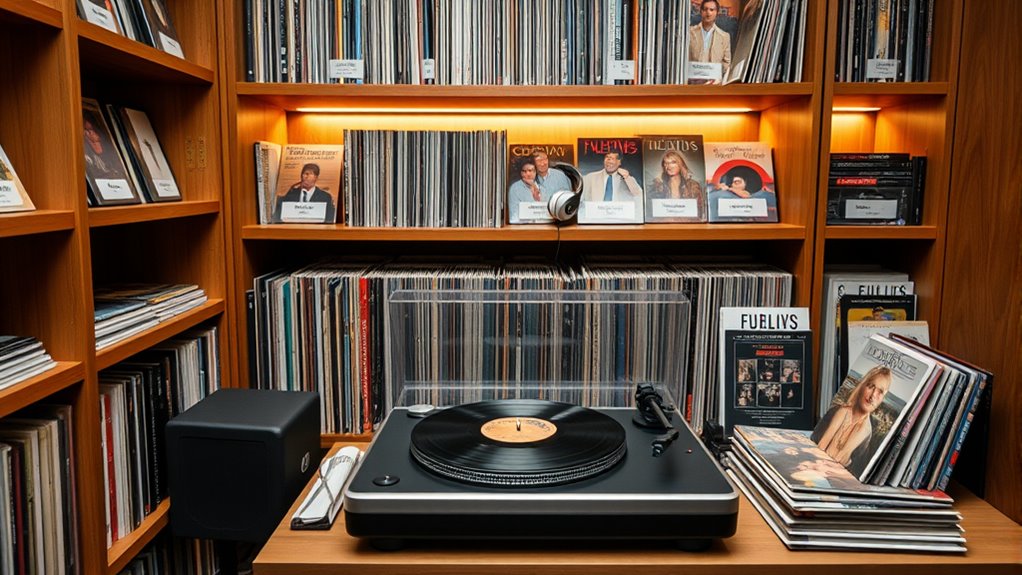
Organizing your music library might seem overwhelming at first, but taking a systematic approach makes the process manageable and rewarding. One of your first steps should be understanding music file formats. Different formats like MP3, AAC, FLAC, and WAV have varying qualities and compatibilities. MP3s are widely supported and offer a good balance between quality and file size, making them a practical choice for most devices. FLAC provides lossless audio, ideal if you want high fidelity, but it takes up more storage. Knowing which formats you have and what you need helps you streamline your collection, ensuring you can play your music across all devices without frustration. Converting files to a consistent format can also make managing your library easier, especially if you’ve accumulated music in various formats over time. Additionally, understanding the role of contrast ratio in projectors can help you enjoy clearer visuals when watching movies or playing games on your home entertainment system.
Once you understand your file formats, focus on playlist curation. Creating playlists isn’t just about grouping songs; it’s about crafting a listening experience tailored to your preferences. Start by categorizing your music into genres, moods, or activities—think workout playlists, chill playlists, or favorites for road trips. This organization allows you to quickly access the right music for any moment. Be intentional with your playlist curation; remove duplicate tracks and songs that no longer resonate with you. Regularly updating playlists keeps your library fresh and relevant, so you’re not stuck listening to outdated or overplayed tunes. Additionally, consider creating playlists based on artists or albums to streamline browsing. Well-curated playlists can serve as the backbone of your music experience, making it easier to enjoy your collection without endless searching.
As you continue, leverage technology to assist your organization. Music management software like iTunes, MusicBee, or MediaMonkey can automatically tag and sort your files, making your library more navigable. These tools often allow you to edit metadata—like song titles, artist names, and album art—which further enhances your ability to find tracks quickly. Maintaining consistent naming conventions and album art not only improves aesthetics but also simplifies playlist creation and browsing. Regularly backing up your library prevents loss and keeps your hard work intact as your collection grows. Taking these steps, from understanding music file formats to thoughtfully curating playlists, transforms what initially feels like an intimidating task into a satisfying process of creating a personalized, organized music sanctuary.
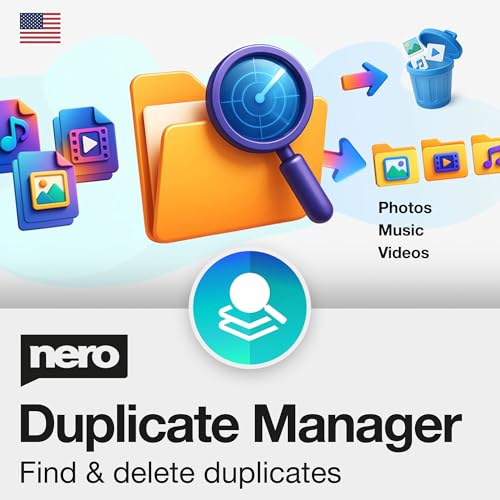
Nero Duplicate Manager | Detect & Remove Duplicate Photos, Videos & Music Files | Organize Your Media Library | Supports HEIC/HEIF, RAW, JPG, PNG | Lifetime License | 1 PC | Windows 11 / 10 / 8 / 7
✔️ Find Duplicate Photos, Videos, and Music: Detects exact and similar duplicate photos, videos, and music files across…
As an affiliate, we earn on qualifying purchases.
As an affiliate, we earn on qualifying purchases.
Frequently Asked Questions
How Can I Recover Lost Music Files?
To recover lost music files, start by checking your recycle bin or backup drives. If they’re missing, use data recovery software that scans your storage for deleted files. Once recovered, update the metadata editing to guarantee your files are organized correctly. Afterward, incorporate the recovered songs into your playlist curation, making sure everything is sorted and accessible. Regular backups prevent future loss, keeping your music library safe and well-maintained.
What’s the Best Way to Delete Duplicates?
Did you know that 10-15% of a typical music library consists of duplicates? To delete duplicates effectively, use duplicate detection tools like MusicBee or Duplicate Cleaner. These apps scan your folders for identical files, making folder organization easier. Always review detected duplicates before deleting to avoid removing unique songs. Regularly scanning helps keep your library tidy, saves storage space, and ensures you enjoy your music without clutter.
How Do I Sync My Library Across Devices?
To sync your music library across devices, enable cloud synchronization on your music app or streaming service. Sign in with the same account on all devices, ensuring your playlists and preferences are shared seamlessly. Use playlist sharing features to collaborate or access your curated collections easily. This way, your music stays up-to-date everywhere, and you can enjoy your favorite tracks whether you’re on your phone, tablet, or computer.
Can I Organize Music Without Internet Access?
Yes, you can organize your music without internet access. Just focus on offline organization by managing your local storage directly. You can create playlists, rename tracks, and sort your files using your device’s built-in music app or file explorer. No need for a connection—your music library stays flexible and accessible, giving you control over your collection anytime, anywhere. Get ready to streamline your music experience, no internet required.
What Are the Top Apps for Managing Large Libraries?
You can manage large music libraries effectively with apps like MusicBee, MediaMonkey, and Clementine. These tools excel at playlist curation and metadata tagging, helping you organize your collection seamlessly. They offer robust filtering, sorting, and editing features so you can quickly find your favorite tracks. Whether you prefer a simple interface or advanced options, these apps empower you to keep your library tidy, accessible, and perfectly curated, even offline.
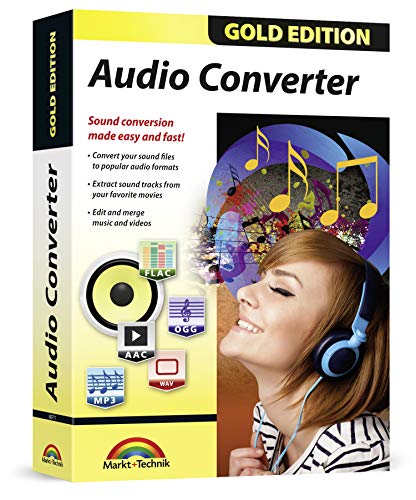
Audio Converter – Edit and convert your sound and music files to other audio formats – easy audio editing software – compatible with Windows 10, 8 and 7
AUDIO ALL-ROUNDER – convert your audio or video files into almost any audio format – edit, trim, merge,…
As an affiliate, we earn on qualifying purchases.
As an affiliate, we earn on qualifying purchases.
Conclusion
By taking the time to organize your music library, you create a more harmonious listening experience. A well-kept collection gently guides you to your favorite tunes without unnecessary detours. Remember, a tidy library subtly encourages you to explore new melodies and rediscover old favorites. When everything is in its place, your musical journey flows smoothly, making every listen a small delight. Embrace the process, and let your music collection quietly elevate your everyday moments.
![WavePad Audio Editing Software - Professional Audio and Music Editor for Anyone [Download]](https://m.media-amazon.com/images/I/B1fcLEGCs6S._SL500_.png)
WavePad Audio Editing Software – Professional Audio and Music Editor for Anyone [Download]
Full-featured professional audio and music editor that lets you record and edit music, voice and other audio recordings
As an affiliate, we earn on qualifying purchases.
As an affiliate, we earn on qualifying purchases.

ModusTech 500GB Portable External Hard Drive USB 3.0/Type-C – Slim High-Speed HDD for Backup, Storage, Gaming – Compatible with PC, Mac, Laptop, PS4, PS5, Xbox, Windows, MacBook, Smart TV (500 GB)
Ultra-Fast USB 3.0 Connectivity for Effortless Data Transfers: The ModusTech external hard drive delivers lightning-fast transfer speeds of…
As an affiliate, we earn on qualifying purchases.
As an affiliate, we earn on qualifying purchases.