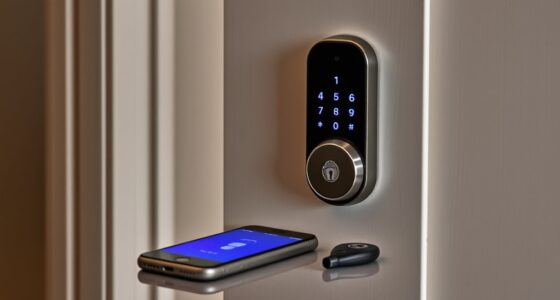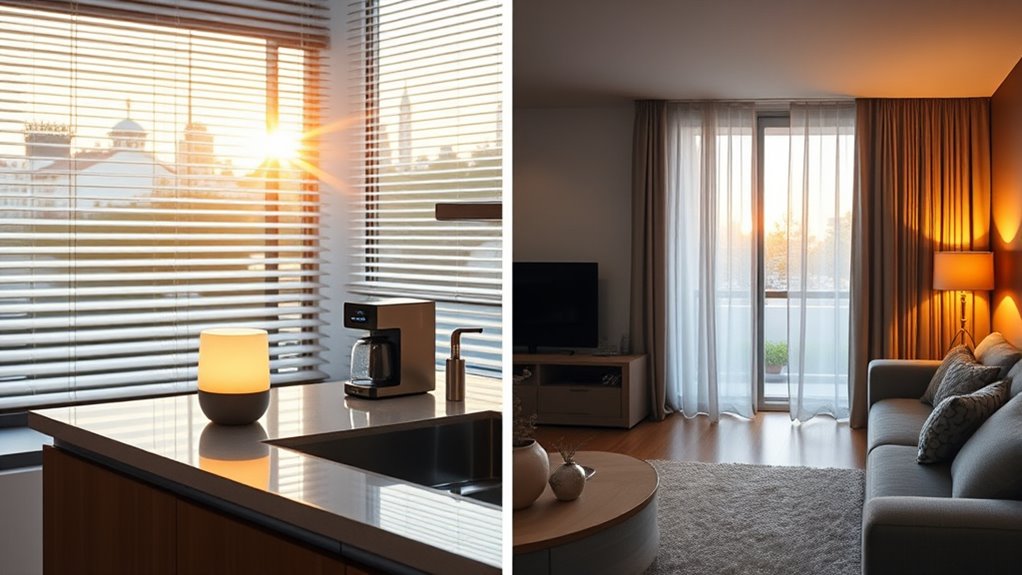

Morning and evening smart-home routines help you start and end your day with ease. In the morning, your system can gradually turn on lights, adjust the thermostat, and play your favorite music, making waking up smooth. In the evening, routines dim lights, activate security, and set the perfect temperature to wind down. Customizable features let you adapt routines to your schedule and preferences. Keep going to discover how you can make your home even smarter and more convenient.
Key Takeaways
- Automate morning routines to turn on lights, adjust temperature, and start preferred entertainment for a smooth wake-up.
- Use voice commands to control lighting brightness and color, enhancing convenience during mornings and evenings.
- Schedule lights and devices to dim or turn off at night, promoting energy efficiency and restful sleep.
- Create evening wind-down routines that dim lights, activate security, and adjust thermostats for relaxation.
- Customize routines to fit personal habits, allowing flexible adjustments for late nights or varied schedules.
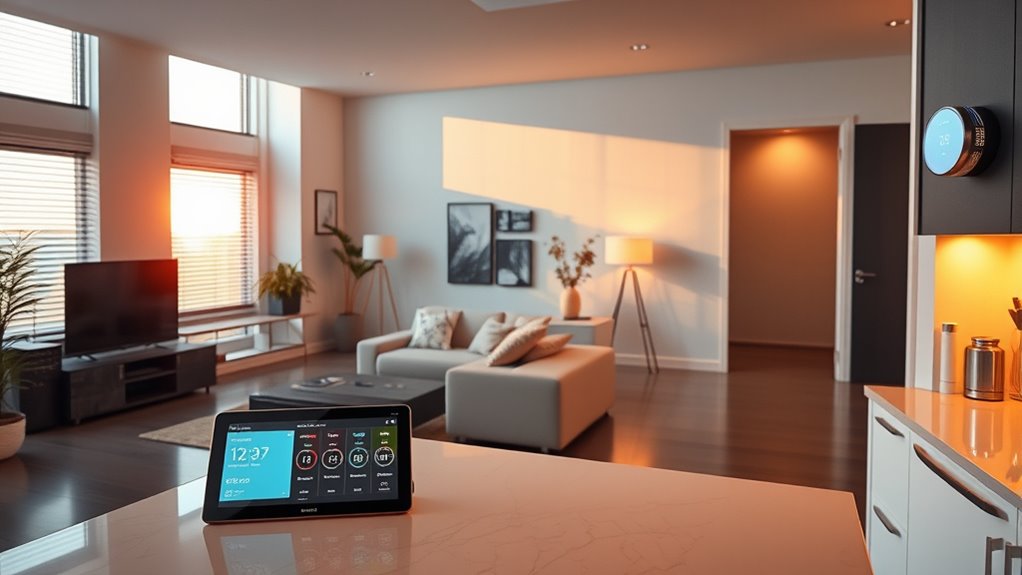
Smart-home routines automate everyday tasks, making your life more convenient and efficient. In the morning and evening, these routines can transform how you start and end your day, creating seamless progressions between activities. For example, as you wake up, your smart home can gradually turn on the lights, set your preferred temperature, and even play your favorite morning playlist. Voice-controlled lighting allows you to effortlessly adjust the brightness or color of your lights with simple commands like “Good morning” or “Turn on the lights.” This feature not only adds convenience but also helps you avoid fumbling for switches, especially when your hands are full or you’re still waking up. Additionally, you can set energy-saving schedules that automatically dim or turn off lights during specific times, ensuring you’re not wasting electricity when you don’t need it. These schedules can be personalized to match your routine, so your home adjusts itself to your habits without requiring manual intervention.
In the evening, your smart-home routine can help you wind down by gradually dimming the lights, activating your security system, and adjusting the thermostat for ideal comfort. Voice commands like “Good night” can trigger multiple actions at once, such as locking doors, turning off appliances, and activating your smart blinds. This not only simplifies your nightly routine but also enhances your home’s security and energy efficiency. Setting up these routines means you don’t have to worry about forgetting to turn off lights or unplug devices. Instead, your smart home takes care of it for you, saving energy and reducing your utility bills over time. You can also schedule your lights to mimic natural sunset and sunrise patterns, which can improve your sleep cycle and overall well-being.
Moreover, these routines are flexible and can be customized to fit your lifestyle. If you often stay up late or wake up at different times, you can adjust your schedules accordingly. Voice-controlled lighting makes it easy to make instant changes, whether you want brighter lights for reading or softer lighting for relaxing. Combining this with energy-saving schedules maximizes efficiency—your lights and appliances operate only when needed, and your home responds intelligently to your daily habits. This integration of routines creates a smarter, more responsive environment that aligns with your needs, simplifies your daily activities, and helps you save energy effortlessly. Overall, morning and evening smart-home routines not only add comfort but also promote energy efficiency, making your home more sustainable and easier to manage.

Kasa Smart Plug HS103P4, Smart Home Wi-Fi Outlet Works with Alexa, Echo, Google Home & IFTTT, No Hub Required, Remote Control, 15 Amp, UL Certified, 4-Pack, White
Voice control: Kasa smart plugs that work with Alexa and Google Home Assistant. Enjoy the hands free convenience…
As an affiliate, we earn on qualifying purchases.
As an affiliate, we earn on qualifying purchases.
Frequently Asked Questions
Can Routines Be Customized for Different Household Members?
Yes, you can customize routines for different household members. Many smart home systems offer personalization options, allowing you to tailor settings like lighting, temperature, and music for each person. Just keep in mind privacy considerations, especially when sharing data or access. By setting individual profiles, everyone benefits from a personalized experience while maintaining control over their privacy. This makes your smart home more convenient and secure for everyone.
How Secure Are Smart-Home Routines From Hacking?
Smart-home routines are generally secure if you follow good hacking prevention practices. While privacy concerns exist, using strong, unique passwords, enabling two-factor authentication, and regularly updating your device firmware can substantially reduce risks. Avoid connecting devices to unsecured networks and monitor activity logs for suspicious behavior. By taking these steps, you can enjoy the convenience of smart routines without compromising your home’s security.
Do Routines Work During Power Outages or Internet Failures?
Think of your smart-home routines like a lighthouse guiding ships; they depend on a steady light. During a power outage or internet failure, routines usually pause because they rely on your home’s power and internet connection. Some devices have backup batteries, but most won’t run automatically. To keep things running smoothly, consider installing a generator or local automation hub that functions without internet, ensuring your routines stay afloat.
Can Routines Be Integrated With Third-Party Smart Devices?
Yes, you can integrate routines with third-party smart devices. Voice assistant integration makes this possible, allowing you to control compatible devices seamlessly. Make sure your devices have good device compatibility with your smart home system. By linking third-party gadgets through your voice assistant, you can create thorough routines that work smoothly, giving you more control over your smart home environment and enhancing convenience with diverse device support.
How Do I Troubleshoot Routine Automation Errors?
When routine automation errors happen, don’t panic—start routine error diagnosis immediately. Check if your devices are connected properly and make certain your automation troubleshooting steps are up-to-date. Sometimes, a simple restart or reconfiguration fixes the issue. Pay close attention to device compatibility and network stability. If problems persist, consult your smart home’s support resources. Staying vigilant can uncover hidden glitches, restoring your routines and keeping your home running smoothly.

meross Smart Thermostat for Home, WiFi Thermostat Works with Matter, Alexa, Apple Home, Google Assistant, App & Voice Control, 7x24h Scheduling, Energy Saving, C-Wire Required
Before You Buy: Meross smart thermostat for home is suitable for 95% of HVAC systems, including heat pump,…
As an affiliate, we earn on qualifying purchases.
As an affiliate, we earn on qualifying purchases.
Conclusion
Think of your smart home as a loyal guardian, waking with you at dawn and settling in at night. Your morning and evening routines are its gentle rituals, guiding you through each day’s start and end. Just like a trusted friend, it anticipates your needs, making life smoother and more secure. Embrace these routines, and watch your home become a seamless partner—always ready, always attentive—turning everyday moments into a harmonious dance.

WiFi Door Alarm System, Wireless DIY Smart Home Security System, with Phone APP Alert, 8 Pieces-Kit (Alarm Siren, Door Window Sensor, Remote), Work with Alexa, for House, Apartment, by tolviviov
WIFI Network: WIFI connection, Only works on 2.4GHz WiFi network, does NOT support 5GHz WiFi networks.
As an affiliate, we earn on qualifying purchases.
As an affiliate, we earn on qualifying purchases.

YoLink LoRa Smart Door Sensor Starter Kit: – 1/4 Mile Open-Air Range, Door Left-Open Reminders,5 Years Battery Life, SMS/Text, Email & App Alerts, Alexa, IFTTT, Home Assistant
A SMART START! Everything you need to get started: one YoLink Hub and four Door Sensors. Batteries are…
As an affiliate, we earn on qualifying purchases.
As an affiliate, we earn on qualifying purchases.