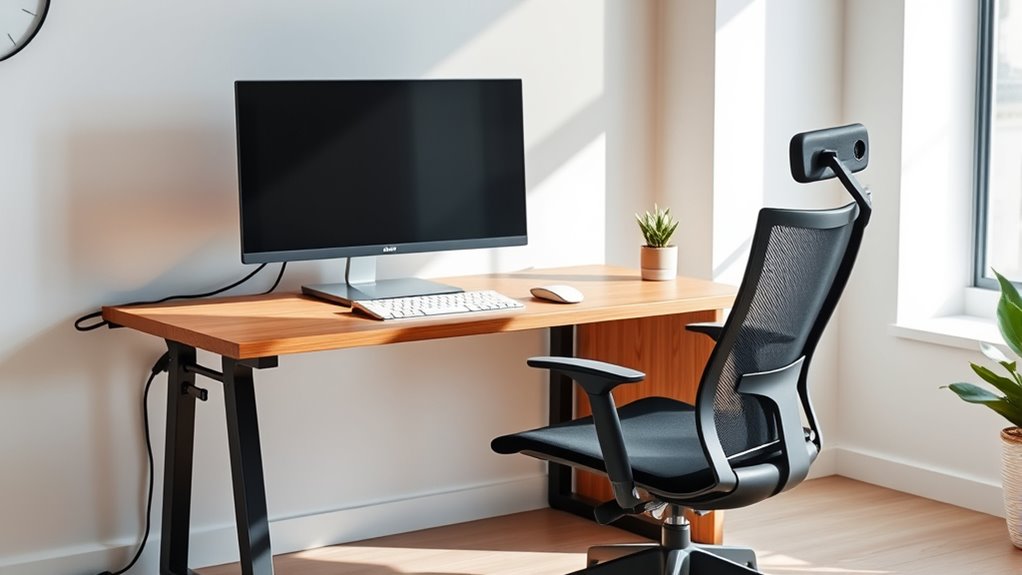

To create a frictionless home office, focus on organizing cables, optimizing power sources, and ensuring ergonomic placement. Use cable management tools, label everything clearly, and route cables strategically to prevent clutter and hazards. Proper ventilation and routine maintenance keep devices safe and functioning efficiently. When you implement these strategies, you’ll enjoy a tidy, safe, and productive workspace. Keep exploring to discover how these insights can transform your home office environment.
Key Takeaways
- Implement strategic cable management using trays, clips, and labels to keep cords organized and prevent clutter.
- Optimize power distribution with surge protectors, dedicated outlets, and UPS systems for safety and accessibility.
- Ensure proper airflow and device cooling by routing cables away from vents and heat sources to prevent overheating.
- Design ergonomic cable routes to allow free movement, minimize strain, and keep workspace safe and efficient.
- Regularly review and maintain cables, power setups, and ergonomic arrangements for continuous workspace frictionlessness.

Under Desk Cable Management Tray White, Cinati Wire Organizers No Drill, Cable Tray with Clamp for Wire Management, Cord Organization Box for Office, Home – No Damage to Desk
No Need to Drilling Holes – Instead of damaging to your desk, our under desk cable management tray…
As an affiliate, we earn on qualifying purchases.
As an affiliate, we earn on qualifying purchases.
Understanding the Importance of Cable Management in Home Offices
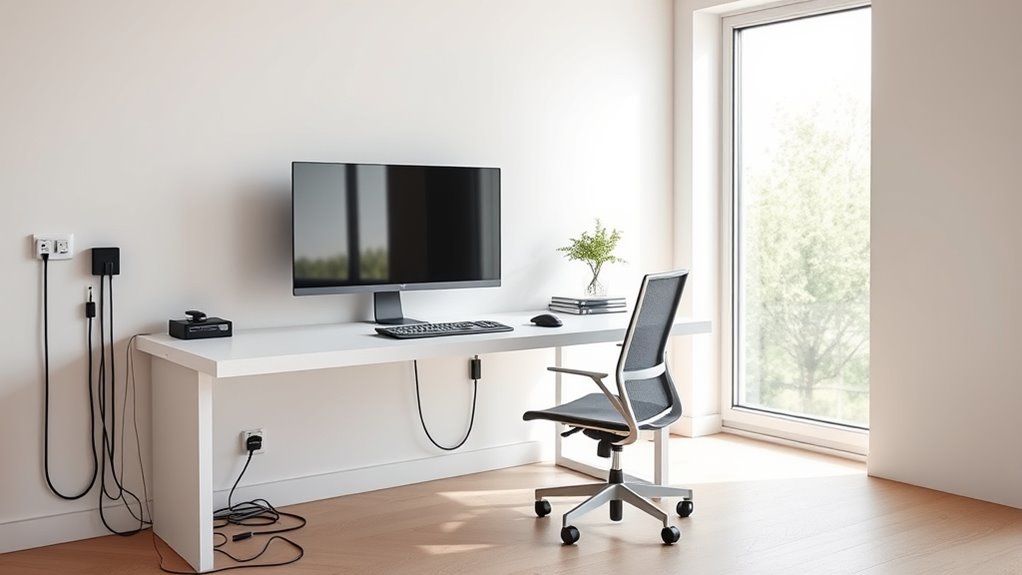
Effective cable management is essential for creating a safe and efficient home office. When cables are organized, you reduce trip hazards and lower the risk of electrical fires caused by tangled or damaged cords. A clutter-free setup helps you troubleshoot quickly and makes upgrades easier. Proper routing prevents cables from obstructing movement or interfering with ergonomic adjustments, reducing strain and discomfort. Well-managed cables also improve airflow, preventing overheating and maintaining device performance. Plus, an organized workspace looks professional and encourages focus. With labeled and neatly routed cables, you’ll spend less time searching for connections and more time working. Additionally, organized cable systems can extend the lifespan of your electronic devices by reducing wear and tear on cords. Incorporating climate control solutions, such as maintaining optimal temperature and humidity levels, can further enhance device longevity and workspace comfort. Moreover, implementing cable management accessories like clips and sleeves can make organization more effective and adaptable to changing setups. Properly securing cables with cable ties or velcro straps helps prevent accidental disconnections and reduces clutter. Using cable management techniques can also help in organizing cables for different devices, making future upgrades or repairs more straightforward. Overall, good cable management boosts safety, productivity, and workspace aesthetics, transforming your home office into a frictionless, comfortable environment.

6Ft Power Strip Surge Protector – Yintar Extension Cord with 6 AC Outlets and 3 USB Ports for for Home, Office, Dorm Essentials, 1680 Joules, ETL Listed, (Black)
Power Strip with 6 Outlets & 3USB Ports: 6 AC Surge protector outlets(1680 Joules) including 1 Widely Spaced…
As an affiliate, we earn on qualifying purchases.
As an affiliate, we earn on qualifying purchases.
Key Components of Effective Power Distribution and Control
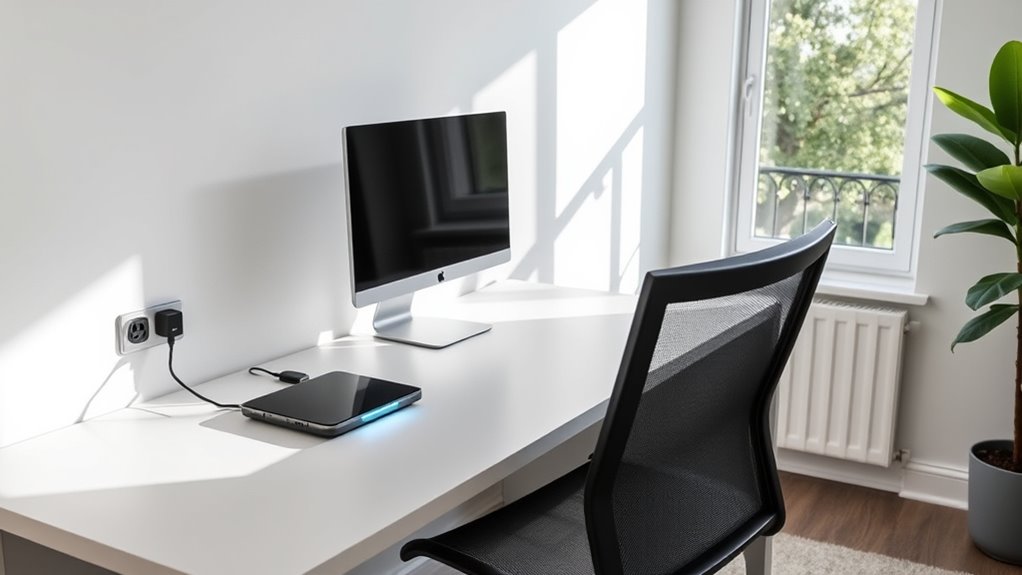
You should prioritize centralized power sources to keep your workspace organized and minimize cable clutter. Adding safety features like surge protectors helps prevent damage and guarantees your equipment stays secure. By focusing on these key components, you’ll create a reliable and safe power distribution system for your home office. Incorporating energy transfer principles can also ensure seamless and efficient power flow throughout your setup. Understanding electrical load management can further optimize your system’s performance and safety. Additionally, implementing power quality measures can help maintain consistent and stable electricity, reducing the risk of equipment malfunction or data loss. Considering power distribution strategies can improve overall system reliability and ease of maintenance. Employing proper cable management techniques can also significantly reduce hazards and improve accessibility for troubleshooting and upgrades.
Centralized Power Sources
Centralized power sources serve as the backbone of a streamlined home office, providing a single point for distributing electricity to all your devices. By consolidating your power supply, you reduce cable clutter and make troubleshooting easier. Using a high-quality power strip with surge protection ensures your equipment stays safe from voltage spikes. Consider installing a dedicated outlet or power hub near your workspace, so you don’t need long extension cords. Incorporate USB outlets to charge devices directly, minimizing adapters. Position your power sources for easy access without obstructing your workspace or interfering with ergonomic setups. This approach promotes safety, reduces clutter, and simplifies upgrades, helping you maintain a clean, efficient, and safe home office environment. Proper placement of power sources can further enhance accessibility and safety. Additionally, selecting a power source with Vetted safety features can provide extra peace of mind. Ensuring your power sources have compliance with safety standards can prevent potential hazards and ensure reliable operation. Considering power management solutions can also help optimize energy use and protect your equipment from power surges. Moreover, choosing power supplies with advanced surge protection can further safeguard your devices against unexpected voltage fluctuations.
Safety and Surge Protection
Have you considered how crucial safety and surge protection are in maintaining a reliable home office power setup? Protecting your equipment from power surges prevents damage and data loss. Use surge protectors with built-in circuit breakers to safeguard devices and avoid overloads. Guarantee outlets are grounded properly for safety. Additionally, incorporate a quality UPS (Uninterruptible Power Supply) to provide backup during outages and filter power fluctuations. Properly rated surge protectors and grounding reduce fire risks and electrical hazards. Ensuring that your power management system is compliant with safety standards, including grounding protocols, is essential for overall security. Understanding the fundamentals of sound design can also help you optimize your workspace environment for better focus and productivity.

EUREKA ERGONOMIC Metal 316 PCS Cable Management Organizer Kit Cable Raceways, 6 Cable Holder, 4 Cord Sleeve, 60 Wire Clips, 2 Roll Self Adhesive Wire Ties, 100 Zip Ties Under PC Desk, Black
⚡𝐓𝐢𝐫𝐞𝐝 𝐨𝐟 𝐘𝐨𝐮𝐫 𝐃𝐞𝐬𝐤'𝐬 𝐂𝐚𝐛𝐥𝐞 𝐉𝐮𝐧𝐠𝐥𝐞? 𝐓𝐚𝐦𝐞 𝐈𝐭 𝐢𝐧 𝐒𝐞𝐜𝐨𝐧𝐝𝐬 𝐰𝐢𝐭𝐡 𝐓𝐡𝐞 𝐂𝐚𝐛𝐥𝐞 𝐌𝐚𝐧𝐚𝐠𝐞𝐦𝐞𝐧𝐭 𝐒𝐨𝐥𝐮𝐭𝐢𝐨𝐧.⚡ This versatile cord…
As an affiliate, we earn on qualifying purchases.
As an affiliate, we earn on qualifying purchases.
Selecting the Right Cable Management Products for Your Space
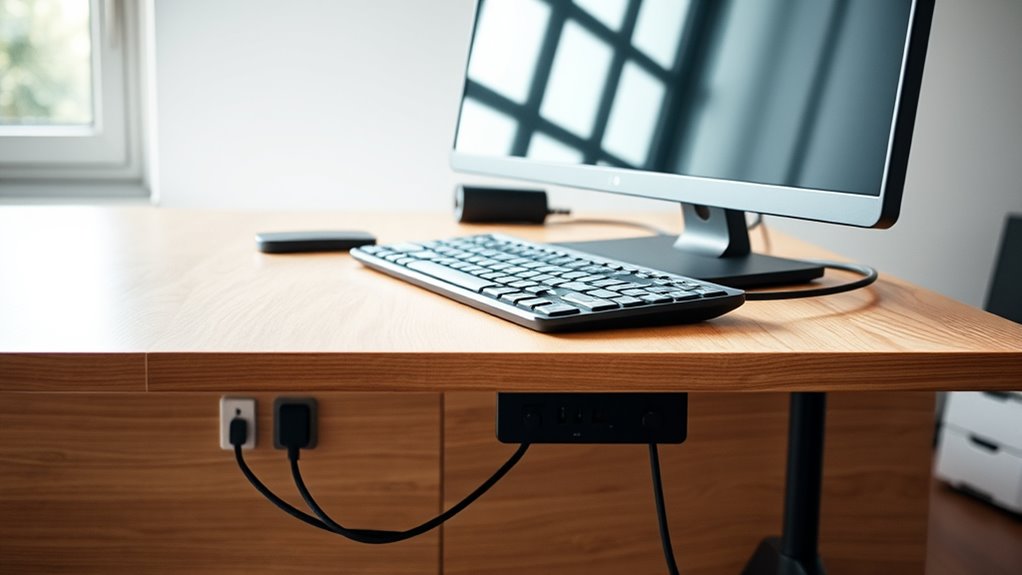
Choosing the right cable management products is essential to creating a tidy, safe, and efficient home office. The products you select should match your space’s needs and your workflow for seamless organization. Consider cable trays to hide wires underneath desks, raceways for wall-mounted routing, cable ties for quick bundling, and cable management boxes to conceal power strips. Incorporating personality insights can help you select products that suit your organizational style and preferences. Additionally, understanding Kia Tuning modifications can inspire creative ways to customize your workspace with vehicle-inspired aesthetics or accessories, making your environment uniquely yours. Remember that space optimization techniques can maximize your available area and improve overall functionality. Proper cable management also reduces fire hazards, making your workspace safer and more reliable. By integrating mindfulness principles, you can design a workspace that promotes calm and focus, reducing stress caused by clutter and chaos. Think about how each product makes your workspace safer and more visually appealing:
- Feel the relief of a clutter-free desk, boosting focus.
- Experience peace of mind knowing cables are secured and protected.
- Enjoy frustration-free troubleshooting with labeled, well-managed cables.
- Revel in the professional look that impresses clients and boosts confidence.
Choosing wisely transforms your workspace into a frictionless zone that’s both functional and inspiring.

APC UPS Battery Backup & Surge Protector, 600VA Backup Battery Power Supply, BE600M1 Back-UPS with USB Charger Port
Uninterruptible power supply (UPS) with 600VA / 330W battery backup power
As an affiliate, we earn on qualifying purchases.
As an affiliate, we earn on qualifying purchases.
Planning Your Layout for Optimal Cable Organization and Accessibility
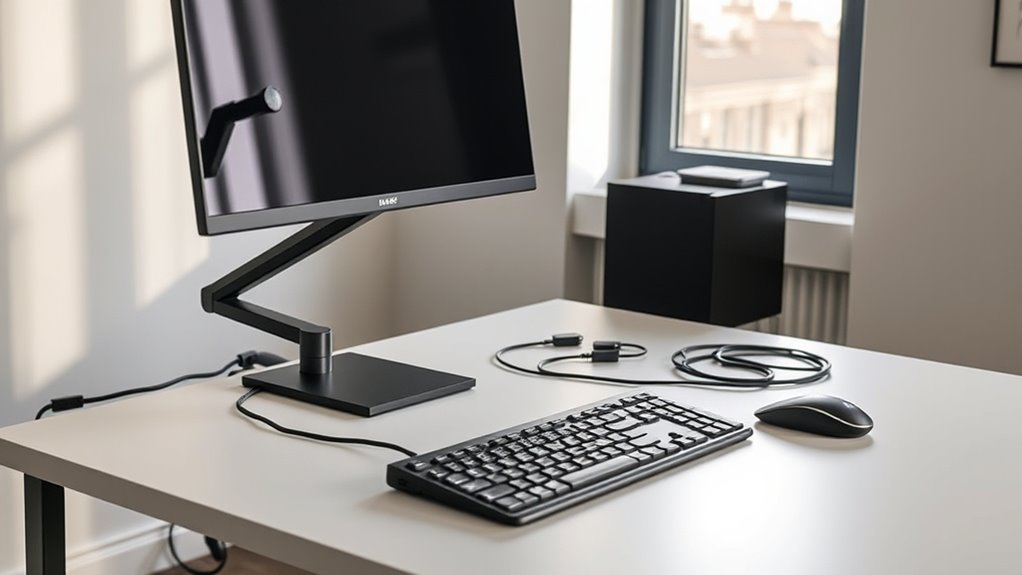
To guarantee your home office remains organized and accessible, it’s vital to plan your cable layout before installing any management solutions. Start by mapping out your equipment’s locations, noting where devices will sit and how cables will connect. Identify power sources and determine the shortest, most direct routes for cables to reduce clutter. Consider furniture placement to prevent cables from obstructing movement or workspace ergonomics. Group related cables together using cable ties or raceways, and keep power cords separate from data cables to minimize interference. Make sure to leave slack where needed for movement and future upgrades. Prioritizing cable organization can also help prevent tangling and damage, ensuring a safer workspace. Implementing security measures for your cables and devices can further protect your setup from potential threats or accidental disconnections. Make sure to design routes that allow easy access for troubleshooting and adjustments. Proper planning ensures a clean, efficient setup that minimizes hazards and simplifies maintenance. Additionally, incorporating self-awareness into your organization process can help identify potential problem areas or inefficiencies before they arise.
Best Practices for Labeling and Documenting Cables
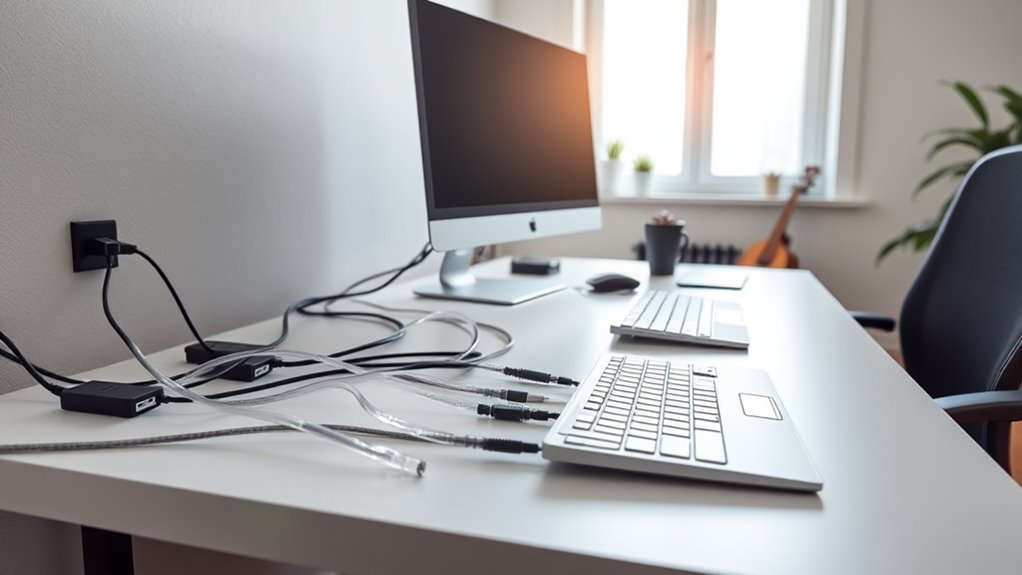
Effective labeling and documentation are essential for maintaining an organized home office cable system. Clear labels help you quickly identify cables, saving time and reducing frustration during troubleshooting or upgrades. Proper documentation ensures you know each cable’s purpose, connection points, and specifications, preventing accidental disconnections or damage.
To make this process effective, consider these best practices:
- Use durable, writable labels that resist wear and tear.
- Color-code cables to visually distinguish different functions or devices.
- Maintain an updated diagram or spreadsheet detailing each cable’s route and purpose.
- Regularly review and revise labels and documentation as your setup evolves.
Implementing these practices keeps your workspace tidy, safe, and efficient, making your home office a truly frictionless environment.
Addressing Common Challenges: Pets, Clutter, and Maintenance
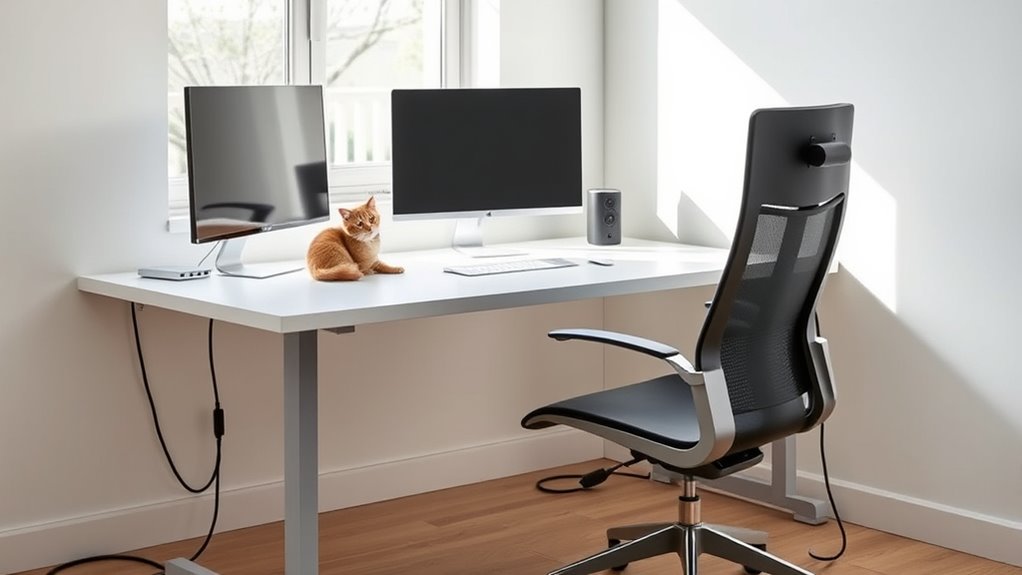
Pets are a common challenge in maintaining a tidy home office, as their curiosity and chewing habits can quickly undo even the best cable organization efforts. To prevent this, use protective cable covers or conduits designed to resist chewing. Keep cables out of reach by routing them behind furniture or inside cable management boxes. Clutter can also hinder a clean workspace; regularly declutter and use cable ties or trays to keep cords organized and hidden. Maintenance is easier when cables are well-labeled and properly routed, making troubleshooting quick and simple. Avoid overloading power strips or extension cords, which can cause hazards. Finally, schedule routine checks to identify wear or damage early, ensuring safety and keeping your home office running smoothly.
Incorporating Ergonomic Considerations Into Cable Routing
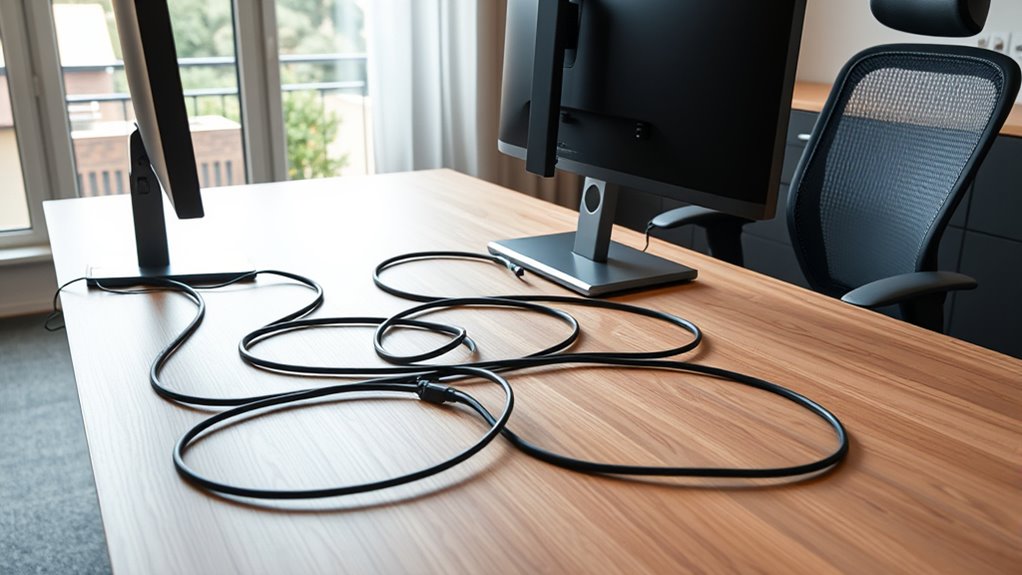
You should route cables to keep your workspace free of obstructions that hinder movement. Proper placement minimizes the need to reach or stretch repeatedly, reducing strain. By planning your cable pathways carefully, you’ll create a more ergonomic and efficient home office.
Avoid Obstructing Movement
To guarantee your home office remains ergonomic and free of movement obstructions, careful cable routing is essential. You need a setup that allows you to move freely without tripping over cables or knocking equipment. Plan your cable pathways to follow the natural flow of your workspace, keeping cords close to walls or under desks. Use cable clips and raceways to secure cables out of the way, preventing accidental pulls or trips. Avoid bunching cables near foot traffic zones or under chairs, and ensure adjustable furniture can move without snagging cords. Proper routing creates a safer, more efficient environment.
- Feel confident knowing your workspace is safe and organized
- Experience seamless movement without unexpected cable snags
- Enjoy a clutter-free, professional look
- Reduce stress and boost focus with an unobstructed setup
Minimize Repetitive Strain
Proper cable routing in a home office is essential to prevent repetitive strain and promote ergonomic comfort. You should position cables so they don’t cross or stretch awkwardly, reducing the need for constant reaching or twisting. Keep cables on the desk surface or along walls, avoiding tight bends that cause strain when adjusting equipment. Use cable clips and raceways to secure cords close to your workstation, minimizing slack that can catch or pull. Ensure power strips are within easy reach without stretching or twisting your body. When possible, route cables along the back of furniture to keep pathways clear. By organizing cables thoughtfully, you reduce unnecessary movements, prevent strain injuries, and create a more comfortable, efficient workspace.
Innovations in Smart and Sustainable Cable Management Solutions
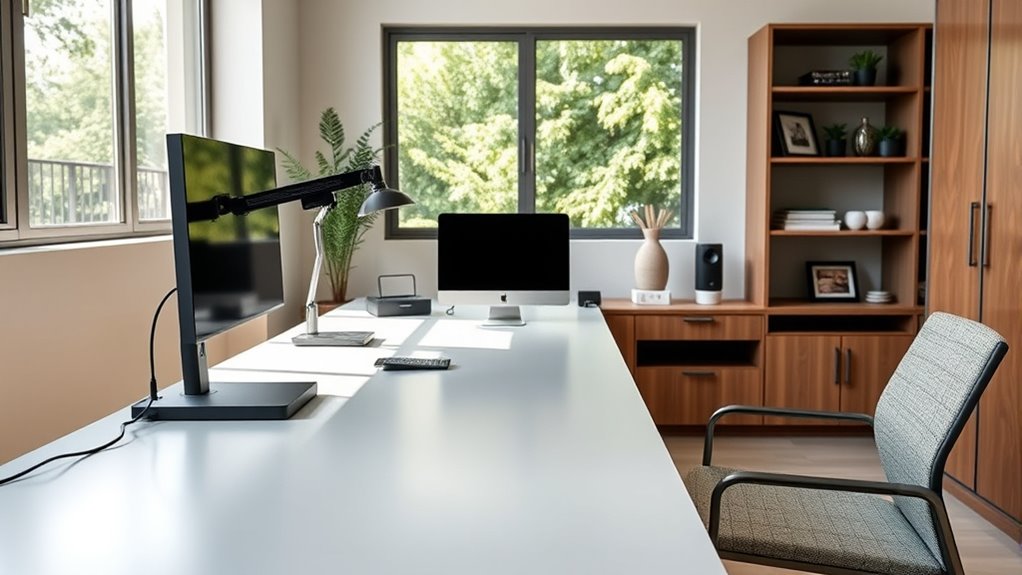
Innovations in smart and sustainable cable management solutions are transforming how home offices stay organized and eco-friendly. You can now enjoy cleaner, safer spaces with products designed for efficiency and sustainability. Smart systems incorporate IoT sensors that monitor cable health and alert you to issues before failures occur. Eco-friendly materials like recycled plastics and bamboo reduce environmental impact without sacrificing durability. Modular designs make upgrades simple, while integrated wireless charging minimizes visible cables. These advancements help you create a workspace that’s both cutting-edge and greener.
Smart, eco-friendly cable management transforms home offices into safer, cleaner, and more sustainable workspaces.
- Feel confident knowing your setup is safer, more organized, and eco-conscious
- Experience the ease of predictive maintenance with smart sensors
- Reduce waste with sustainable, recyclable materials
- Enjoy a sleek, clutter-free workspace that inspires productivity
Ensuring Proper Ventilation and Airflow Around Cables and Devices
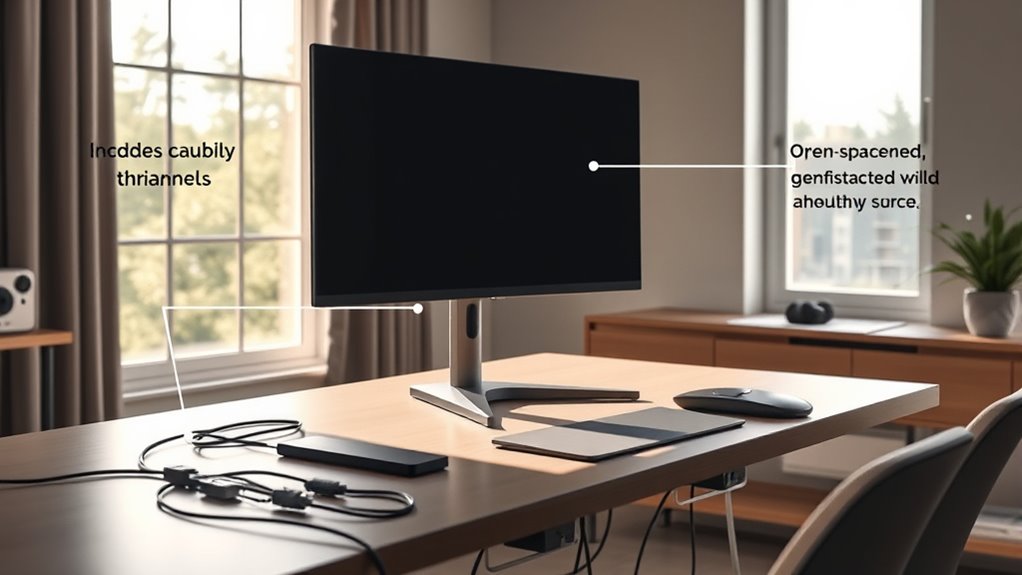
You need to avoid bunching cables together, which can block airflow and cause overheating. Keeping cables and devices with proper clearance guarantees ventilation remains unobstructed. This simple step helps maintain device performance and extends their lifespan.
Avoid Cable Bunching
Cable bunching can block airflow around your devices, causing overheating and reducing performance. When cables are tangled or piled up, heat builds up, risking device failure and shortening lifespan. To prevent this, keep cables neatly routed and separated, especially near vents and heat sources. Use cable ties or clips to organize and maintain space between bundles. Avoid creating tight loops or dense clusters that trap heat and restrict airflow. Proper cable management not only improves device cooling but also reduces fire hazards and noise.
- Feel confident knowing your equipment stays cool and runs efficiently
- Enjoy a clutter-free workspace that’s safer and more inviting
- Experience fewer breakdowns and costly repairs
- Take pride in a clean, professional setup that boosts focus
Maintain Ventilation Clearances
Maintaining proper ventilation clearances is essential for preventing overheating and ensuring ideal device performance. When cables and devices are tightly packed, airflow gets blocked, leading to heat buildup that can damage equipment or slow performance. Keep cables organized and away from vents, heat sources, and airflow paths. Use spacing and cable management tools to create open areas around devices. This not only prolongs equipment life but also boosts safety by reducing fire risks.
| Ventilation Zone | Potential Danger | Recommended Action |
|---|---|---|
| Near vents | Overheating | Maintain open space |
| Behind devices | Heat accumulation | Use clear cable routes |
| Under desks | Restricted airflow | Elevate or reorganize |
| Around power strips | Fire hazard | Keep cables loose and spaced |
Maintaining a Frictionless Workspace: Routine Checks and Upgrades
Regularly checking and upgrading your home office setup is essential to keep it frictionless and safe. Over time, cables can fray, connectors may loosen, and equipment can shift, creating hazards and inefficiencies. By routinely inspecting your cables, power sources, and routing, you prevent dangerous tangles and minimize downtime. Upgrades like adding new cable ties, replacing worn-out cords, or re-routing cables ensure your workspace remains organized and ergonomic. Consistent maintenance also helps catch potential issues early, saving you money and frustration.
- Feel the satisfaction of a clutter-free desk every day
- Experience peace of mind knowing your workspace is safe
- Enjoy seamless upgrades without unnecessary delays
- Reclaim your focus with an organized, efficient environment
Frequently Asked Questions
How Can I Prevent Pets From Chewing on My Cables Safely?
To prevent pets from chewing on your cables, you should hide or elevate them out of reach, such as using cable covers or conduit. Use protective sleeves or bitter-tasting sprays to deter chewing. Keep cables organized with ties and clips, and consider providing your pets with plenty of toys and chewables to redirect their attention. Regularly inspect cables for damage and replace any that show signs of wear.
What Eco-Friendly Materials Are Best for Sustainable Cable Management?
Imagine a workspace where eco-friendly materials weave seamlessly into your cable management. Bamboo, recycled plastics, and biodegradable bioplastics are your best options, offering strength, flexibility, and sustainability. These materials reduce environmental impact while maintaining durability. Visualize sleek, natural-colored trays and ties that blend into your home office’s aesthetic. Choosing these options supports eco-conscious living, helps reduce waste, and keeps your cables organized without harming the planet.
How Do I Choose Cables That Support Future Upgrades?
To select cables that support future upgrades, pick modular and versatile options like USB-C, Thunderbolt, or multi-purpose cables that can handle higher data and power loads. Opt for high-quality, shielded cables with secure connectors to guarantee durability and compatibility with new devices. Consider cables with standardized connectors and labeling to make upgrades seamless. Always choose cables that meet current standards while allowing room for increased performance needs down the line.
What Are the Best Methods to Hide Cables for a Clean Look?
Imagine your cables are rivers flowing behind a mountain; to keep the view pristine, you hide them in valleys and tunnels. You can use cable raceways, conduits, or cable management boxes to conceal and route cords neatly along walls or under desks. Velcro ties and clips secure loose wires, making your space look tidy and intentional. This approach keeps your workspace clean, safe, and visually appealing.
How Can I Integrate Wireless Charging Into My Existing Setup?
You can integrate wireless charging into your setup by adding compatible charging pads or stands to your desk. Place them near your workspace for easy access, and connect them to a centralized power source using surge protectors. To keep things tidy, hide cables behind furniture or within cable management solutions. make certain your devices support wireless charging, and consider using multi-device pads to charge phones, earbuds, and other compatible gadgets simultaneously, reducing clutter.
Conclusion
Imagine your home office as a calm, flowing river—smooth, organized, and effortless. By mastering cable management, power control, and ergonomics, you create a workspace that breathes ease and productivity. Every cable neatly in place, every device accessible, transforms chaos into clarity. Embrace these practices, and watch your space become a sanctuary where friction melts away, leaving only a seamless flow of inspiration and efficiency—your perfect home office oasis.