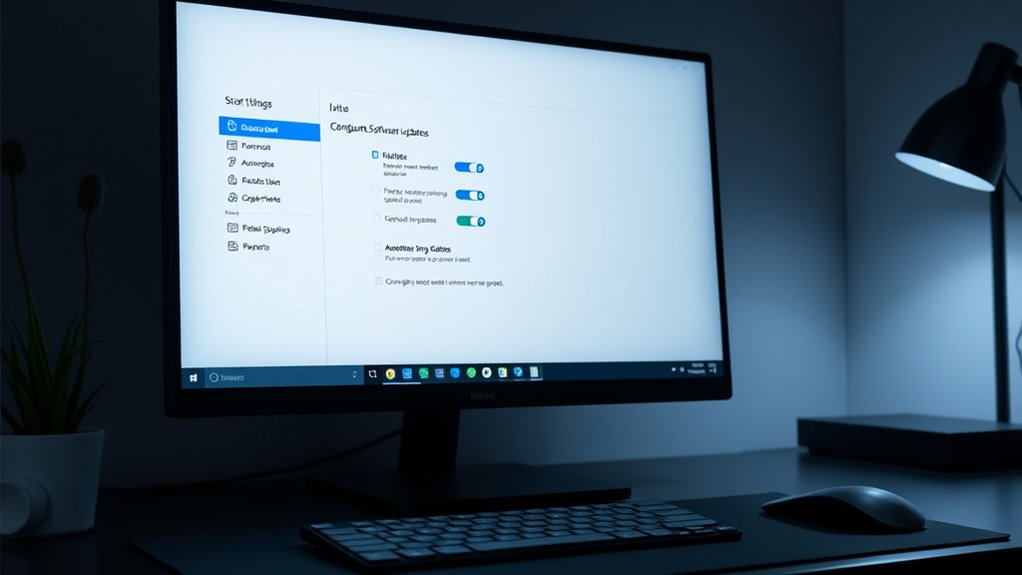

To configure automatic software updates, first access your device’s update settings, then enable the automatic updates option. You can often set preferred schedules to ensure updates install during off-peak hours, minimizing disruptions. Customizing update preferences allows you to prioritize security patches and performance improvements, keeping your system secure and stable. If you want to make certain of seamless updates that boost security and efficiency, keep going—you’ll discover simple steps to optimize your update process.
Key Takeaways
- Access your device’s update settings through system preferences or control panel.
- Enable automatic updates and select preferred update schedule or frequency.
- Configure specific times for updates to occur, such as off-peak hours, to minimize disruptions.
- Use granular controls to prioritize or postpone certain updates based on your needs.
- Regularly review and adjust update settings to ensure security patches and performance improvements are applied promptly.
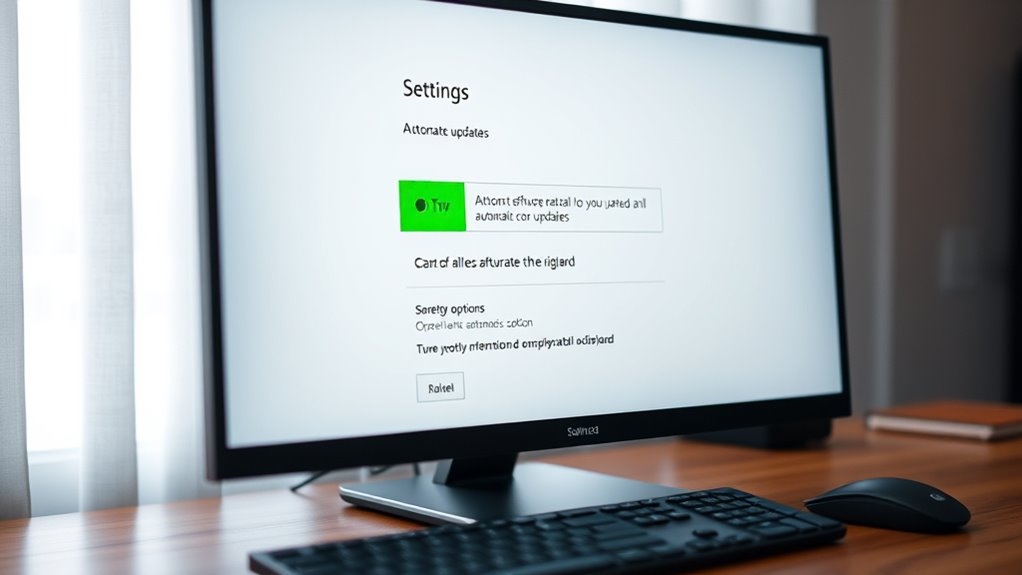
Keeping your software up to date is essential for security and performance, and configuring automatic updates makes this process effortless. When you set up update scheduling, you ensure that your system regularly downloads and installs the latest versions without manual intervention. This proactive approach is especially crucial for applying security patches promptly, closing vulnerabilities before they can be exploited. Automatic updates save you time and reduce the risk of oversight, giving you peace of mind that your device stays protected and runs smoothly.
By enabling automatic updates, you let your operating system and applications handle the task of checking for new releases at predefined intervals. Many systems allow you to customize this schedule, choosing specific days or times that minimize disruption to your work or leisure activities. For instance, you can schedule updates during off-peak hours, ensuring that your system remains responsive while updates are downloaded and installed seamlessly in the background. This way, you avoid the inconvenience of manual updates and potential downtime.
Security patches are the backbone of software security. They fix known vulnerabilities that hackers often target, and applying them as soon as they’re available is crucial. Automatic updates help you stay current with these patches without constantly monitoring for alerts or manually initiating updates. When your device automatically receives and installs security patches, it markedly reduces the window of opportunity for cyberattacks. You no longer have to worry about forgetting or delaying critical updates that could leave your system exposed.
Furthermore, configuring automatic updates can prevent compatibility issues that sometimes occur when you delay updates. Developers often release patches and new versions to address bugs and improve stability. By keeping your software up to date through scheduled updates, you ensure compatibility with other programs and services, maintaining optimal performance. This proactive maintenance minimizes the chances of encountering errors or crashes that could disrupt your workflow.
Most modern operating systems and applications provide straightforward options to enable automatic updates. You simply select your preferred update schedule, and the system takes care of the rest. Some platforms even offer granular controls, allowing you to prioritize security patches over feature updates or vice versa. This flexibility ensures you can tailor the update process to suit your specific needs and preferences. Additionally, understanding the importance of timely updates can help reinforce good cybersecurity habits and protect your digital environment.

McAfee Total Protection 5-Device | AntiVirus Software 2026 for Windows PC & Mac, AI Scam Detection, VPN, Password Manager, Identity Monitoring | 1-Year Subscription with Auto-Renewal | Download
DEVICE SECURITY – Award-winning McAfee antivirus, real-time threat protection, protects your data, phones, laptops, and tablets
As an affiliate, we earn on qualifying purchases.
As an affiliate, we earn on qualifying purchases.
Frequently Asked Questions
Can I Schedule Updates During Specific Hours?
Yes, you can schedule updates during specific hours by adjusting your update settings. You’ll want to set your timing preferences for update scheduling, which allows you to choose convenient hours for updates to occur. This way, updates won’t interrupt your work or activities. Access your device’s update options, find the scheduling or timing preferences, and select the hours that work best for you to guarantee smooth, automated updates at your preferred times.
Will Updates Affect My Ongoing Work?
Updates can temporarily interrupt your ongoing work, especially if they occur during active hours. Timing considerations are important, so scheduling updates during low-activity periods minimizes disruption. The update frequency influences how often your system automatically installs new features and patches, which can help you plan around those times. To reduce impact, customize your update schedule, ensuring updates happen when you’re less likely to be working, keeping your productivity steady.
How Do I Disable Automatic Updates Temporarily?
Imagine your device as a ship sailing smoothly; sometimes, you need to pause the wind of automatic updates to steer better. To do that, you can temporarily disable automatic updates for manual control, like taking the helm yourself. On Windows, go to Settings, then Update & Security, and pause updates. Mac users can access System Preferences, then Software Update, and choose to pause or disable updates. This way, you control when your ship moves forward.
Are Automatic Updates Secure Against Malware?
Automatic updates generally enhance software update security by patching vulnerabilities quickly, which helps protect you against malware. When your system updates automatically, it makes certain you get the latest security fixes, reducing your risk exposure. However, it is crucial to trust official sources and keep your system configured properly. Regular automatic updates strengthen malware protection, but you should also use additional security measures like antivirus software for all-encompassing protection.
Do Updates Require a System Restart?
Think of updates like changing the oil in your car—they often need a restart to complete the process. Usually, updates do require a system restart, but it depends on the update timing and what’s being installed. Critical security patches often prompt restarts to guarantee full protection. You can schedule updates during off-hours to minimize disruptions, but some updates, especially major ones, might need an immediate restart for maximum performance.

Ecarke 5 Keys Mini Macro Mechanical Keyboard Gaming Keypad Cherry Shaft OSU Keypad Hotswap with USB Data Cable & RGB LED Light for Windows Mac macros or Rhythm Games
100% Brand new and high quality.Fine workmanship and perfect style, Upgrade Cherry Shaft & RGB LED, more gaming…
As an affiliate, we earn on qualifying purchases.
As an affiliate, we earn on qualifying purchases.
Conclusion
By embracing automatic updates, you gently invite your system to stay fresh and secure without constant oversight. Think of it as giving your device a subtle nudge towards continuous improvement, ensuring it remains at its best without extra effort. With this small but meaningful step, you let technology work behind the scenes, quietly enhancing your experience. In doing so, you create a smoother, more reliable environment—one that evolves gracefully alongside your needs.
![Express Schedule Free Employee Scheduling Software [PC/Mac Download]](https://m.media-amazon.com/images/I/41yvuCFIVfS._SL500_.jpg)
Express Schedule Free Employee Scheduling Software [PC/Mac Download]
Simple shift planning via an easy drag & drop interface
As an affiliate, we earn on qualifying purchases.
As an affiliate, we earn on qualifying purchases.

Security Patch, 2 Pcs Reflective Security Hook and Loop Patch for Vest Printed Letters Embroidery Patches for Officer Guard Custom Uniforms Vest, Jacket, Carrier, Bag, Hat (Black, 1 Small and 1 Large)
【Package Content】The package contains two security patches for vest, one small (5.5 x 2.5 inches) and one large…
As an affiliate, we earn on qualifying purchases.
As an affiliate, we earn on qualifying purchases.