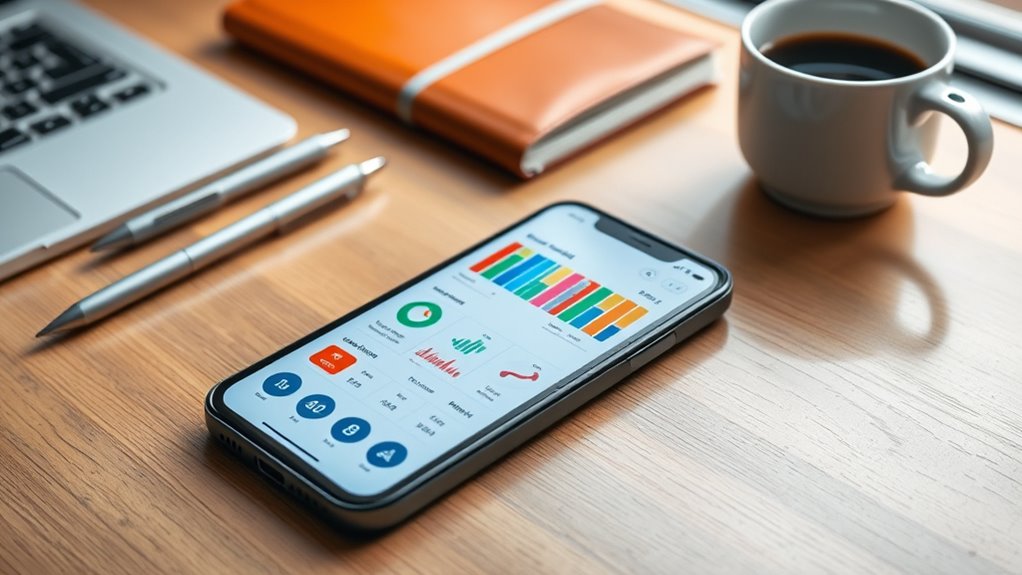

To make your budgeting workflows stick, choose apps that automate and simplify your financial routines. Link your bank accounts to cut manual data entry, set automated reminders for bills, and create scheduled transfers for savings. Use visual tools like charts to stay motivated and regularly review your spending to spot unwanted expenses. Consistently engaging with these features helps build lasting habits. Keep exploring to discover how these strategies can transform your money management for good.

Get the latest gadgets delivered free — and shop member deals
- Fast, free delivery on millions of items
- Access to Prime Big Deal Days deals on October 6–7
- Prime Video, Amazon Music and more included
Key Takeaways
- Automate bank account linking and transaction categorization to reduce manual entry and ensure accuracy.
- Set up recurring transfers and payment reminders to establish consistent savings and bill management routines.
- Use visual tools like charts and graphs to track progress and motivate ongoing engagement with your budget.
- Regularly review spending patterns and receive personalized insights to optimize budgets and avoid unnecessary expenses.
- Integrate app features into daily habits to promote disciplined financial routines that support long-term stability.
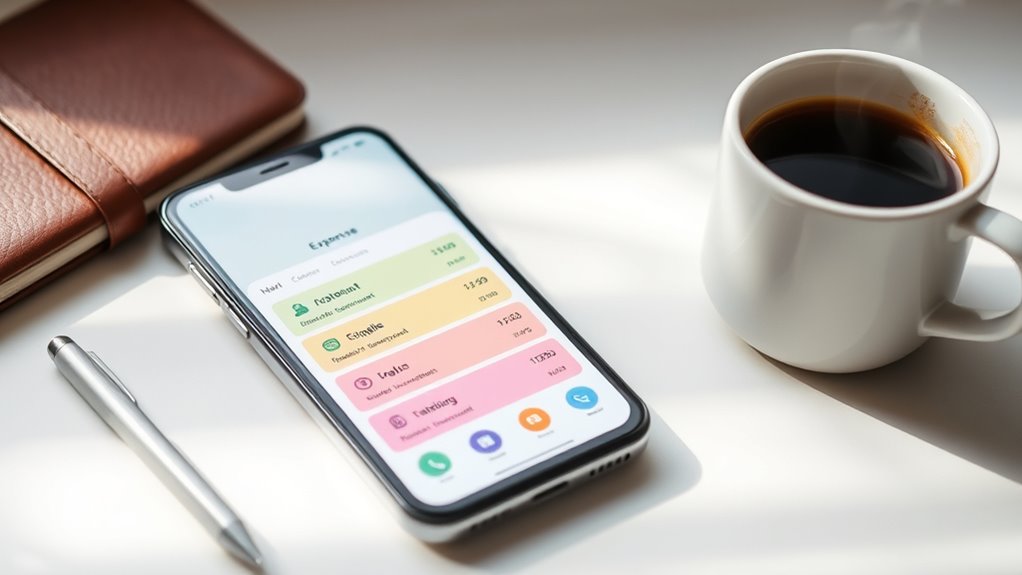
Budgeting apps have become essential tools for managing your finances more effectively. They simplify the complex world of personal finance by offering a range of app features designed to help you stay on top of your spending, savings, and financial goals. When you start exploring these apps, you’ll notice how their features are tailored to fit various needs, whether you’re tracking expenses, creating budgets, or planning for future investments. The key to making these tools work for you is understanding how their features can streamline your financial workflow and help you develop habits that stick.
Most budgeting apps include expense tracking, which allows you to categorize your spending with ease. You can quickly input transactions or sync your bank accounts to automatically update your expenses. This real-time data gives you instant visibility into where your money goes, enabling you to make smarter decisions. Many apps also come with customizable budgets, so you can set spending limits for different categories like groceries, entertainment, or utilities. These features help you stay accountable and prevent overspending, especially when you receive notifications or alerts when you’re nearing your limits.
Another powerful app feature is goal setting. Whether you’re saving for a vacation, a new gadget, or an emergency fund, budgeting apps make it simple to set specific savings targets. They often include progress trackers that motivate you by showing how close you are to reaching your goals. Some apps even offer visual representations, like charts or graphs, which make it easier to see your financial trajectory at a glance. By integrating these features into your daily routine, you develop a habit of regularly reviewing your finances, which is vital for long-term financial health.
Automation is another standout app feature that helps your workflows stick. Linking your bank accounts to your budgeting app reduces manual input and minimizes errors. Automated categorization of transactions saves you time and ensures your expenses are accurately grouped. Many apps also have recurring payment reminders or scheduled transfers, helping you avoid missed payments and fees. These automation features take the effort out of maintaining your budget, so you can focus on making informed financial choices rather than constantly managing data.
Finally, some advanced apps offer insights and recommendations based on your spending patterns. These features analyze your financial habits and suggest ways to optimize your budget or increase savings. By leveraging these tools, you can identify unnecessary expenses or find opportunities to boost your financial stability. When you actively engage with these app features, you develop a more disciplined approach to personal finance, turning budgeting from a chore into a manageable and even empowering part of your routine. This consistency is what guarantees your workflows stick and lead to lasting financial success.
budgeting app with bank account linking
As an affiliate, we earn on qualifying purchases.
As an affiliate, we earn on qualifying purchases.
Frequently Asked Questions
How Do I Choose the Best Budgeting App for My Needs?
To choose the best budgeting app for your needs, start by considering its personalization options to tailor the experience to your goals. Look for an app with a user interface design that’s easy to navigate, so you stay motivated. Try out a few options, focusing on how well they adapt to your spending habits. Ultimately, pick one that feels intuitive and keeps you engaged, making budgeting a seamless part of your routine.
Are Budgeting Apps Secure for Sensitive Financial Data?
Yes, budgeting apps are generally secure for your sensitive financial data. They use strong encryption standards to safeguard your information and prioritize data privacy. Always choose apps with reputable security measures and clear privacy policies. You can further enhance security by enabling two-factor authentication and avoiding sharing your login details. Staying cautious helps ensure your financial data stays safe while you manage your budget efficiently.
Can Budgeting Apps Sync With All Bank Accounts?
Like a modern-day Robin Hood, budgeting apps aim to connect you with your financial world. While many support bank account integration, not all sync with every bank due to differing systems and security protocols. You’ll find some excel at transaction synchronization, but check your app’s supported banks first. Be prepared for occasional manual updates if your bank isn’t fully compatible. This way, you stay on top of your finances effortlessly.
How Often Should I Update My Budgeting App Data?
You should update your budgeting app data at least weekly to keep your finances accurate. Set sync frequency and update reminders so you don’t forget. Regular updates help you catch spending patterns and stay on top of your budget. If you have frequent transactions, consider syncing daily. Consistent updates guarantee your budget reflects your current financial situation, making it easier to make informed decisions and reach your goals efficiently.
What Features Make a Budgeting App Truly Effective?
Think of a budgeting app as your financial compass. Features like precise expense categorization help you see where your money goes, while real-time notifications act like your personal financial alarm, keeping you alert. Together, they make managing your budget seamless and proactive. An effective app empowers you to stay on track, adapt to changes, and reach your goals with confidence—turning budgeting from a chore into a smart, intuitive habit.
Conclusion
Ready to take control of your finances? With the right budgeting app and a solid workflow, you can make smarter decisions and stay on track effortlessly. Imagine feeling confident every time you check your budget, knowing you’re in control. Isn’t it time you stopped guessing and started managing your money with purpose? Embrace these tools and routines—your financial future will thank you. Why not start today and turn your budgeting habits into a lifelong success?
Fall Picks
fall essentials
As an affiliate, we earn on qualifying purchases.